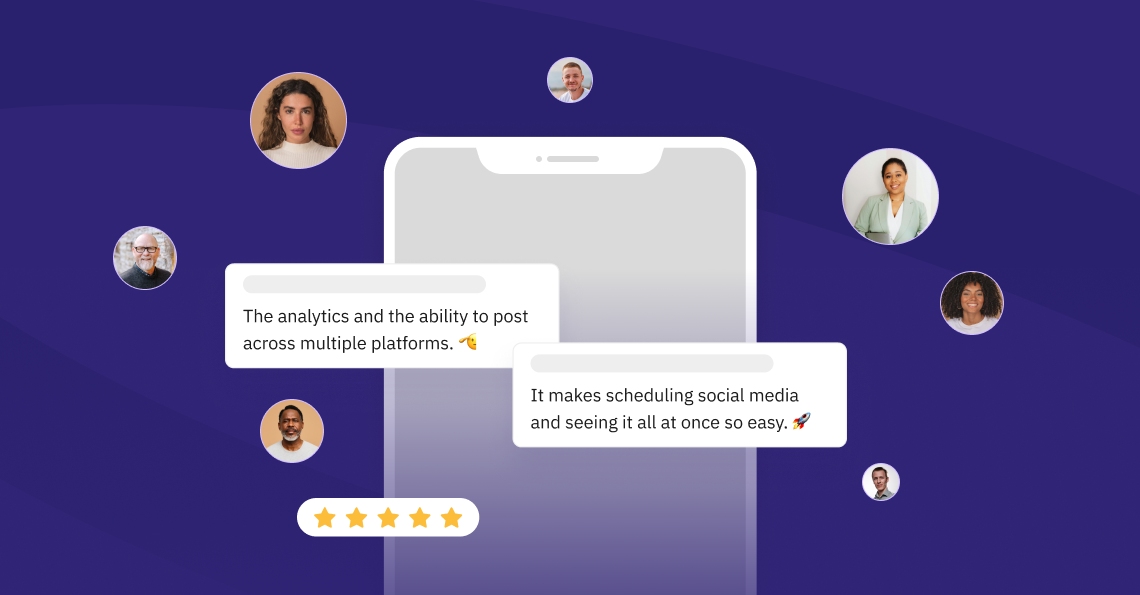
Over 30,000+ agencies, marketers, and brand managers rely on Sendible to amplify their brand stories.
50%
time saved, now spending 10 hours on each client
12%
boost in organic engagement and an 8% increase in followers

100+
monthly social posts, $200 saved monthly
300%
growth increase and 30% revenue generated from social

First off, social media has changed.
Social media is no longer just where brands post updates. It is where people discover, evaluate, compare, trust, doubt, and remember you. honestly, there has never been a better time to take socials seriously.
#1 — Social content has a longer shelf life
Posts and videos do not disappear after the first few hours in the feed. The best content can keep being discovered, shared, searched, and revisited long after it goes live.
#2 — People search on social platforms
Audiences use Instagram, TikTok, LinkedIn, YouTube, and other networks to find ideas, products and recommendations. Your social presence is part of how they search.
#3 — Posts are showing up in search & AI
Recent research by Semrush and Profound suggests that social content, especially professional content on LinkedIn, can contribute to visibility in search and AI-generated answers. Your posts may travel further than you think.
#4 — Generic AI content has raised the bar for originality
Feeds are filling up with low-effort, lookalike content. Brands that bring useful ideas, real perspective, and creative execution have a better chance of standing out.
#5 — Consistency creates more room for creativity
When the cadence, planning, and review processes are clear, teams have more room to be timely and creative rather than scrambling to get something posted.
#6 — Every profile is part of your brand experience
A quiet, messy, or outdated profile can weaken trust. An active, useful, well-managed presence can make your brand feel more credible before anyone speaks to you.
#7 — Employees & advocates matter more than ever
Brand visibility does not only come from the main company account. Founders, employees, partners, and local teams can all help build reach, trust, and relevance.
#8 — Social proof happens before the sales conversation
Potential customers often check your posts, reviews, and activity before they make contact. Social media helps them decide whether you look credible and worth their time.
#9 — Social is no longer just the social media manager’s job
Brand, recruitment, leadership, and client-facing teams all have a stake in how the brand shows up. The channel has become too important to sit in a silo.
Let's dive into the rest of the reasons.
Here are reasons #10-#99 to choose Sendible as your social media management tool.
👇👇👇
Managing many locations, brands, & clients is no longer a headache.
#10 — One platform for every profile, client, & location
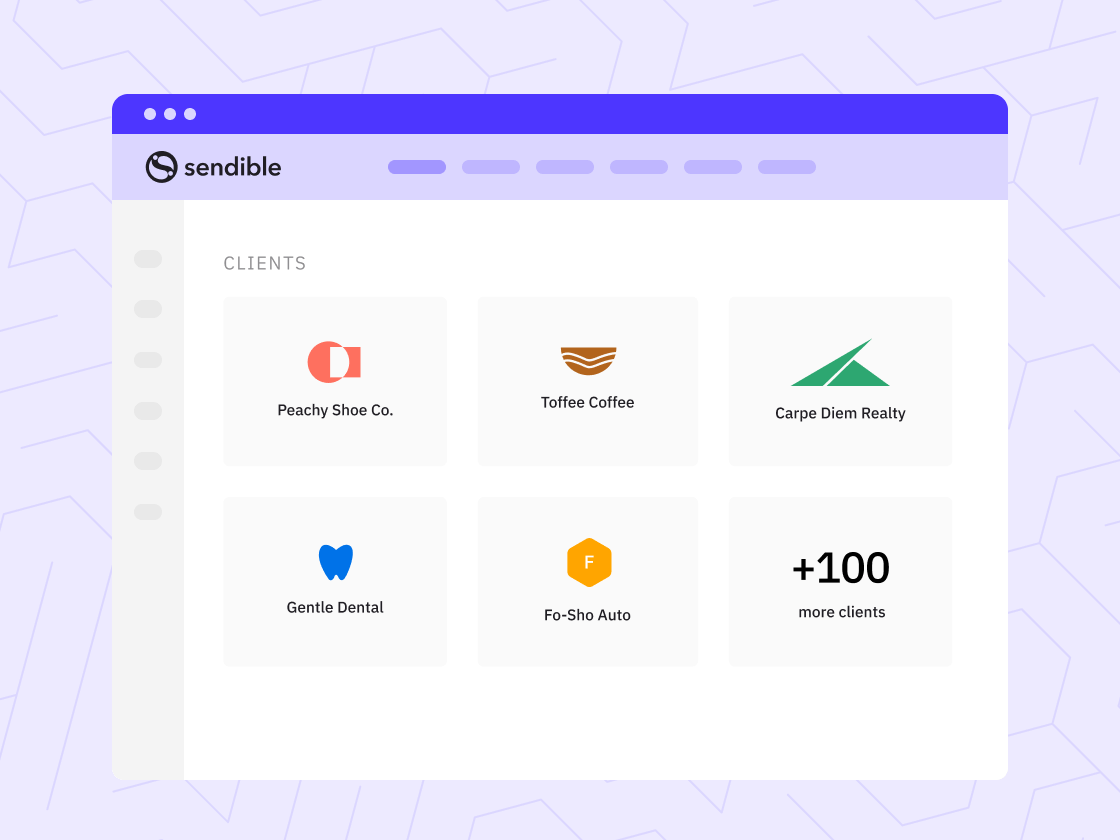
Manage all your social media profiles from one place, whether they belong to different brands, clients, locations, or teams. See what is planned, scheduled, and published without jumping between separate accounts.
#11 — Each brand or team gets its own calendar & inbox
Central oversight with local autonomy. HQ, leadership, or the core team can oversee everything while each team member can create and manage content within the set of permissions you define.
#12 — Multi-brand management under one login
Separate brands with their own teams, content, and permissions, without any crossover. The structure mirrors how your business actually runs.
#13 — Post to multiple channels in a single action
Publish content to every profile or a saved profile list without opening each account separately. Tailor the post by channel where needed, then schedule or publish it in one go.
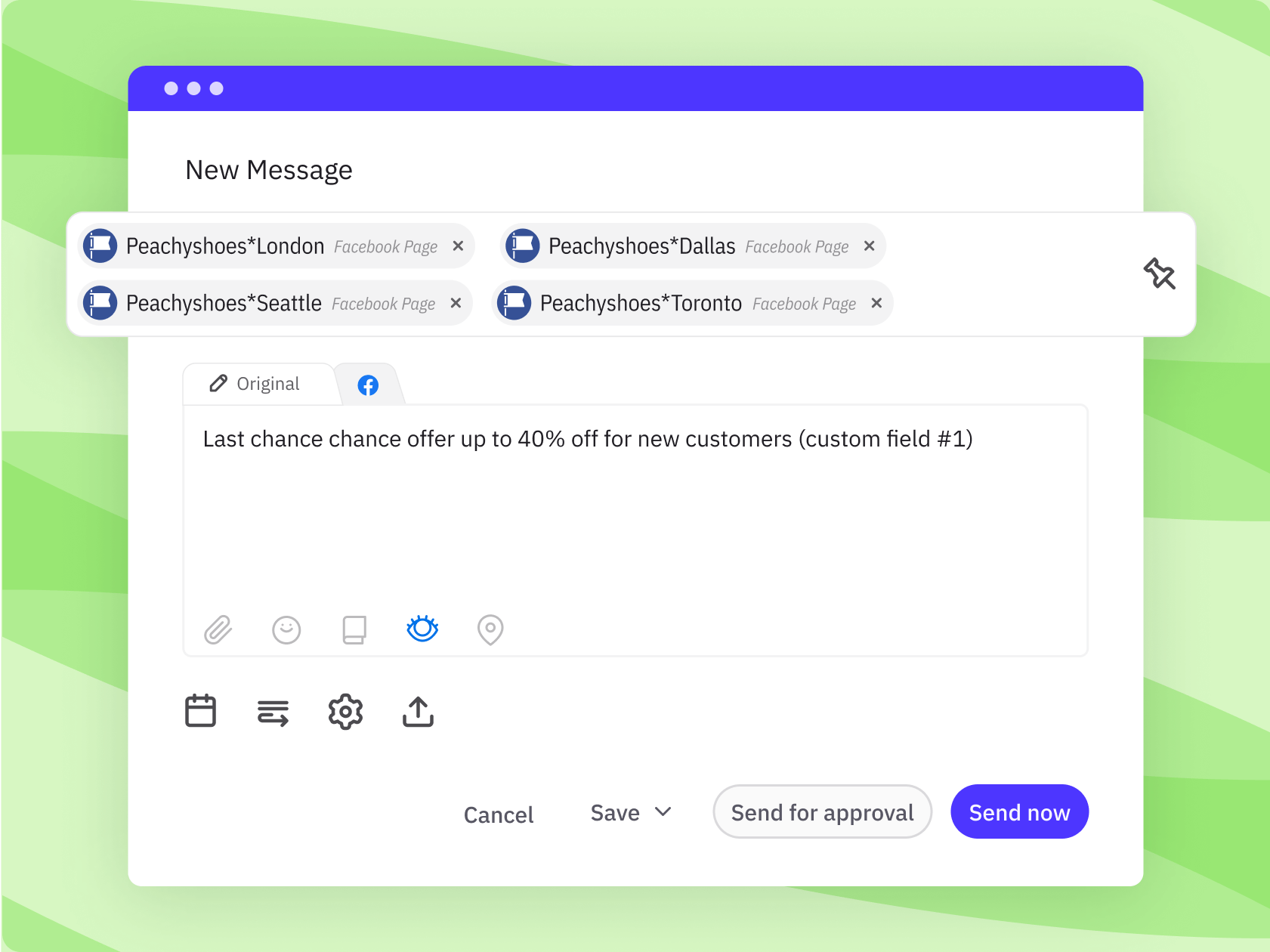
#14 — Customise posts automatically with dynamic fields
Add location-specific details like addresses, phone numbers, links, hashtags, or local offers into your posts using dynamic fields. One content template can still be relevant to each location or profile.
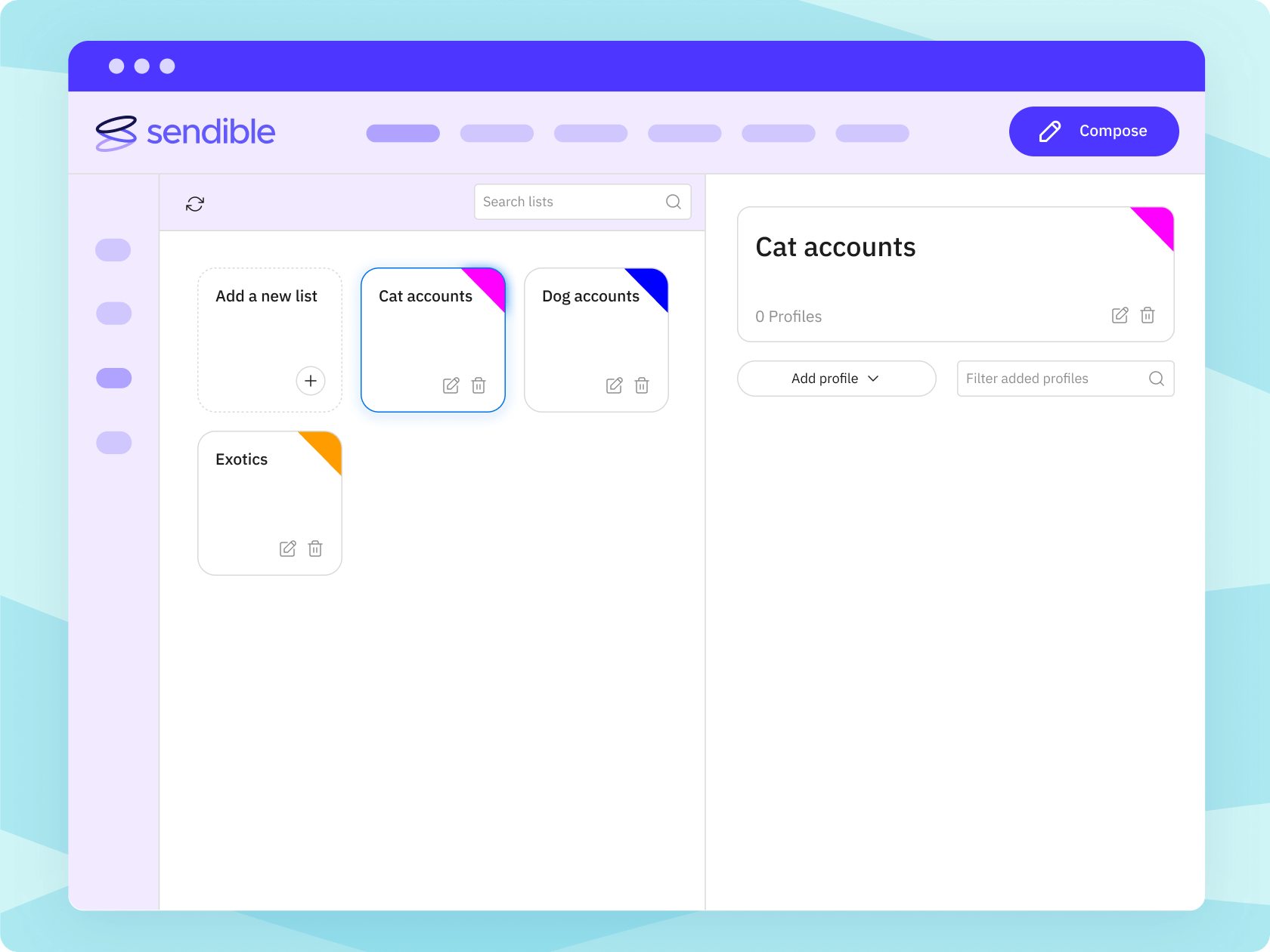
#15 — Profile Lists speed up everyday publishing
Group profiles into lists so you do not have to select each channel manually in the Compose Box every time. Useful for posting to the same set of profiles for a client, location group, region, or brand.
#16 — Make employee advocacy easier
Give team members access to approved content they can adapt and share on their own channels. It helps more people represent the brand while still leaving room for local context and personal voice.
#17 — Loved by multi-location & multi-brand teams
Our scheduler is ideal for teams with many locations or sub-brands that need a cohesive brand presence while maintaining flexibility at the account level.
#18 — Scale from 10 to 1000 profiles without lag
Our social media management platform is built to handle volume. Adding new locations, clients, or brands is not only cost-effective but easy to do and does not require starting from scratch.
“…the scheduling component of Sendible is a real godsend - it has saved us hours and hours and hours. We've had great guidance from the team on how to schedule effectively.”
Louie Bettie, Marketing Director, RE/MAX Realtron
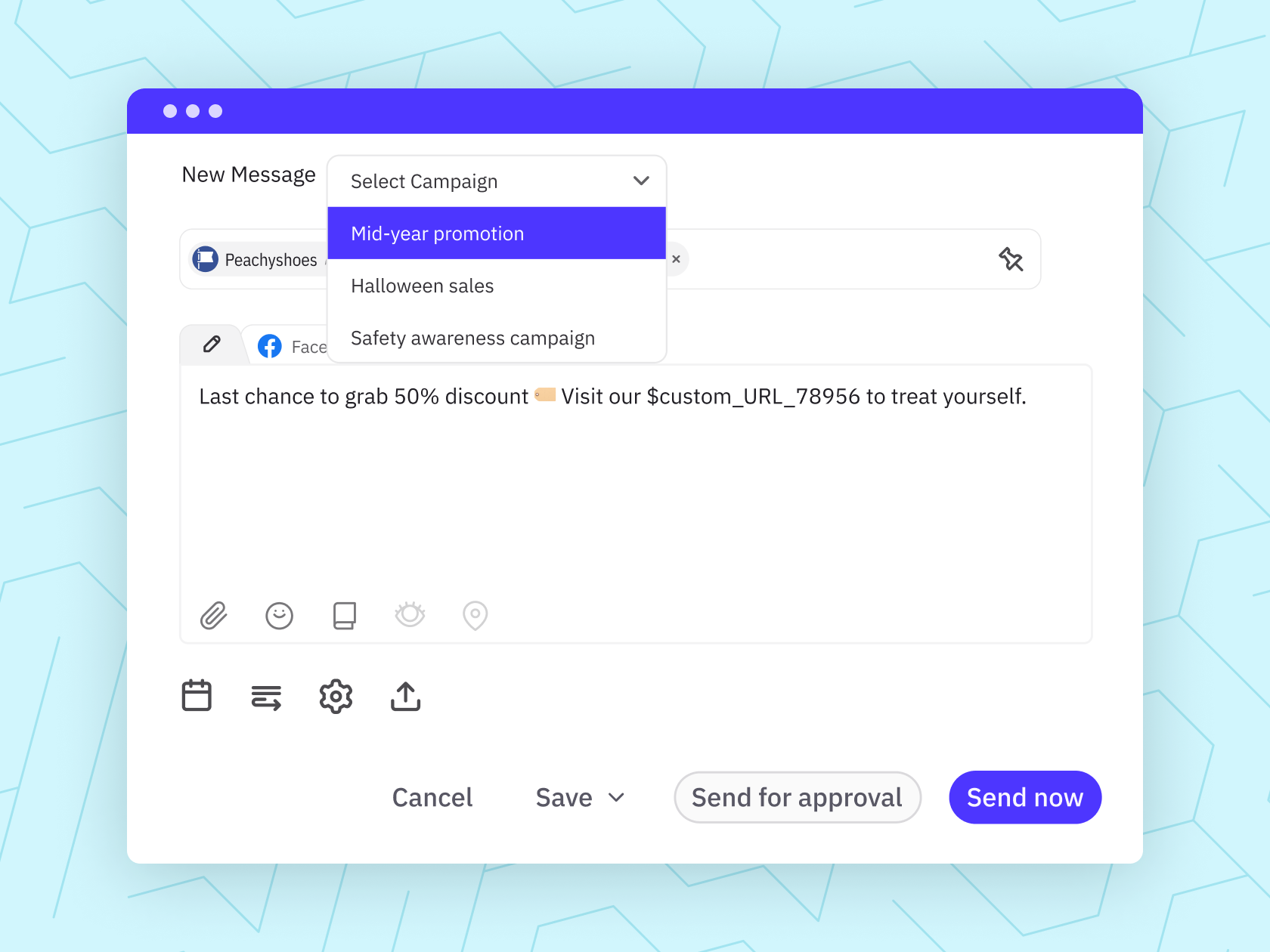
Your clients or stakeholders won't need to chase you half as much.
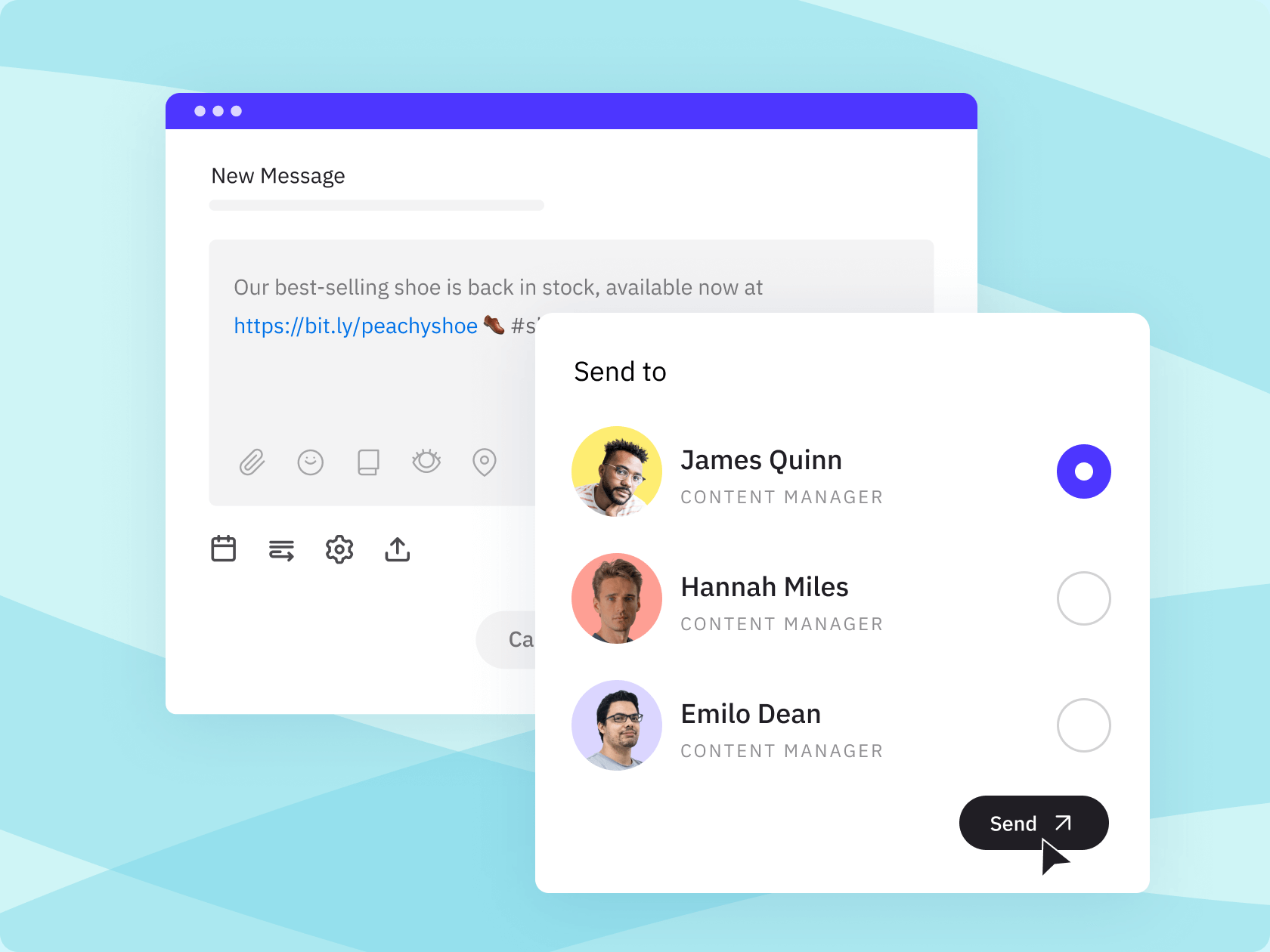
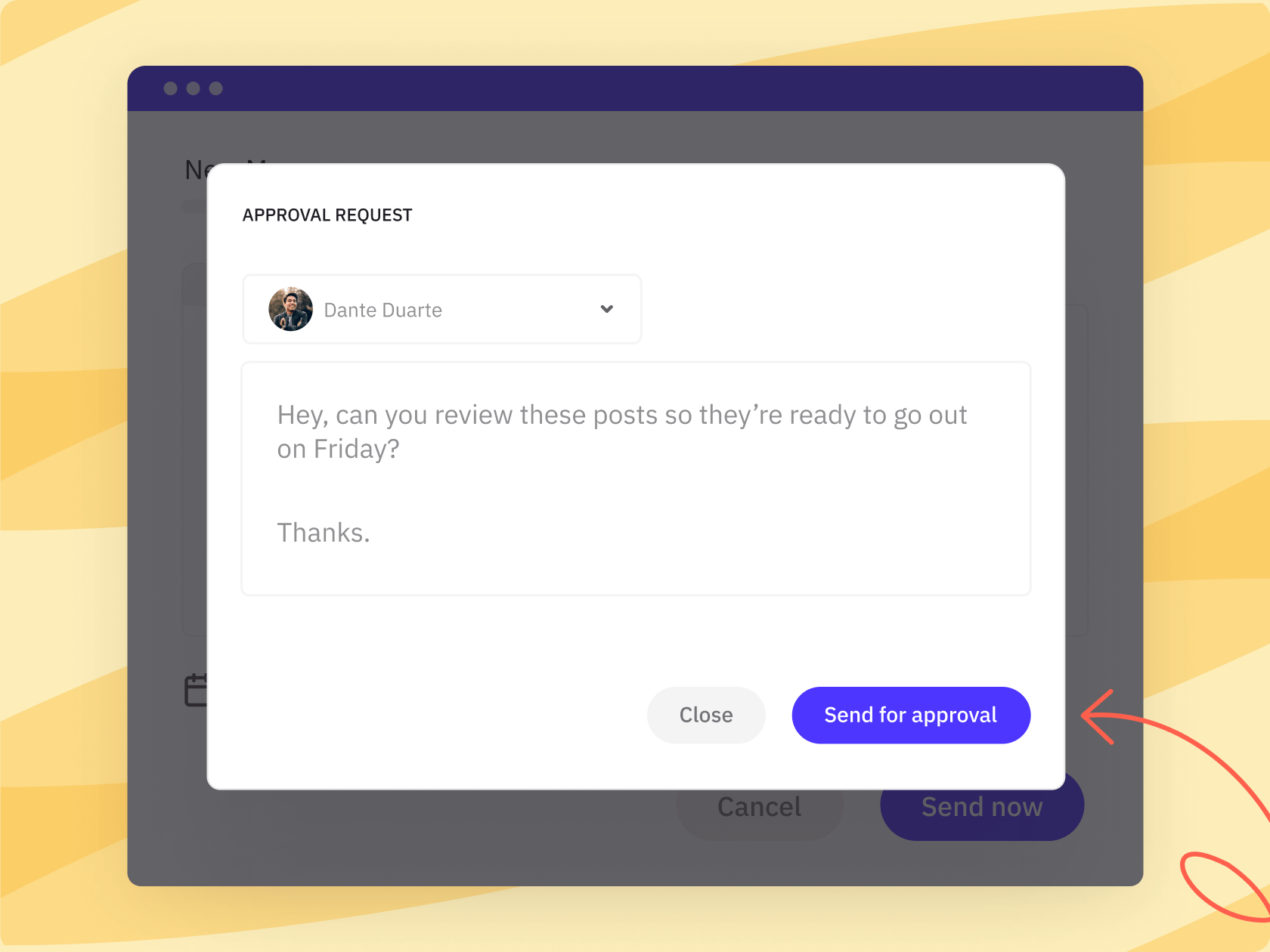
#19 — An approval workflow clients & teams will actually use
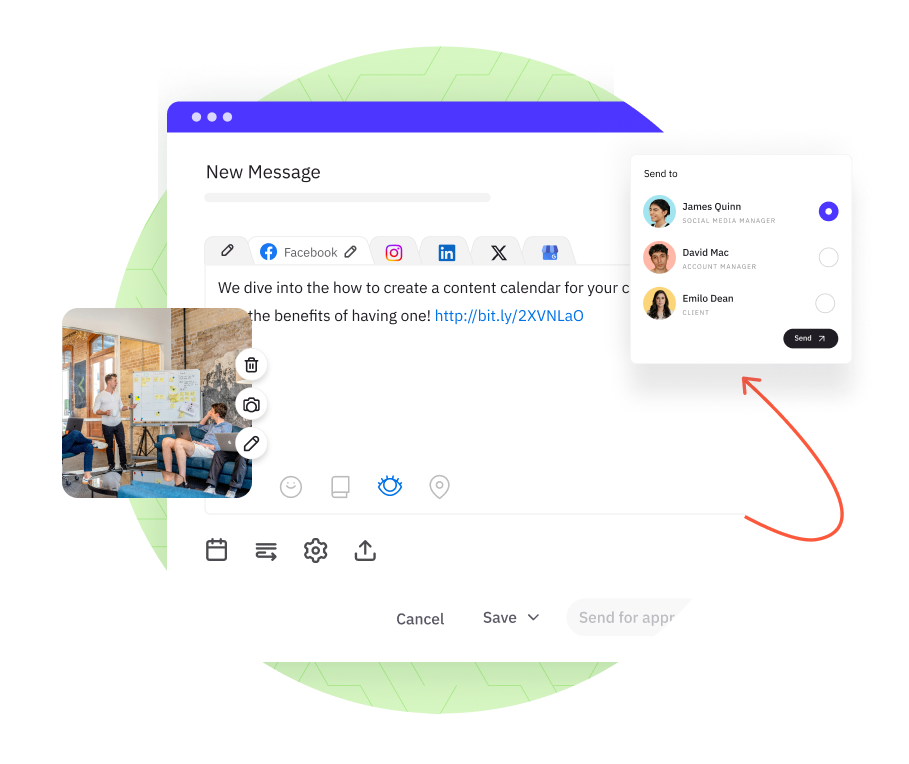
Send posts for approval before they go live. Clients review, comment, and approve in the desktop app or via email without needing a platform login.
#20 — Internal approvals keep your team in order too
Set up review steps within your team before content reaches the client. Nothing publishes without the right sign-off.
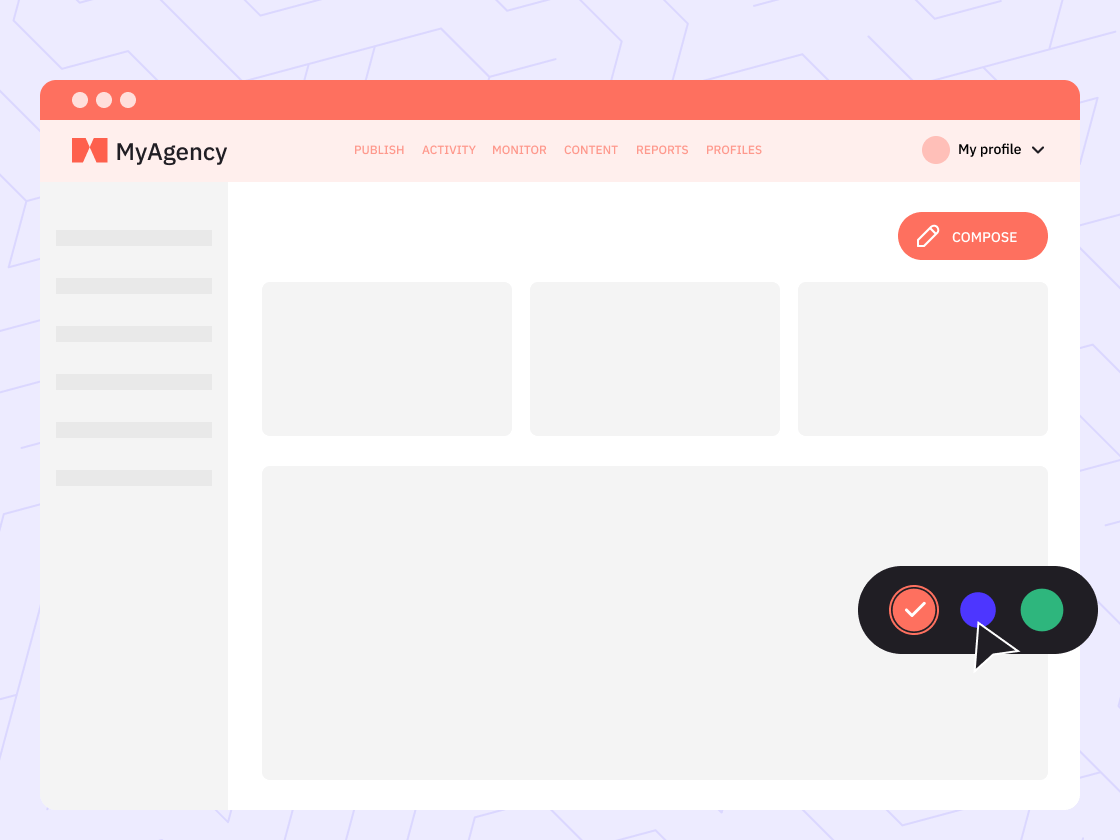
#21 — White label the platform under your own brand
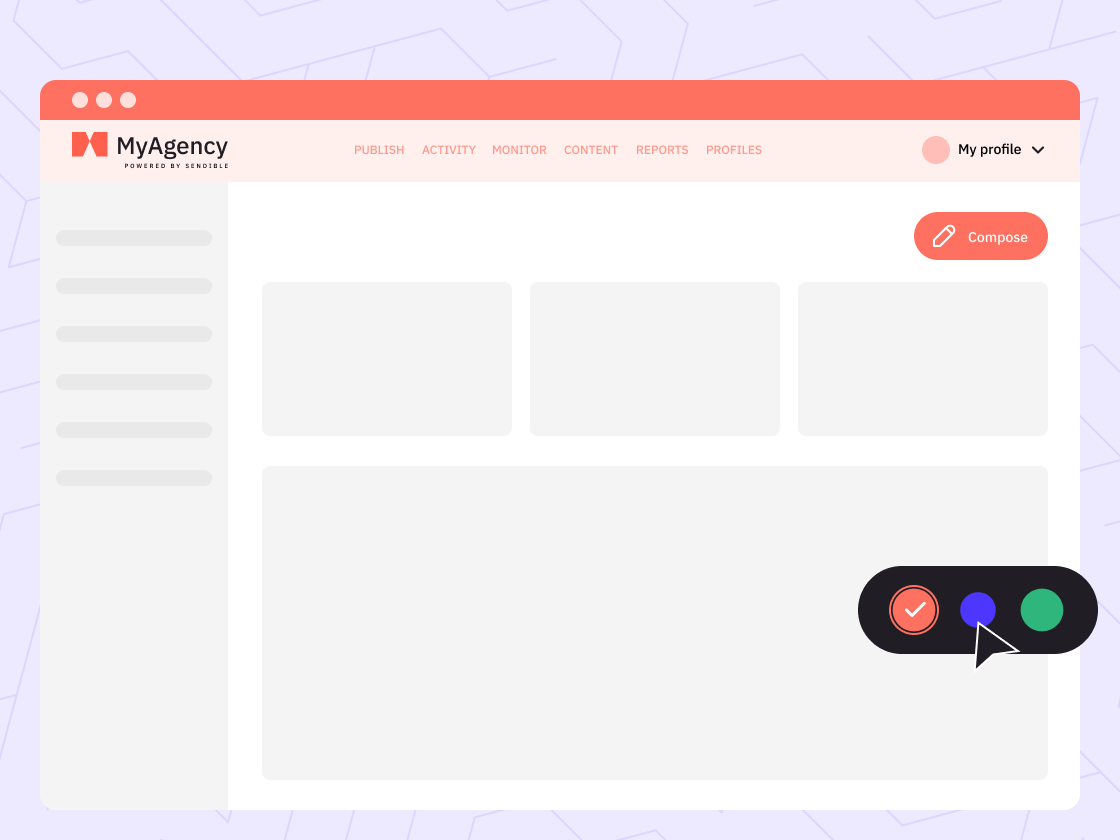
Your clients see your name, logo, and colours. Sendible powers it; your brand owns it.
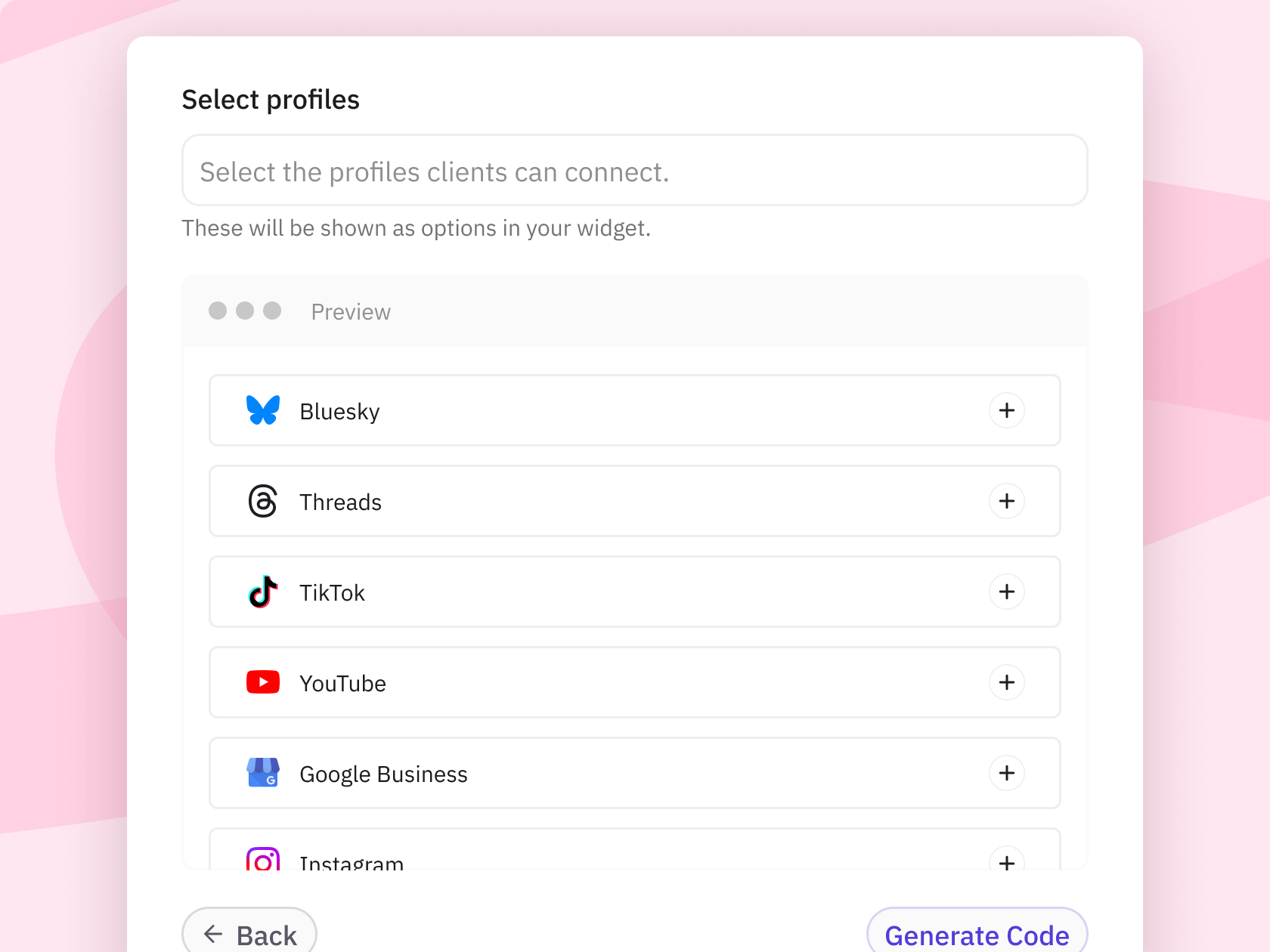
#22 — Client Connect for securely sharing account access
Perfect for security-minded or non-technical team members. Allow others to add their profiles for posting to Sendible without you needing to log into the platform for them.
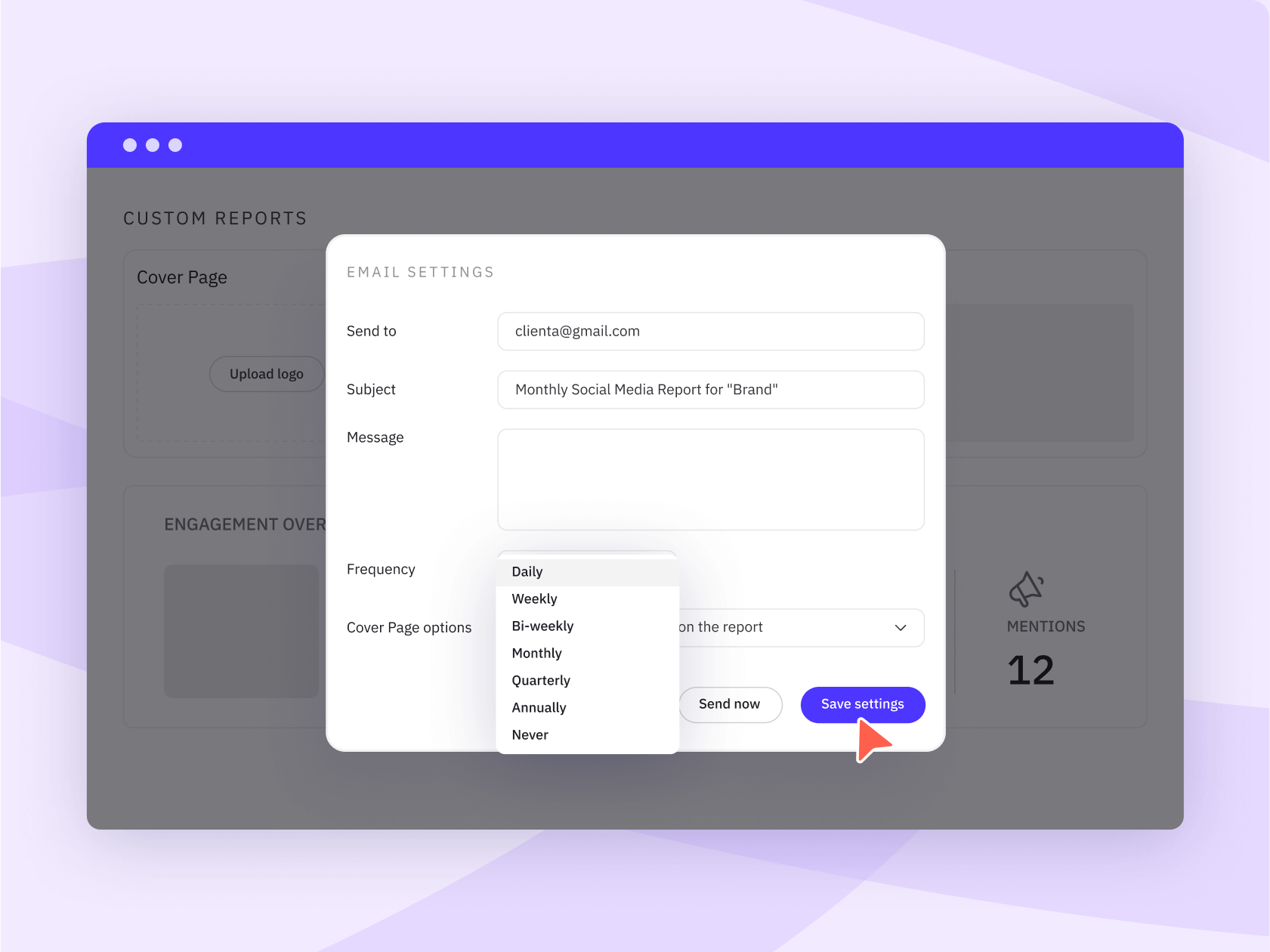
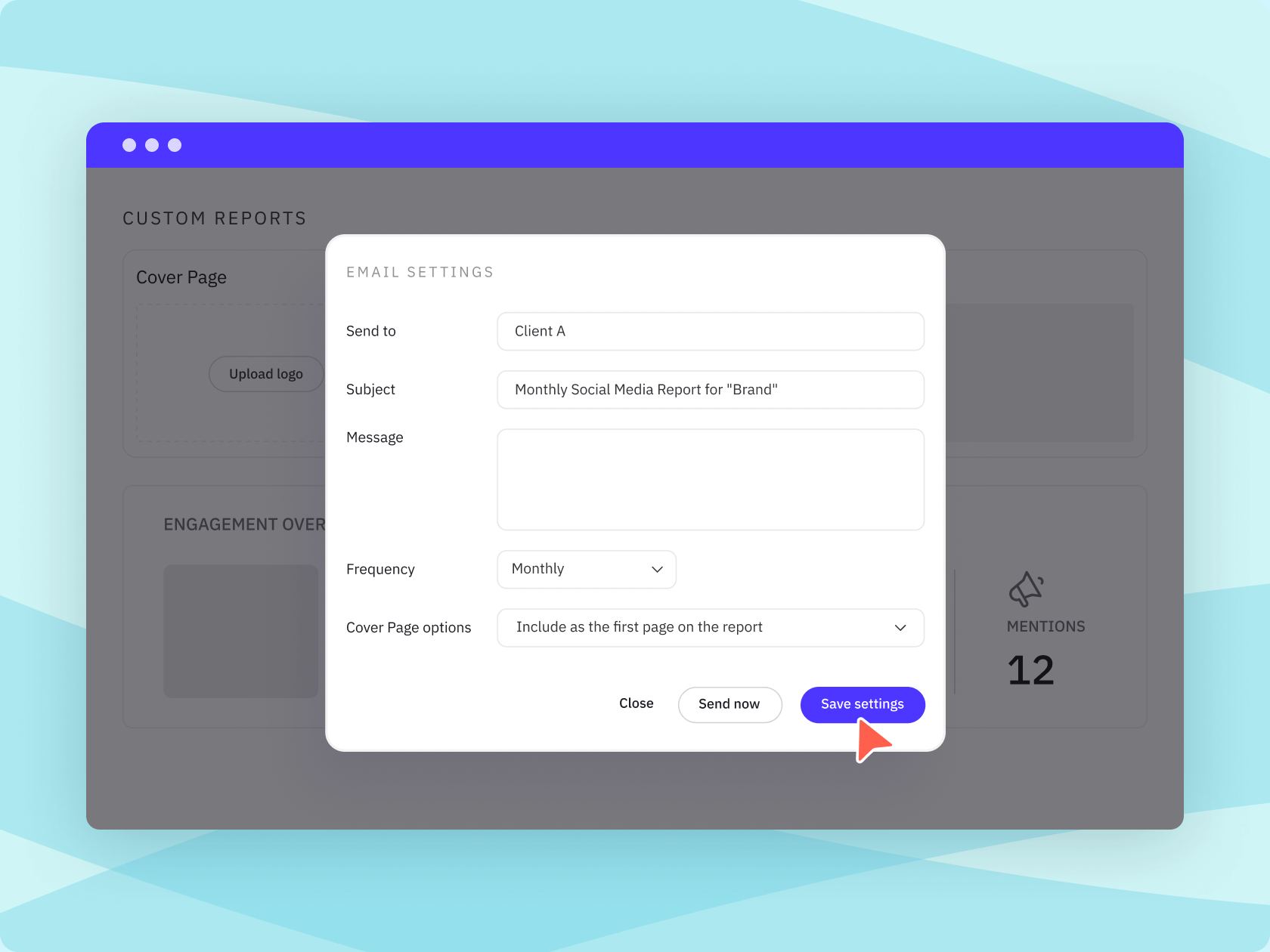
#23 — Automated reports go out on schedule, every time
Set up reporting once, and emails will deliver automatically. Clients receive their reports on time without a manual export and email on your end.
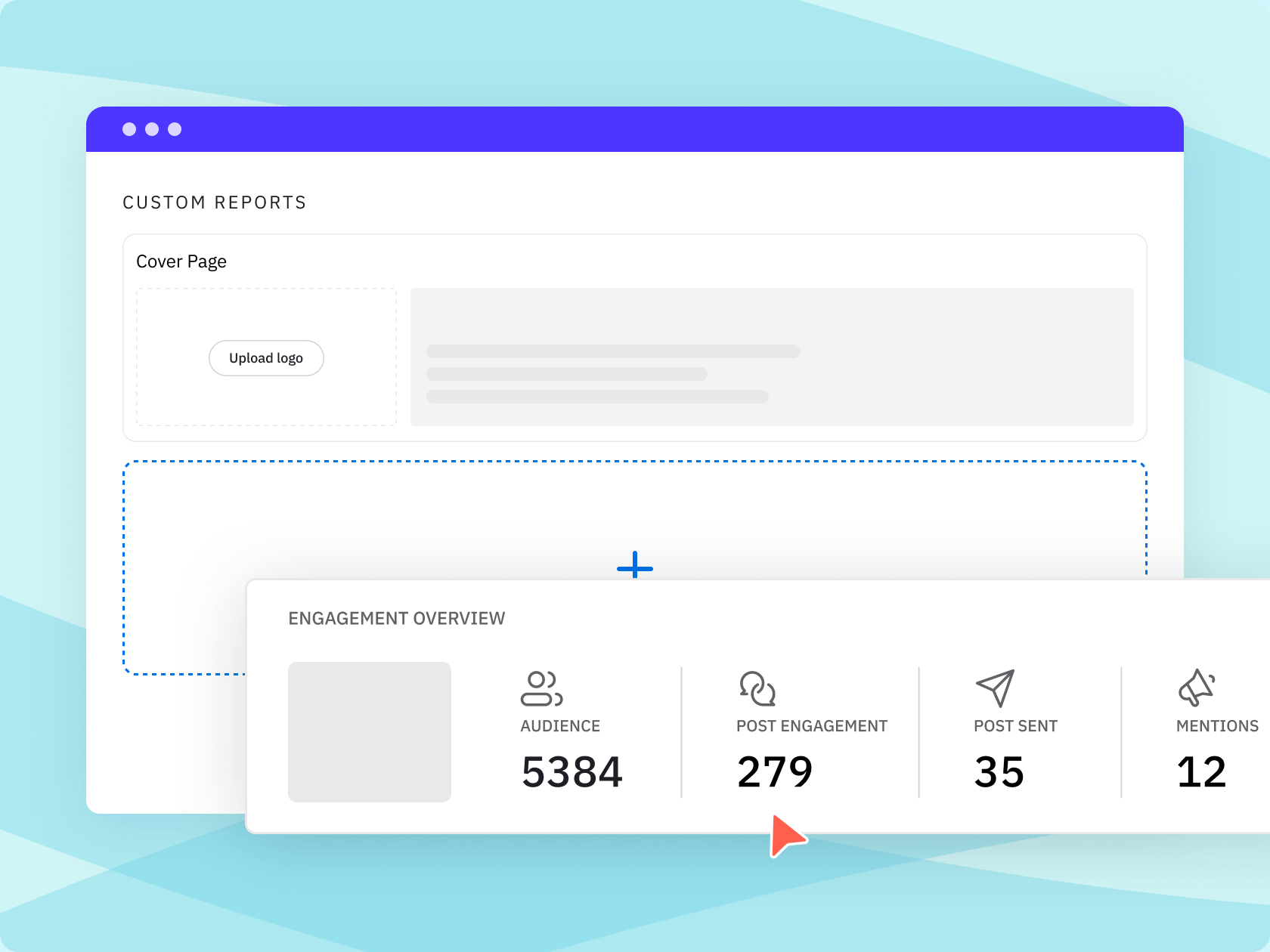
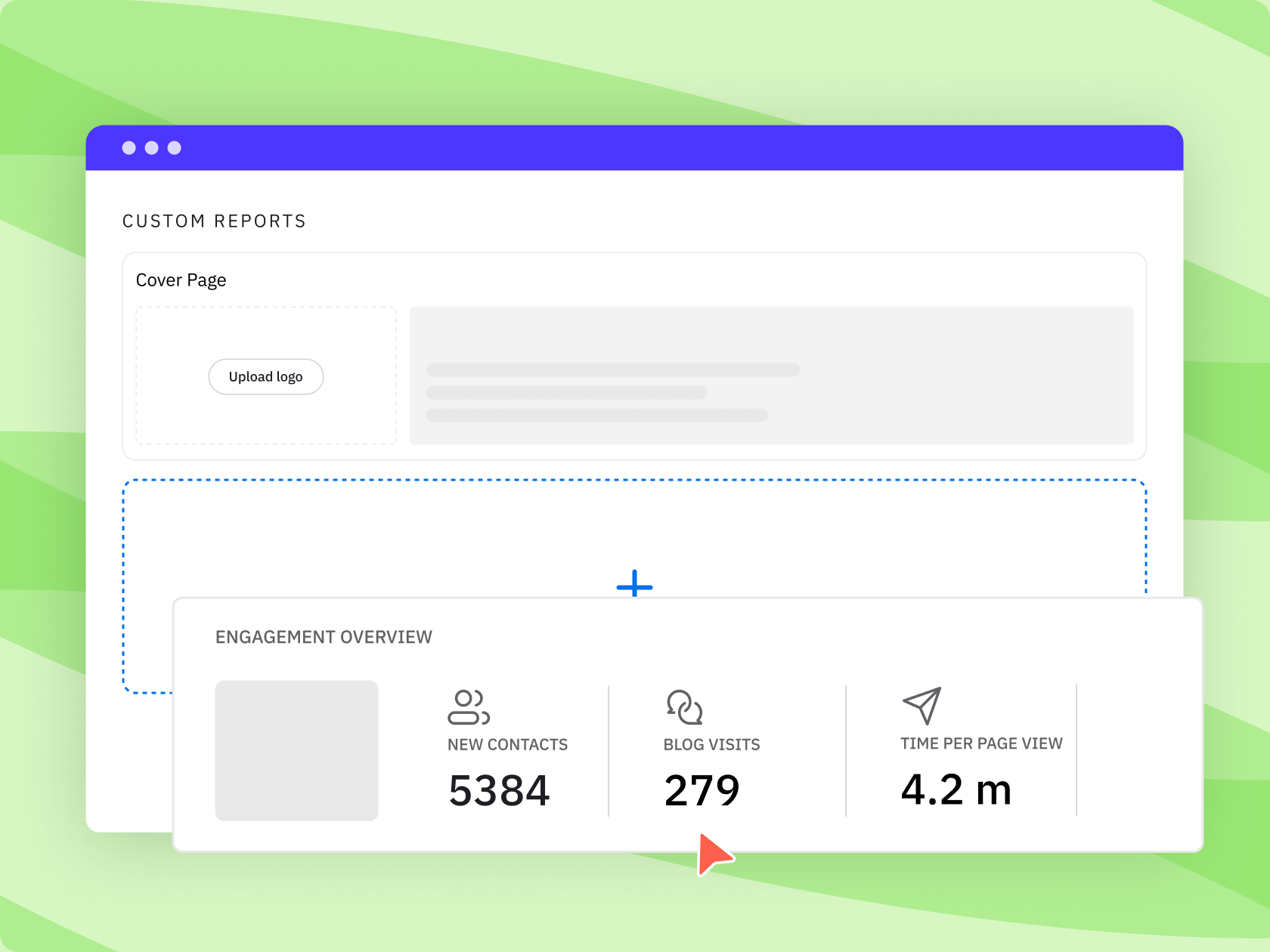
#24 — Custom reports for each client or stakeholder
Choose the metrics that matter for each account and build a report that looks tailored, because it is.
#25 — Share a quick view of the content calendar before posting
Let clients see a bird's-eye view of your drafted and scheduled content for the month and raise any issues before the approved posts are published.
#26 — Each client & brand is fully self-contained
Content, team access, and reports are separate per client or workspace. Nothing crosses over between accounts.
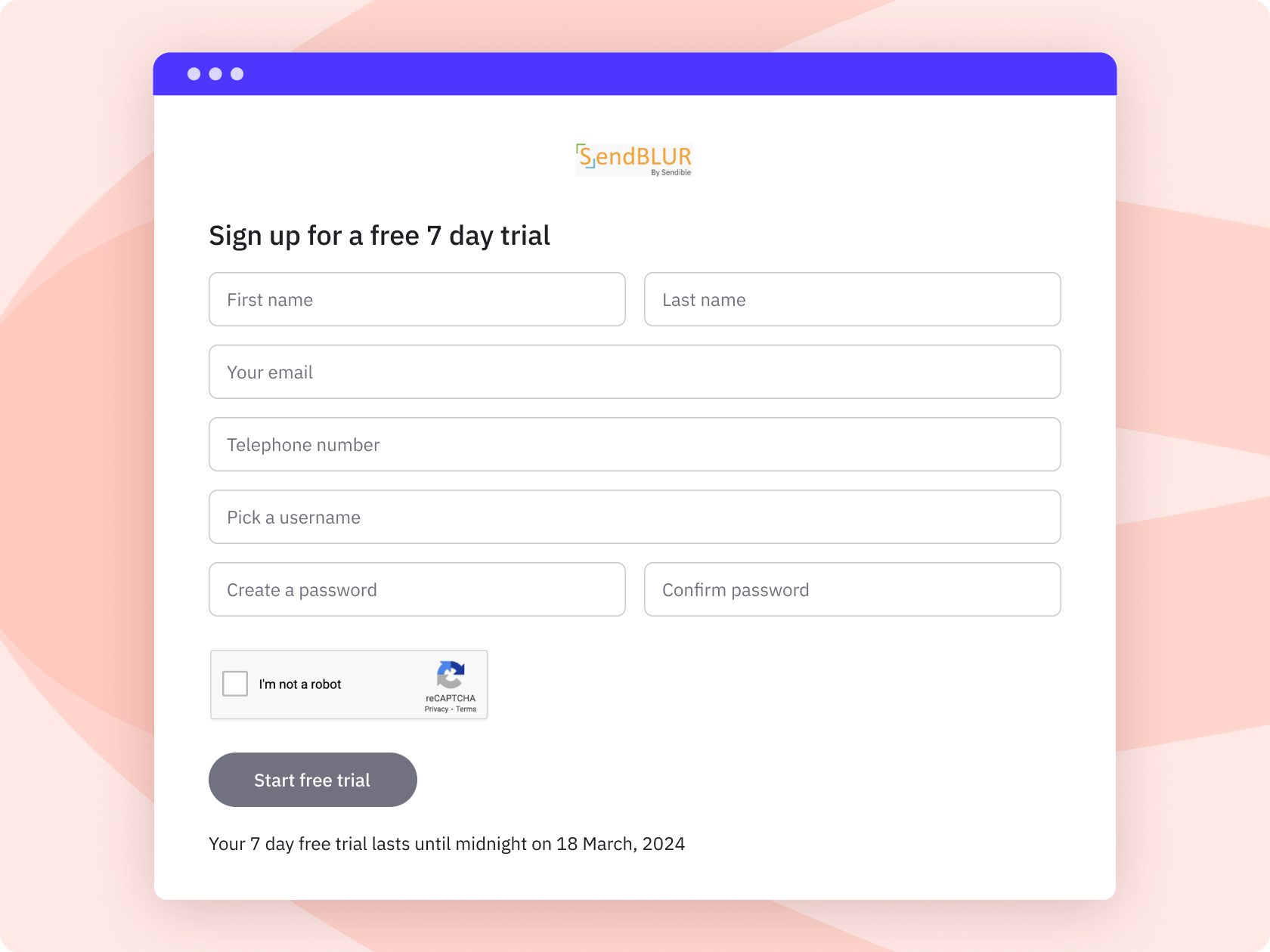
#27 — Set up trial accounts for new clients or users
Clients can start their own trial directly under your Sendible or white label account. Less friction onboarding new accounts, more room to grow.
“Sendible has been an excellent tool for managing our social media presence across multiple platforms. One of the standout features is the ability to collaborate as a team.”
Ashley H., VP of Communications, G2 review
Customer support is different at Sendible.
#28 — Real people, not bots
Our customer support and onboarding are a huge part of why our customers love our product. When you contact support, you talk to someone who knows the platform. Not a chatbot that escalates through three tiers before anything gets resolved.
#29 — Onboarding resources that actually onboard you
24/7 access to resources with new monthly live sessions, and countless blogs and resources available to you for free. You do not figure it out alone.
#30 — A full self-serve knowledge base
Guides, tutorials, and past training sessions are available at any time. Dive into the support articles to figure out the steps you need to take to make the most of the platform.
#31 — Quick response times for support requests
We’ll mostly get back to you within 1 business day, consistently outperforming other tools that cost two or three times as much. Customers who have switched make this comparison directly.
#32 — Our team knows & uses the product
The people helping you know the product's history, direction, and use cases. That context matters when improving your workflow or if something unexpected happens.
#33 — Always on the lookout to help you grow
Our resources provide relevant help for agencies managing multiple clients, multi-location teams managing hundreds of profiles, and everyone in between. We've even got CustomGPTs AI assistants to help with your content creation.
#34 — Live chat access on every subscription plan
Our team is here when you have urgent queries. Get in touch with us via live chat, available on the platform and website, during our website during office hours.
#35 — A dedicated success manager on higher-tier plans
Each Enterprise and Custom account gets a dedicated customer success manager who can answer additional questions about social media workflows and channel best practices.
#36 — Multilingual dashboard interface
Sendible’s dashboard is available in 11 languages, and we can offer some multilingual customer support for international clients. Language is not a barrier to using the platform day-to-day.
Book a personalised tour.
Schedule an intro call with our team, and we'll assist in validating if Sendible is the right platform for your setup.
Schedule content your way & save time every week.
#37 — Schedule a month’s worth of posts in a flash
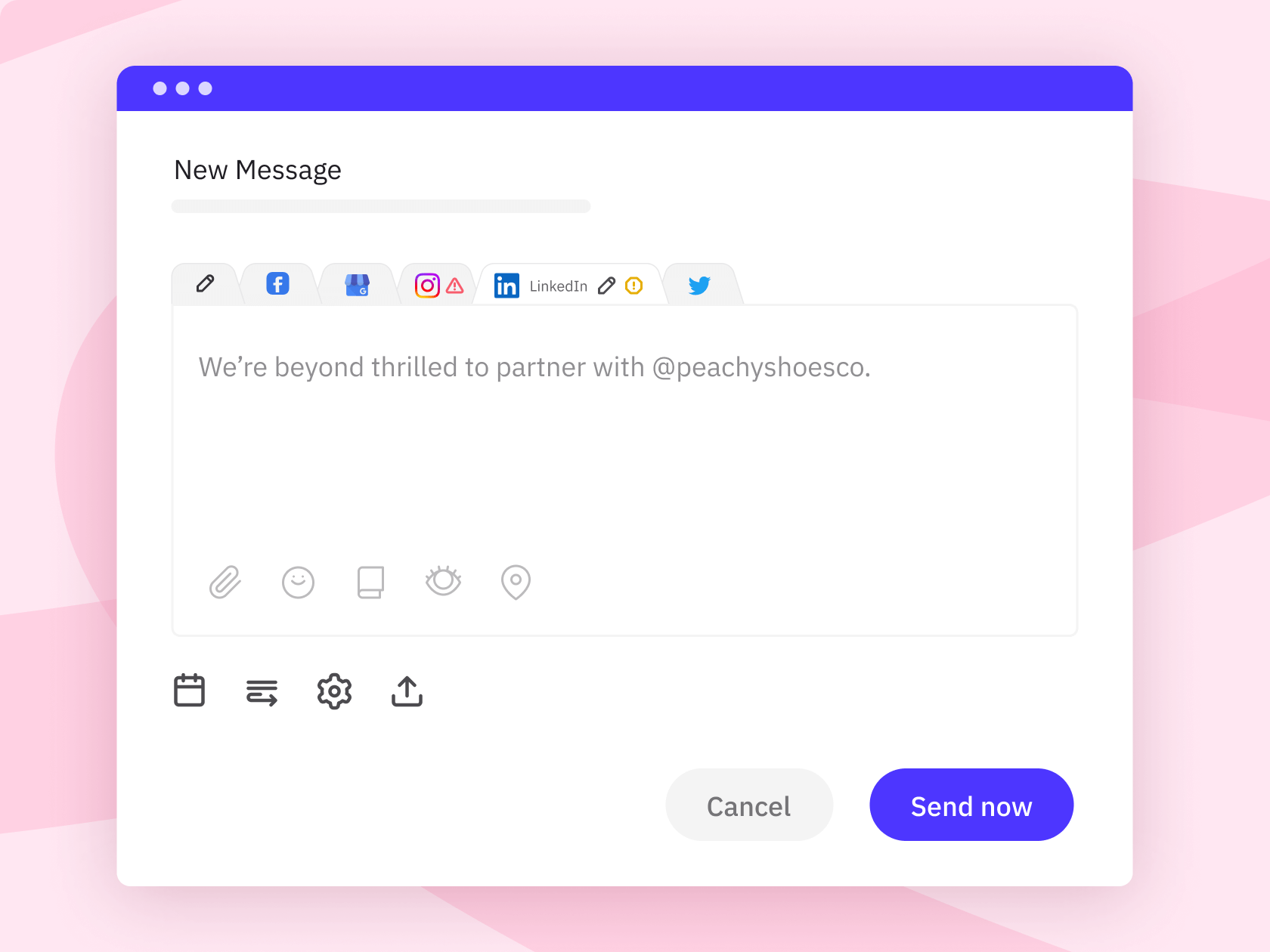
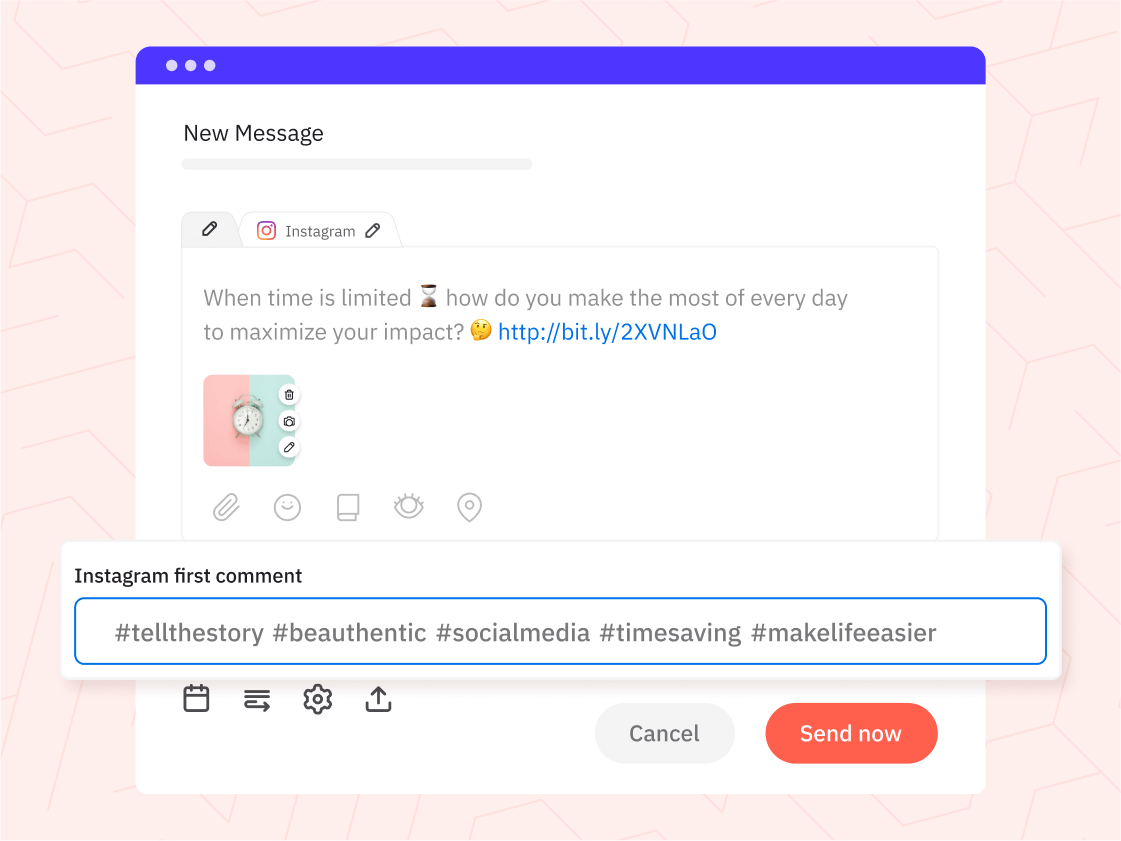
The compose box lets you create, preview, and schedule content across multiple networks at once. One place, not five separate logins.
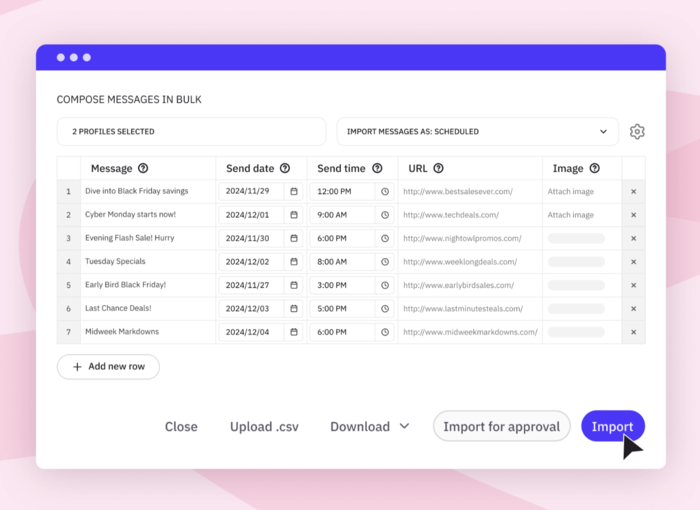
#38 — Import a full content calendar from a spreadsheet
High-volume planning without the manual entry. Upload a CSV file with or without media and schedule them automatically. Make changes on a per-post basis where needed.
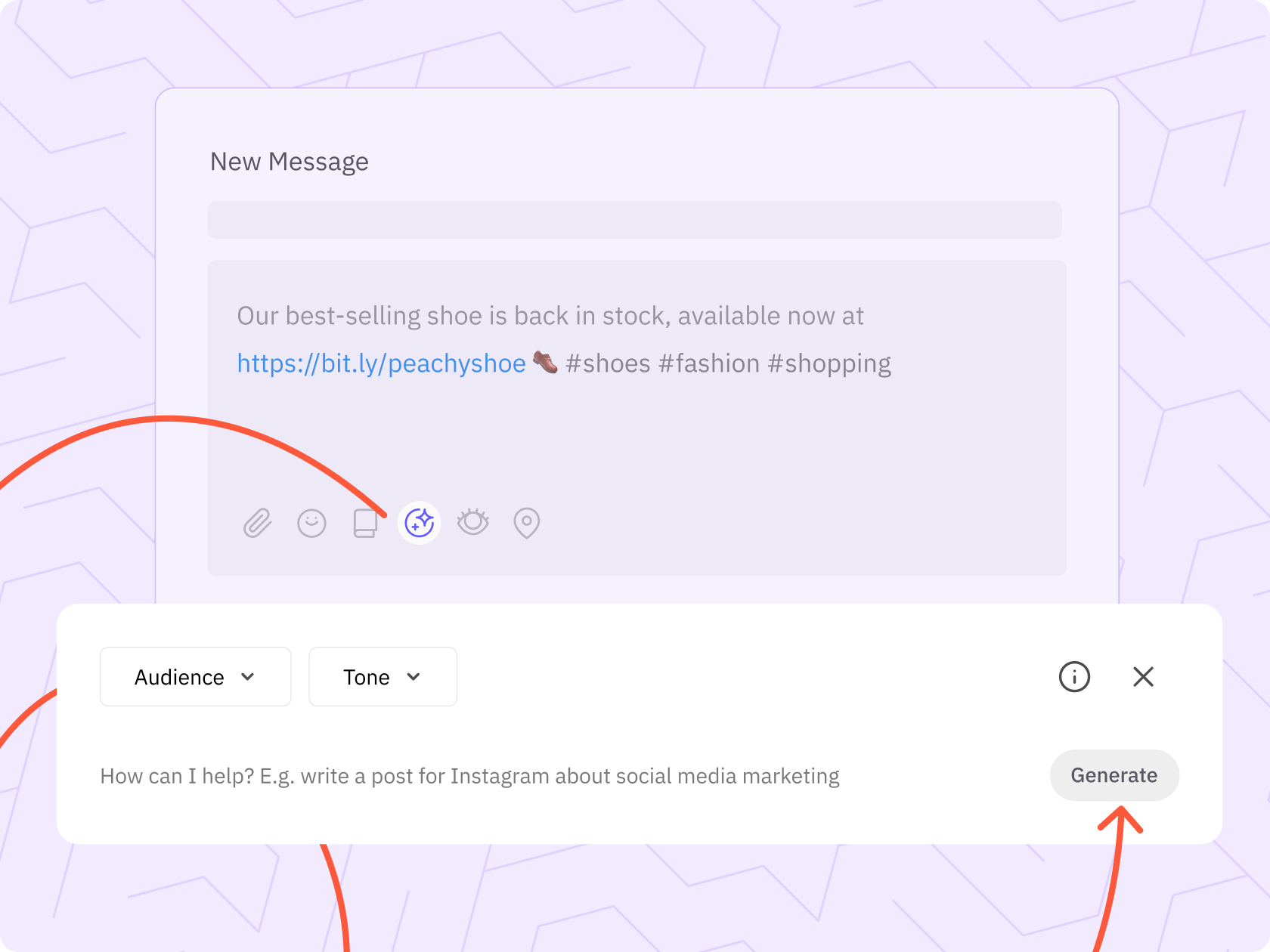
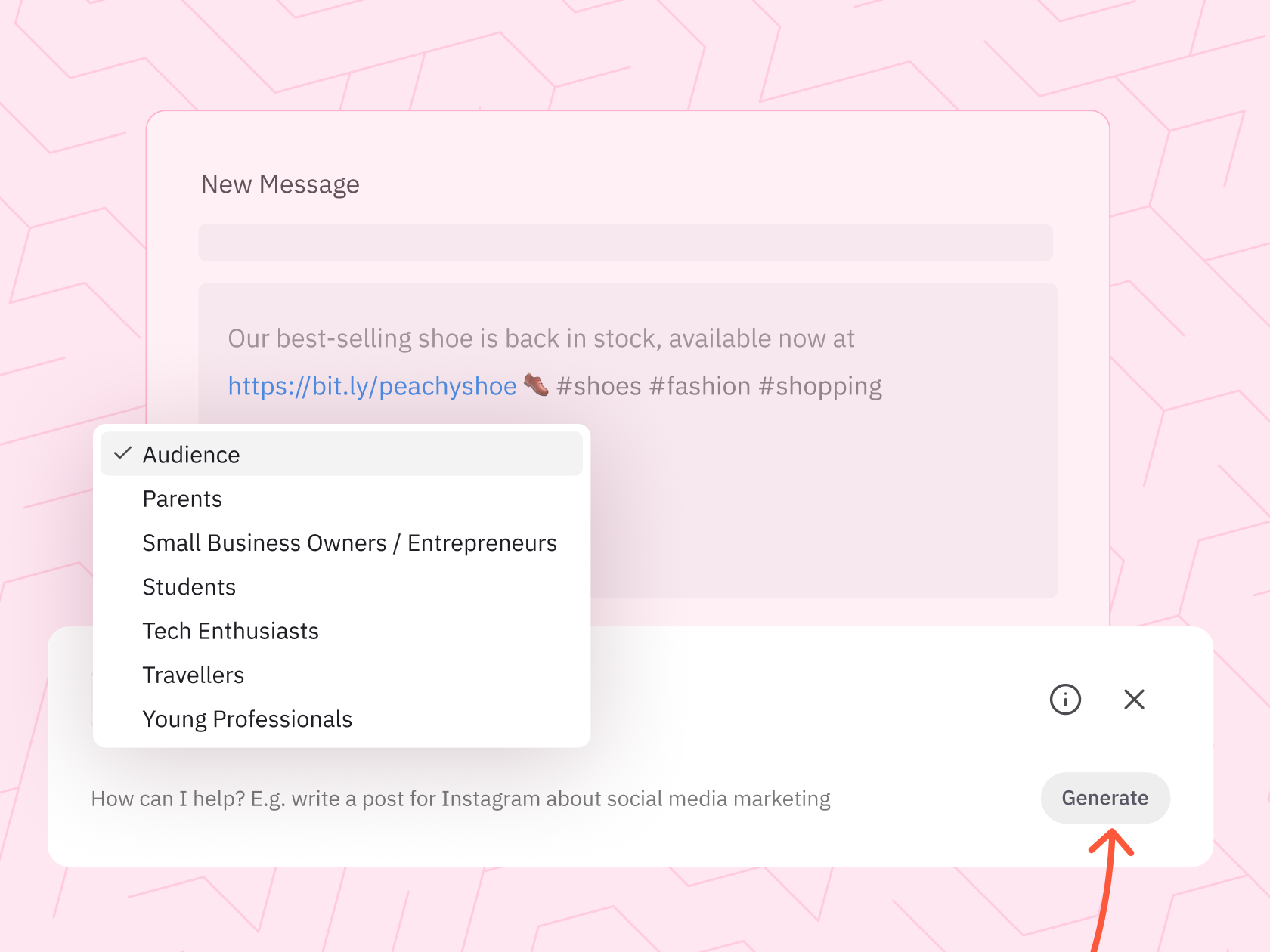
#39 — Let AI Assist write the first draft
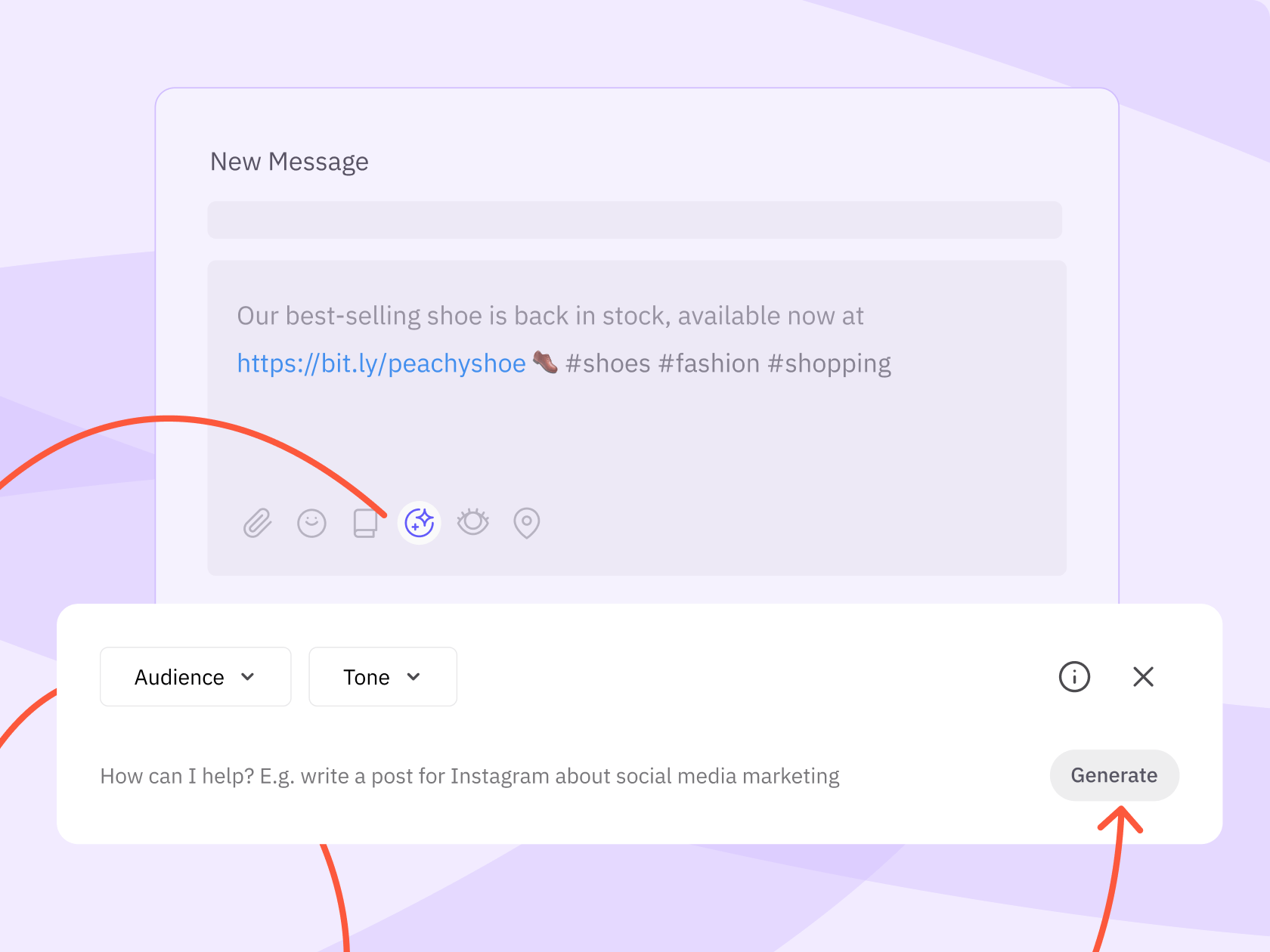
Generate post copy or captions from a simple brief. The blank page problem disappears, and the output is yours to shape.
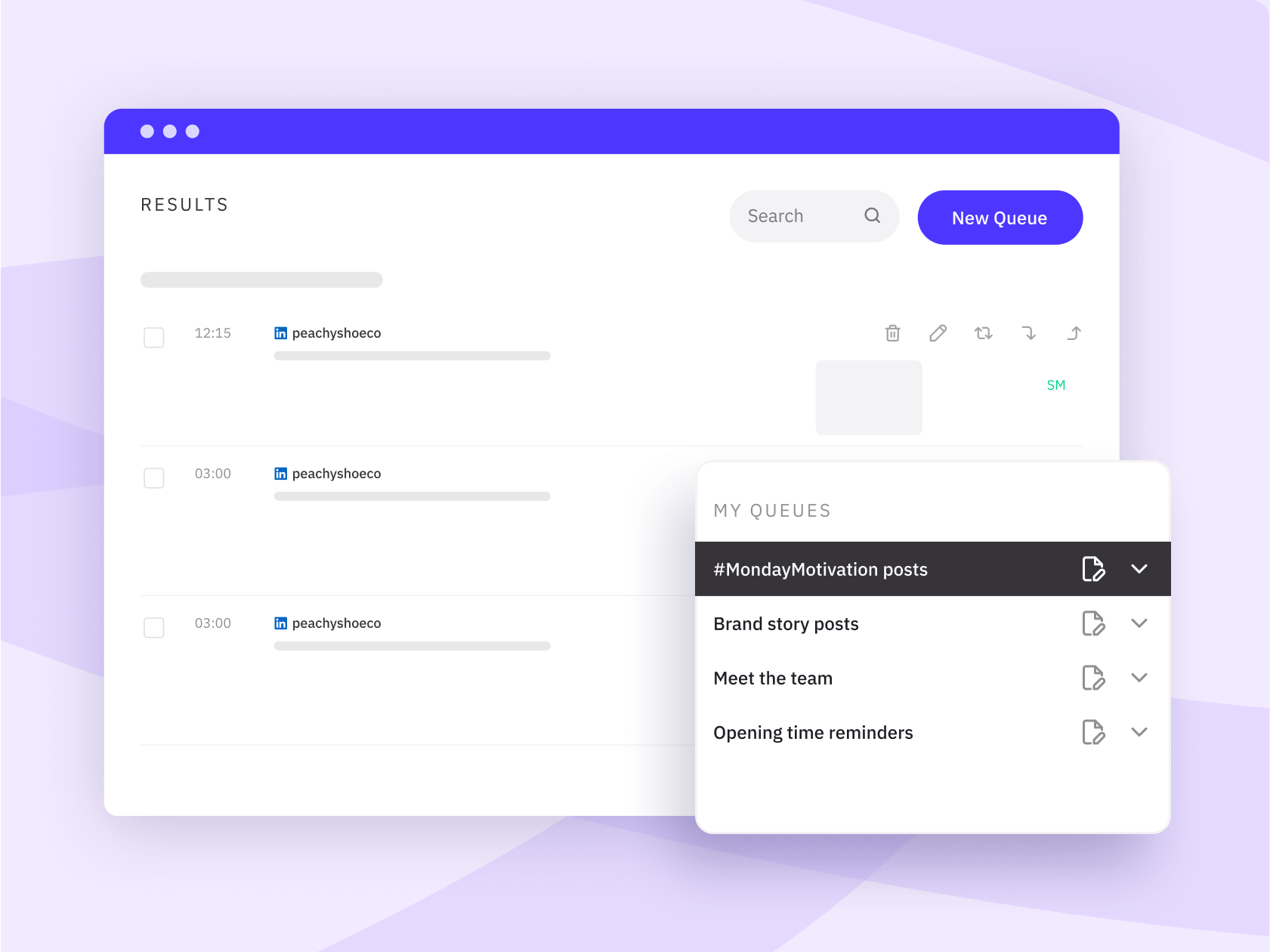
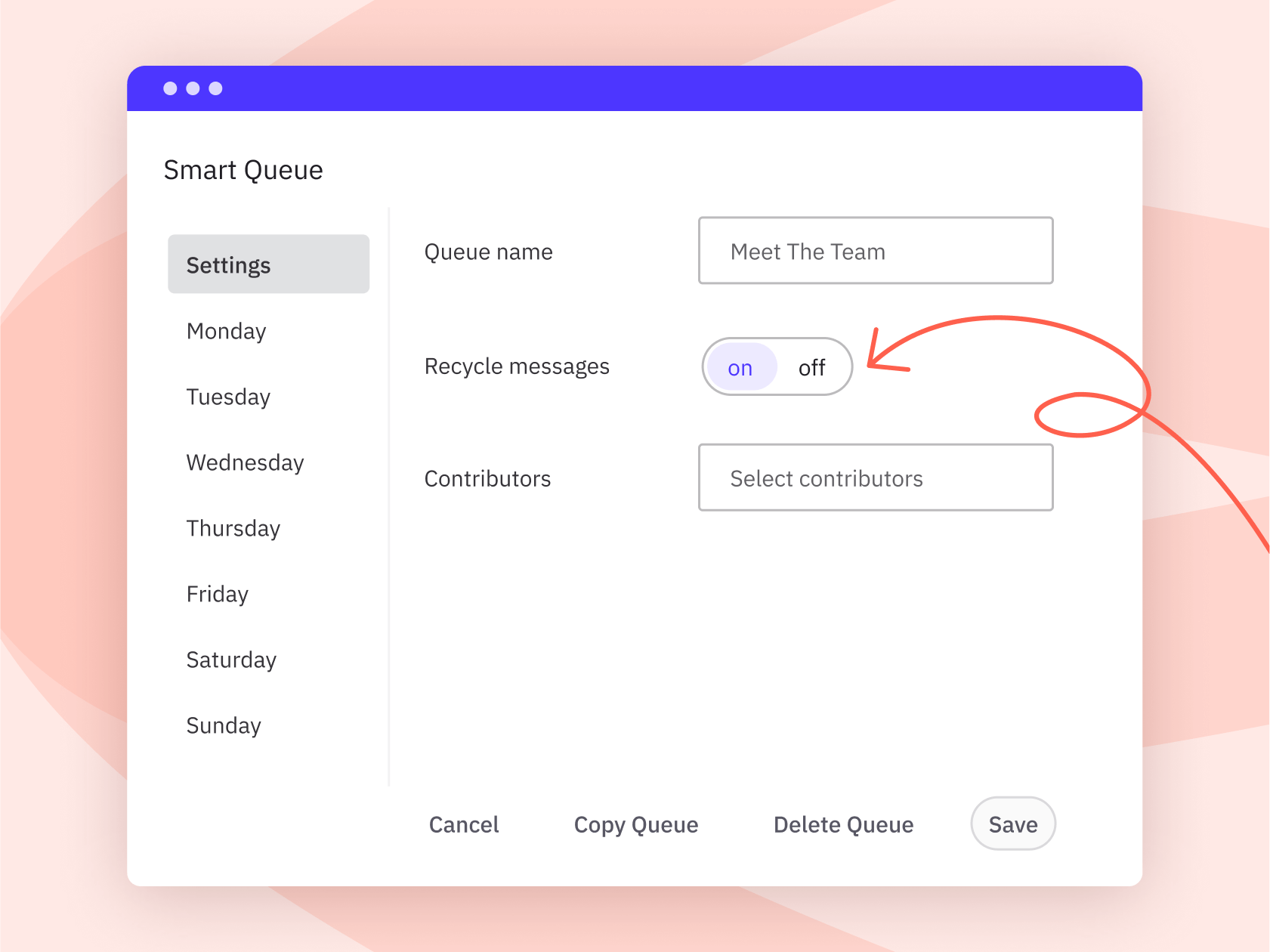
#40 — Structure your cadence with Smart Queues
Set up a recurring content queue for each profile and let Sendible automatically fill the gaps with your best new content, on a schedule you define.
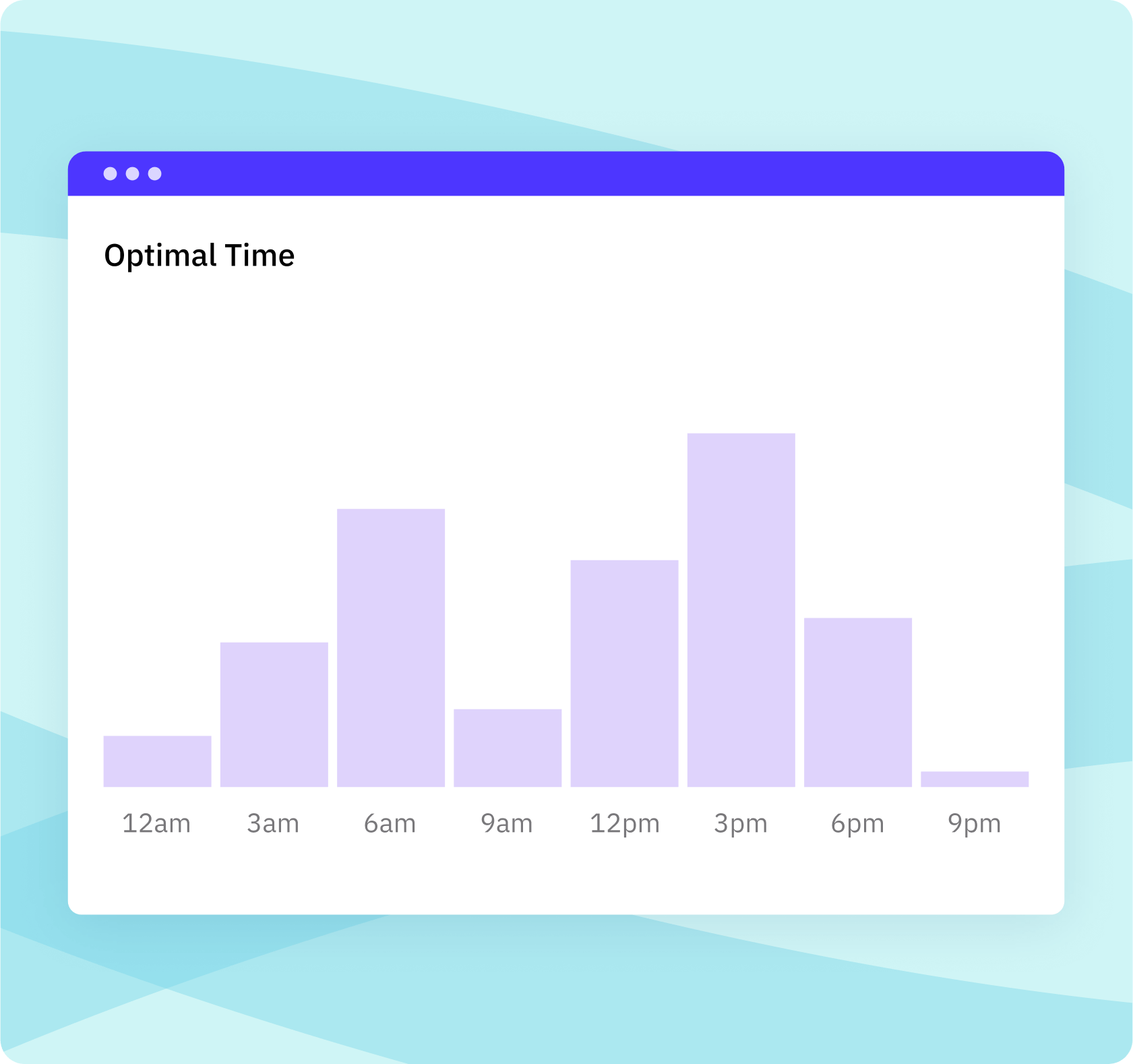
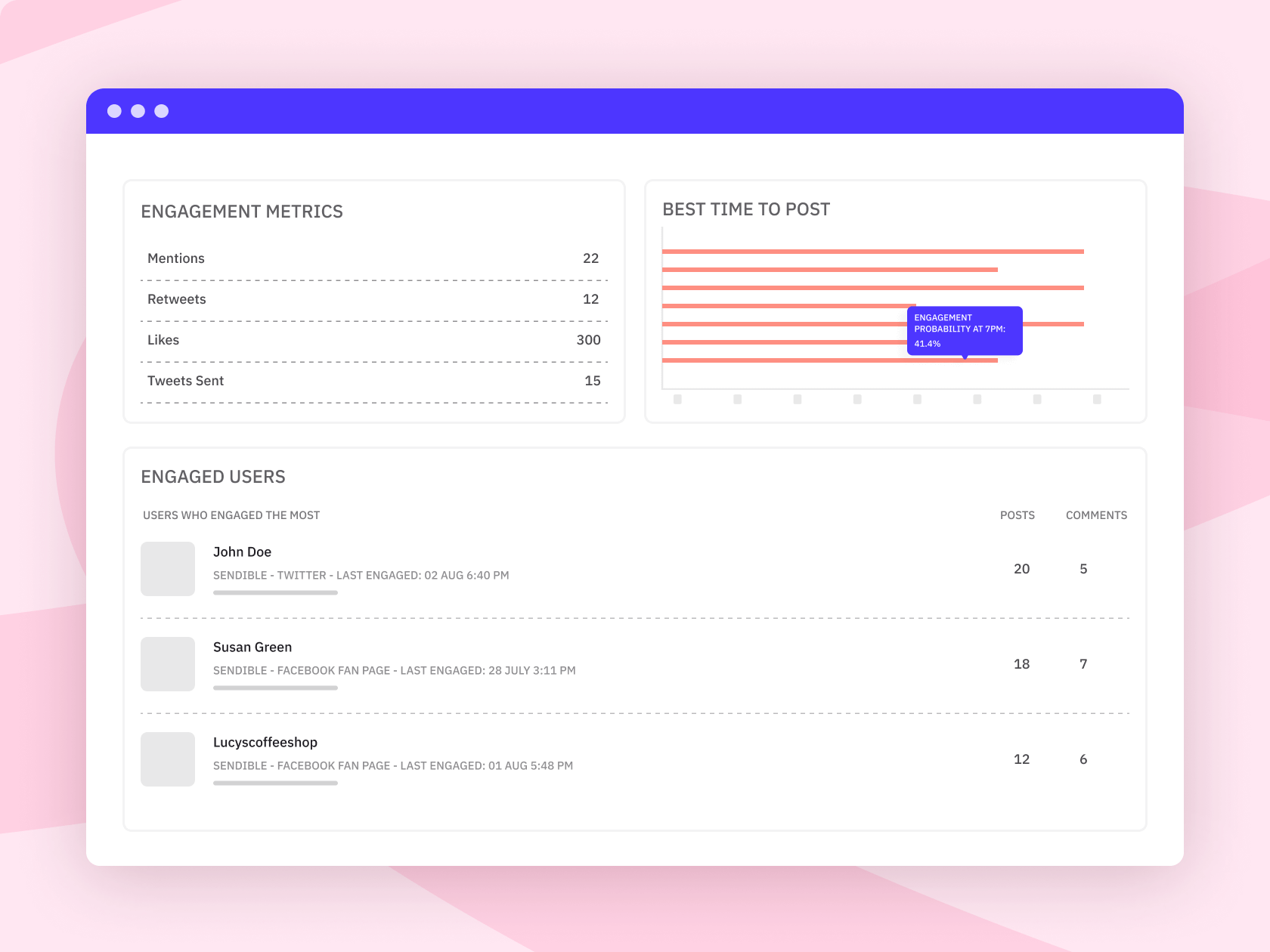
#41 — Post at the right time without the guesswork
Best-time-to-post recommendations are built into the platform, so you do not have to manually cross-reference engagement data for every account.
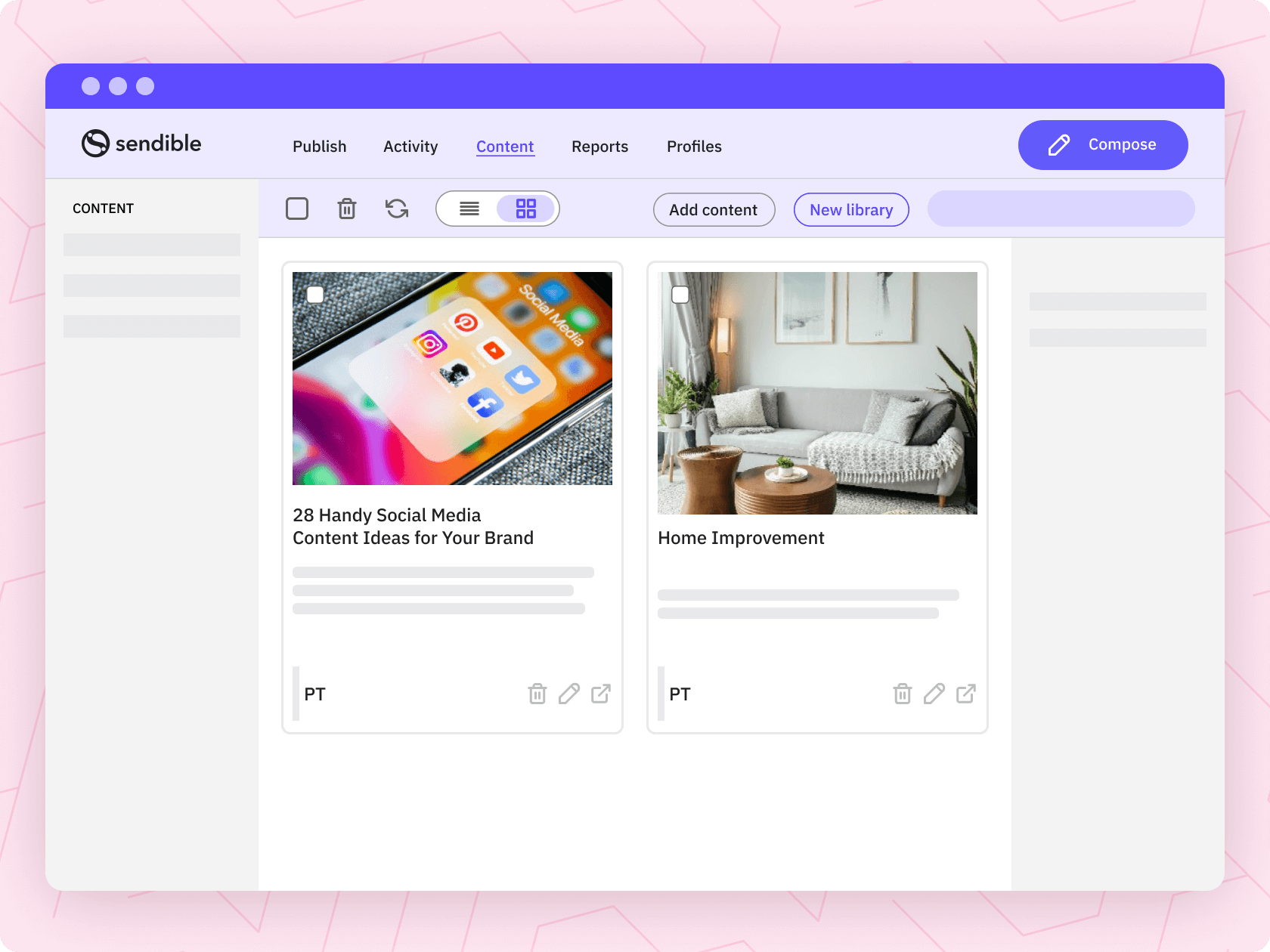
#42 — Evergreen content gets reused, not rebuilt
The content library can store your best-performing posts, images, and templates. Pull them back into the calendar any time without starting from scratch.
#43 — Bulk schedule posts with personalised details
Upload content in bulk and use dynamic fields to personalise posts at scale. Ideal for seasonal campaigns, regional promotions, or high-volume scheduling where each profile still needs the right local details.
#44 — One compose box for every key platform
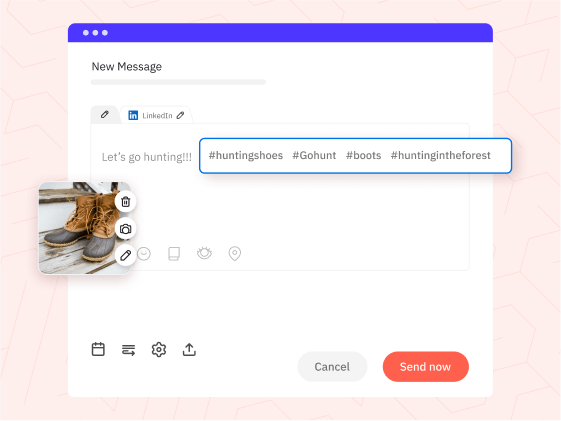
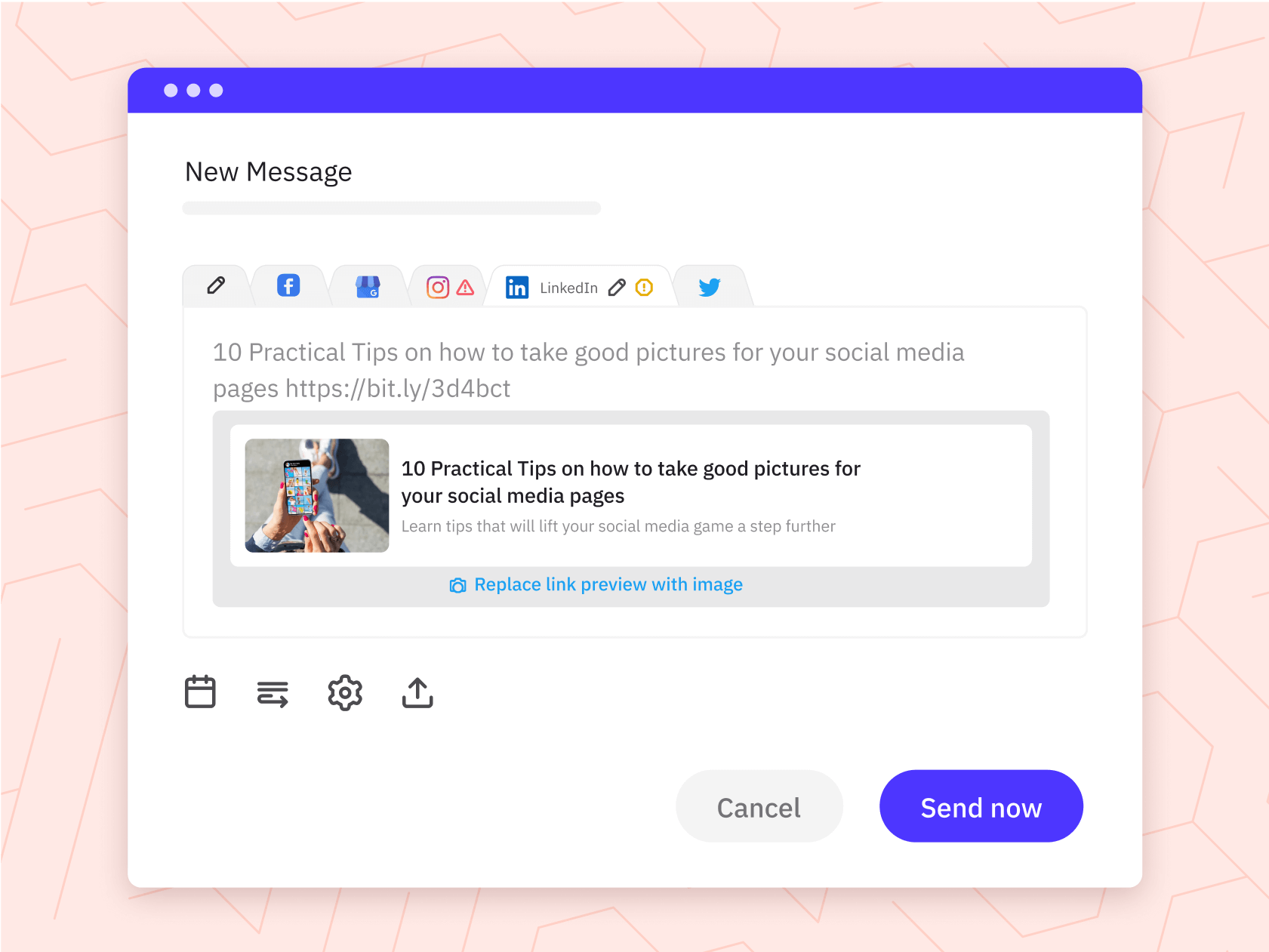
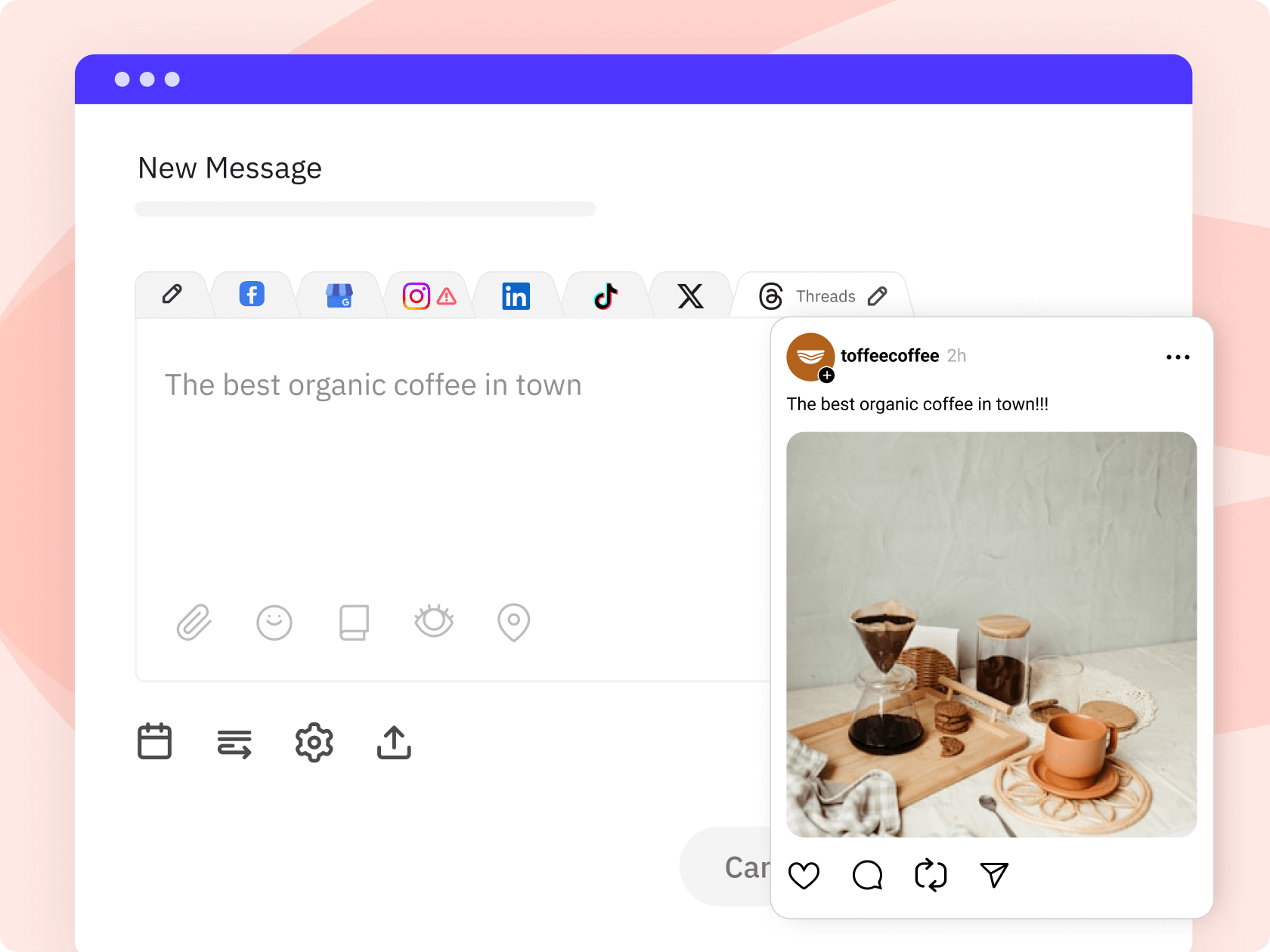
Write once and tailor per channel from a single screen. Instagram, LinkedIn, Facebook, Google Business Profile, Threads, X, TikTok, and more, without switching tabs.
#45 — Turn one idea into platform-ready variations
Use AI Assist to adjust tone, shorten copy, or rework a post for different channels. One idea can quickly become a LinkedIn update, Instagram caption, or punchier Threads post.
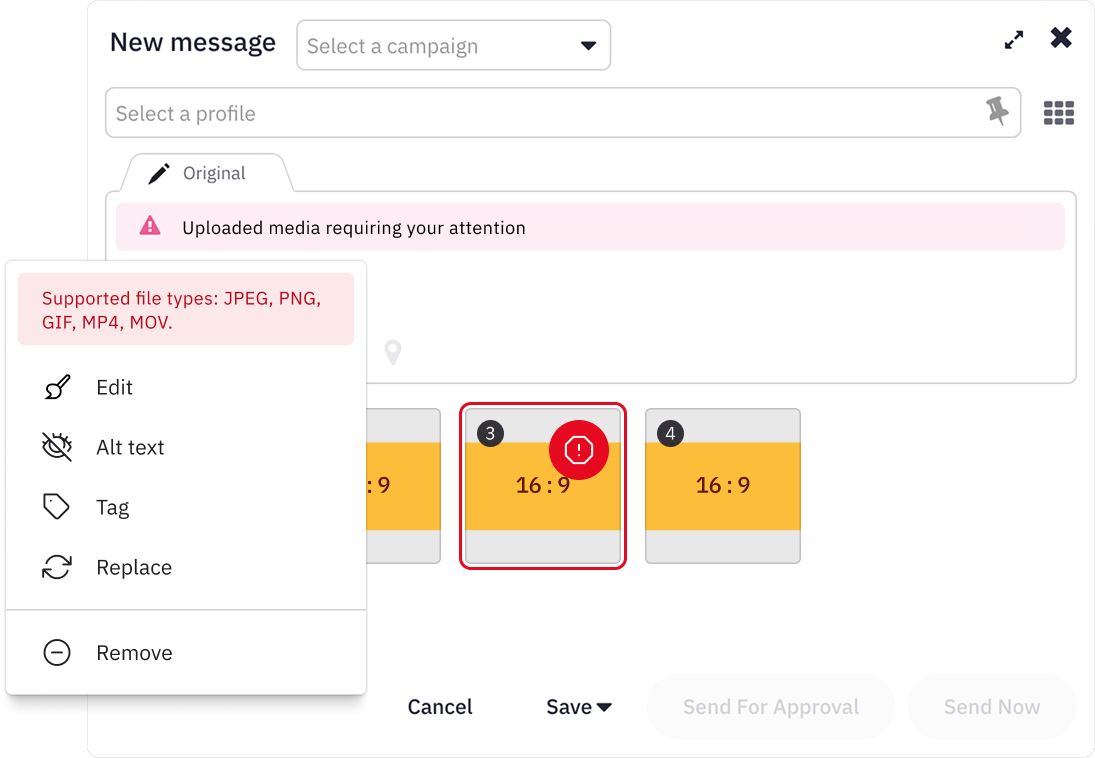
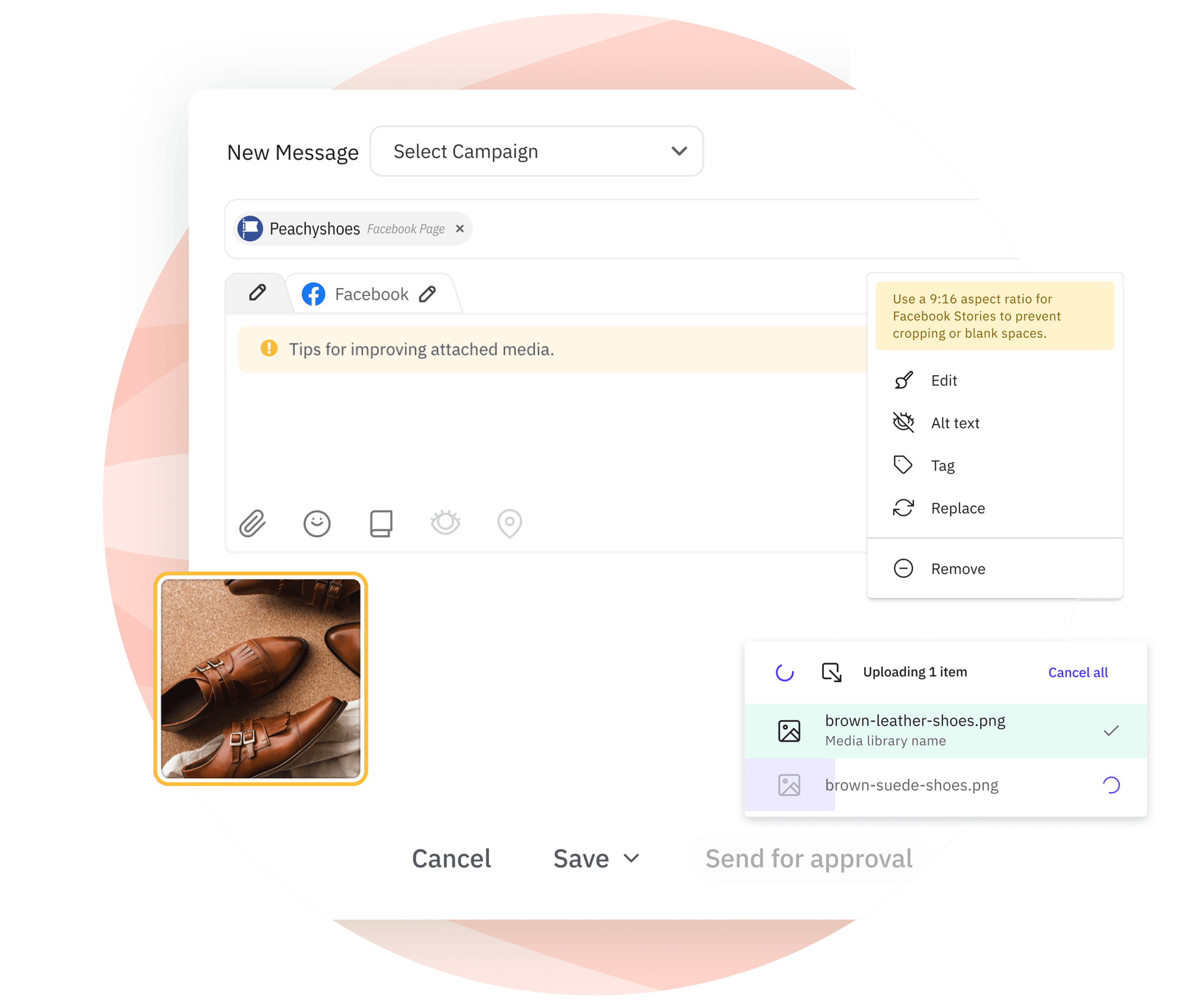
#46 — Universal media validation for media attachments
The compose box will guide you when there are issues with your draft. Update the selected visuals or add additional information to ensure your post will publish successfully.
#47 — Preview posts before they go live
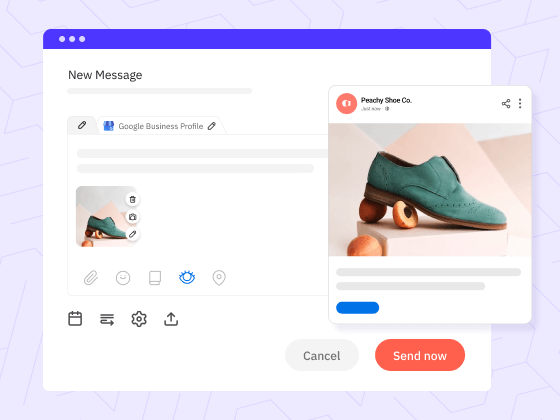
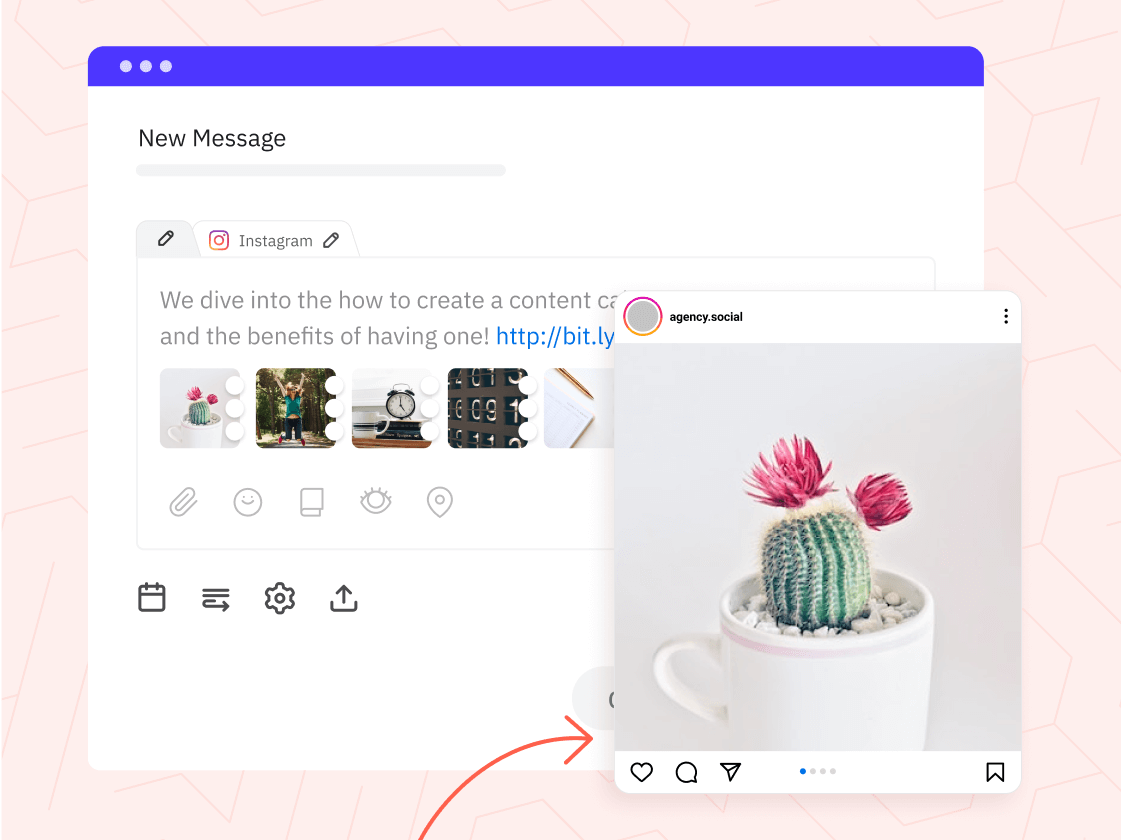
See exactly how posts will render on each network before publishing. Fewer errors, fewer corrections, fewer client calls.
#48 — Threads is becoming a real brand opportunity
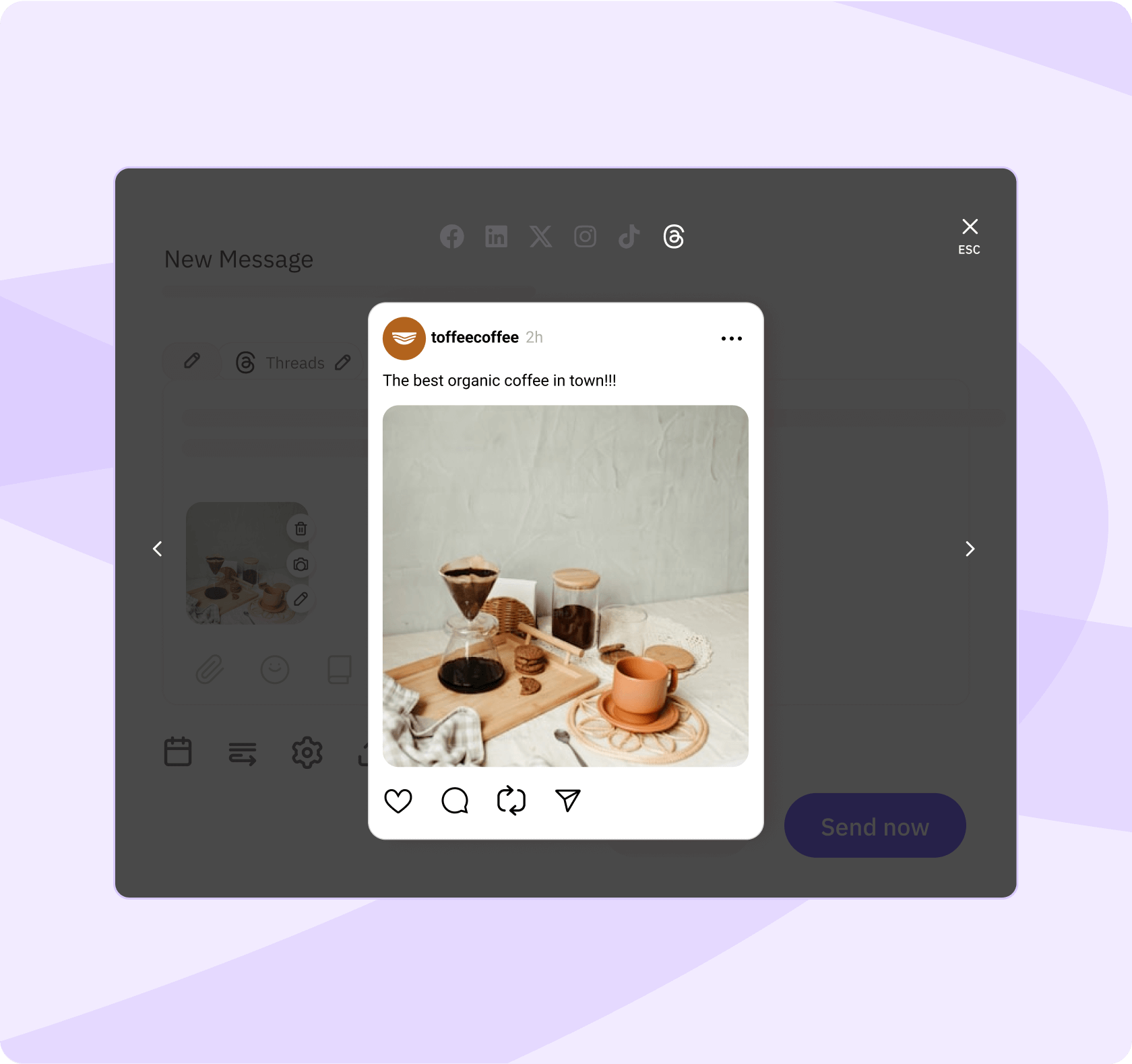
Threads has become a useful channel for brands that want to show up with a more personal, conversational voice. We increased our reach by 30,000% by posting actively - proof that the right channel, cadence, and content can unlock serious momentum.
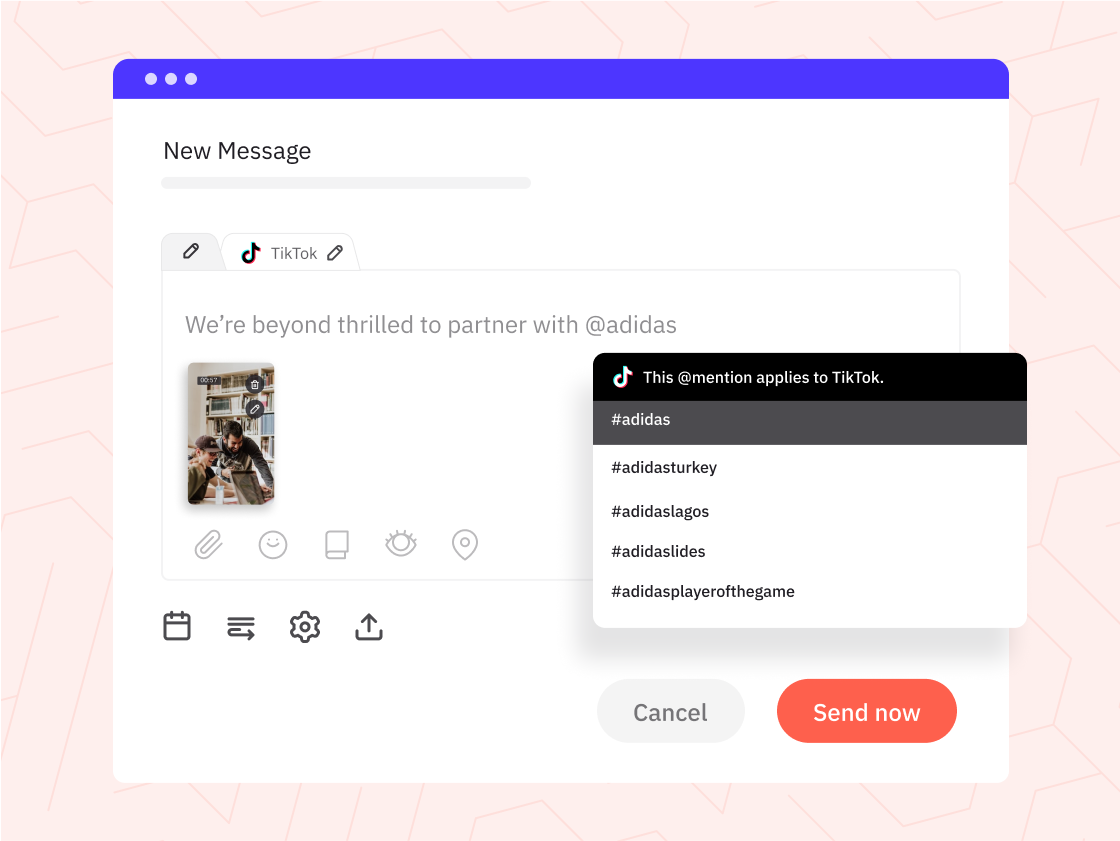
#49 — TikTok scheduling & reporting
Publish TikTok content and review performance without going into the native app to pull numbers separately.
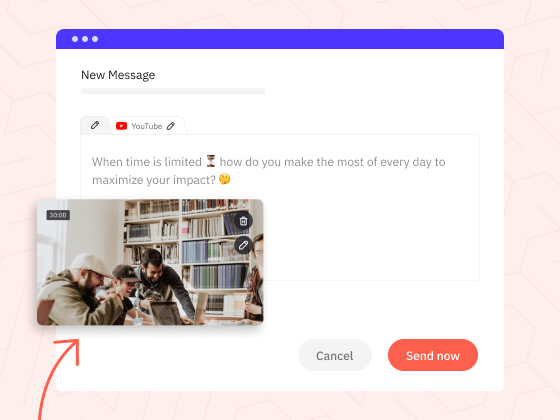
#50 — YouTube Shorts = sorted
Schedule YouTube Shorts content alongside Reels and TikTok videos. One less reason to open another native app.
#51 — Improve your local listing with Google Business Profile posts
Keep your Google Business Profile (previously Google My Business) listing up to date with scheduling what’s new posts directly from our platform.

“Sendible has been a great time saver for me as I’ve posted across multiple socials for different clients over the years. I especially enjoy the calendar view to be able to see everything for the month at once. I also like that it links directly to Canva so I can edit and post graphics easily!”
Abbie King, Agency Owner, Trustpilot review
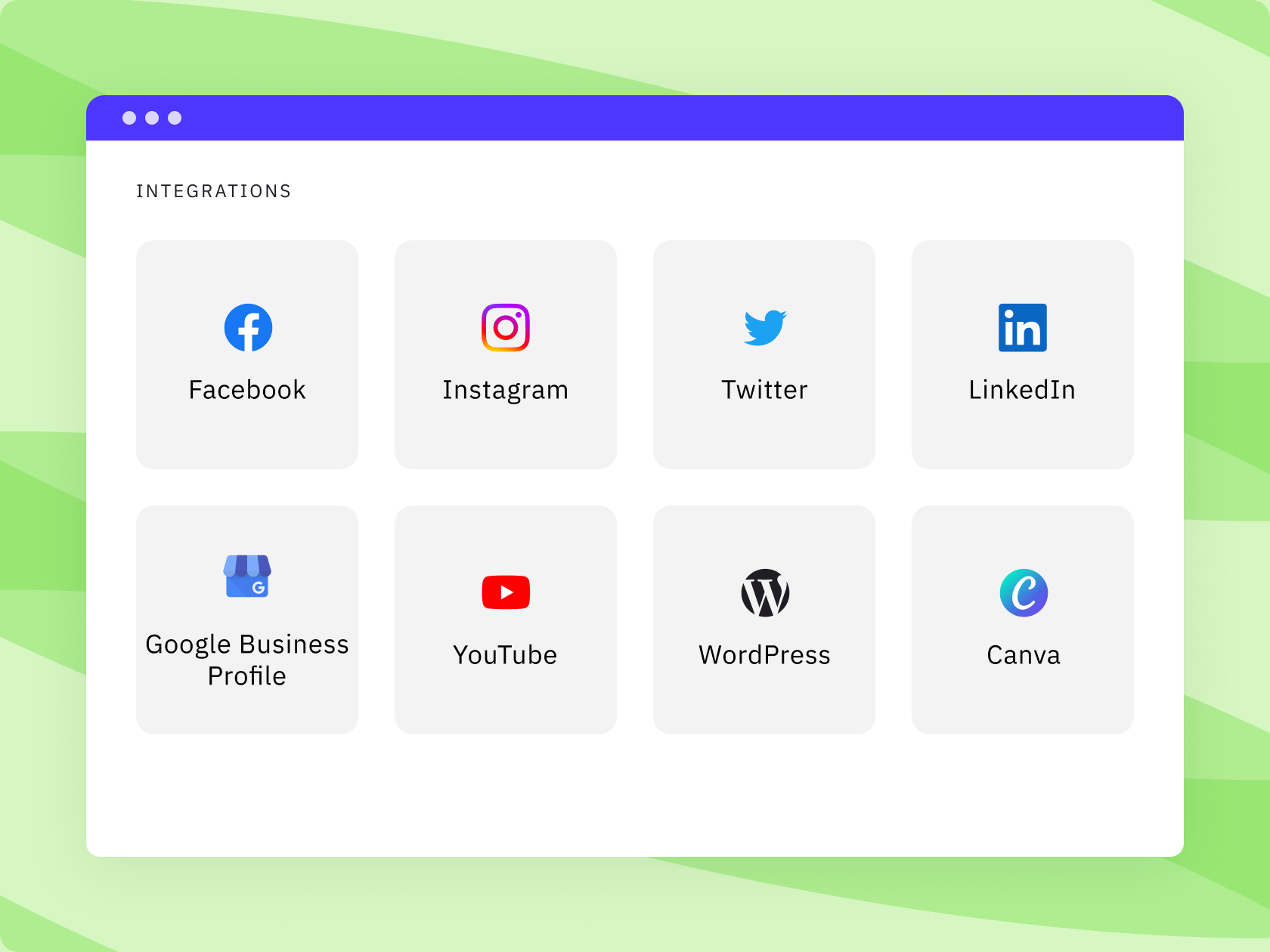
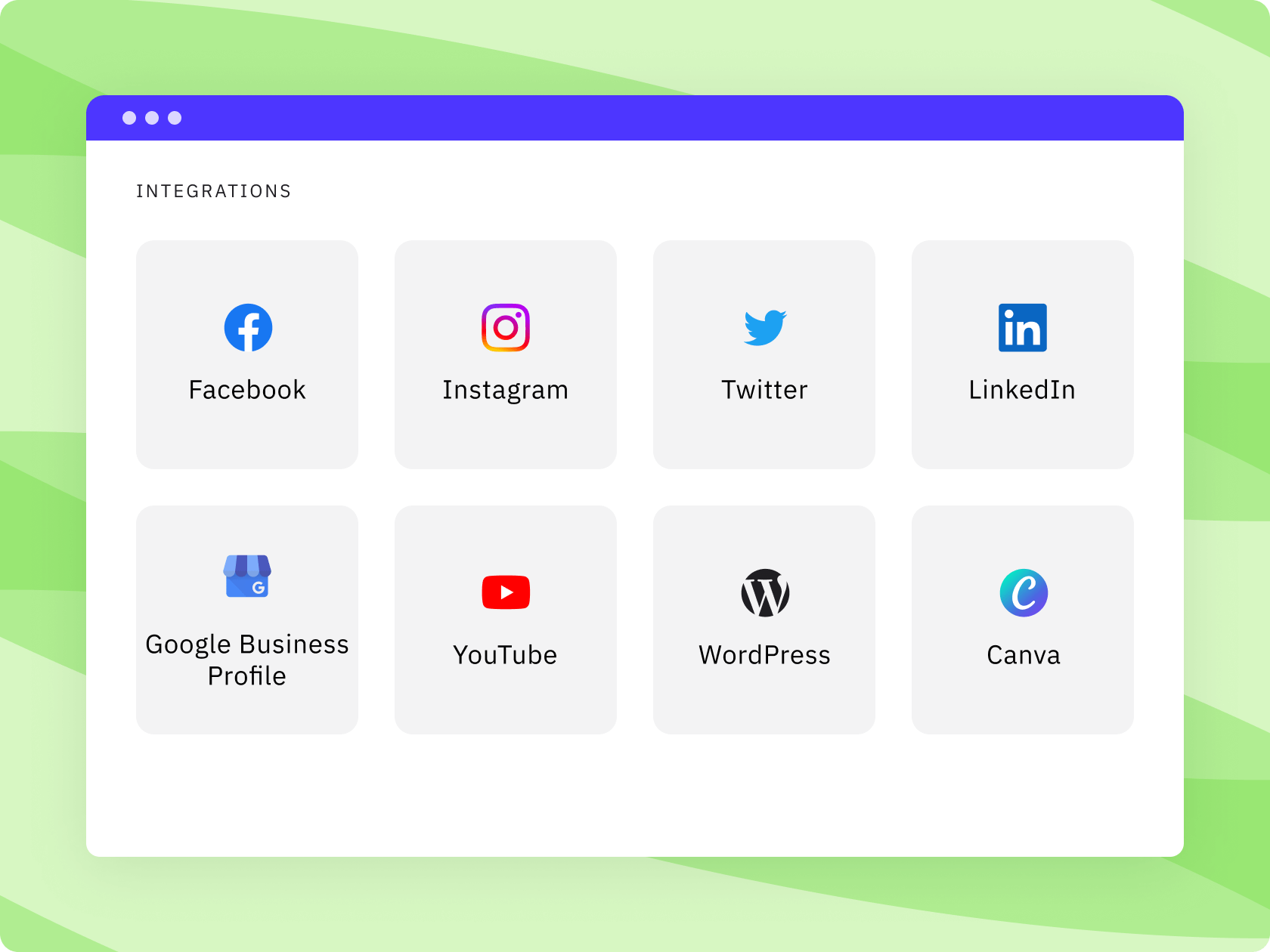
All supported social media networks & integrations
As one of the 10 best tools on G2, we’re a marketer’s best friend for
scheduling, monitoring, and reporting on social media.
Your content stays consistent across every account.
#52 — A content library the whole team shares
Store approved images, copy, and templates centrally. Any team member can create on-brand content without asking for assets or starting from scratch.
#53 — Campaign management keeps related content together
Group posts by campaign and plan, review, and report on them as a unit rather than hunting through the calendar.
#54 — Content queues keep your accounts active
Set up queues for different content themes, like seasonal posts, customer feedback, UGC, or evergreen tips. Choose how often each queue should publish and top them up when you have new content.
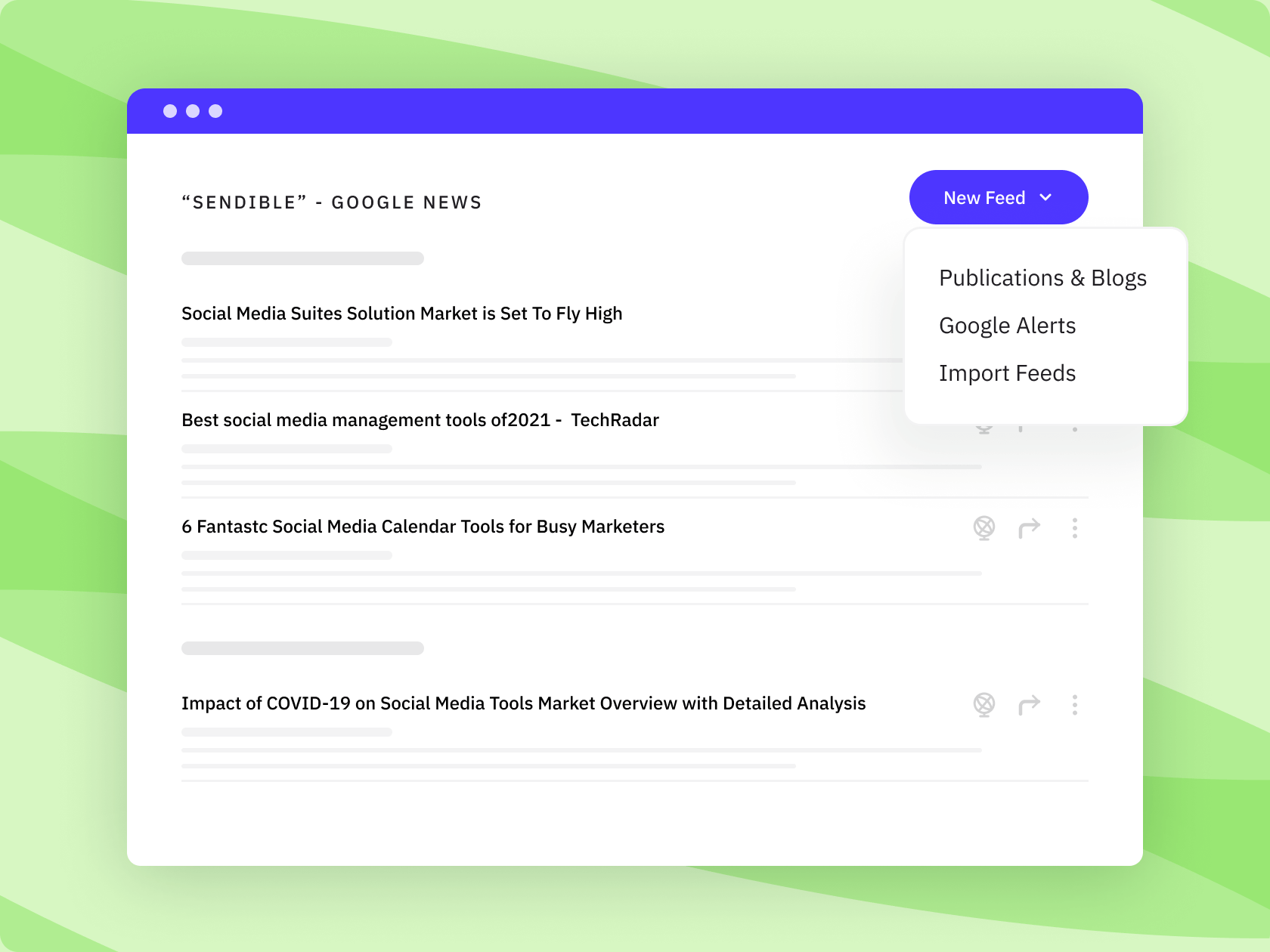
#55 — RSS feeds bring in relevant content automatically
Pull in curated content from industry sources, client blogs, or news feeds to supplement original posts without manual curation.
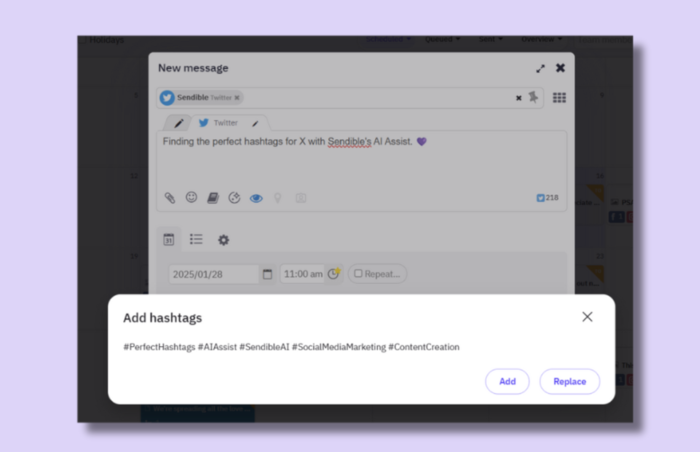
#56 — Dynamic fields for storing hashtags
Use pre-approved brand hashtags with dynamic fields. Ideal for amplifying reach, consistently across profiles.
#57 — Built-in editor for images & videos
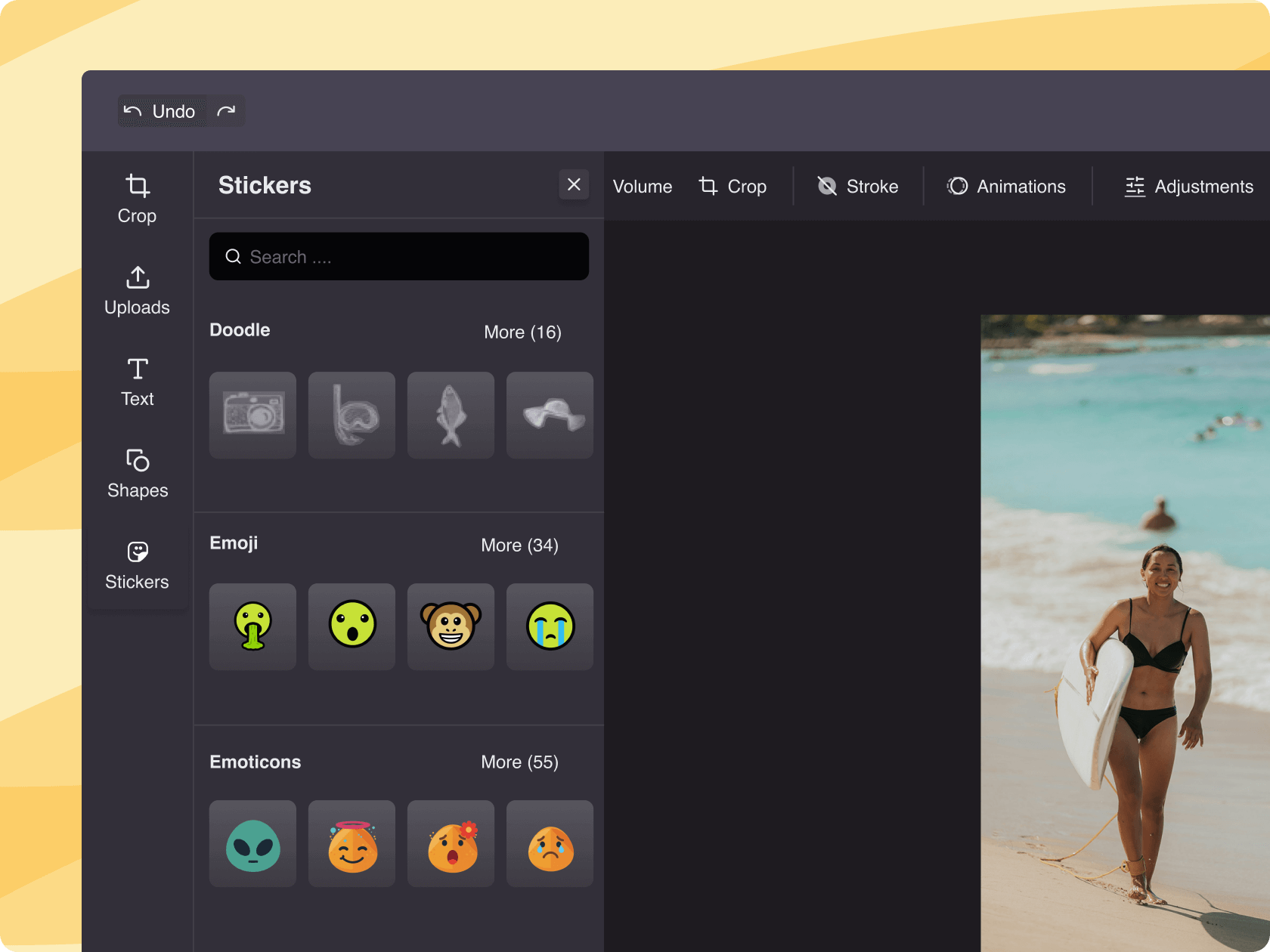
Crop, trim, and adjust images and videos to suit each social media platform's requirements and add filters, text, and stickers. With one-click presets for every social network, you can instantly format videos and images to the correct dimensions.
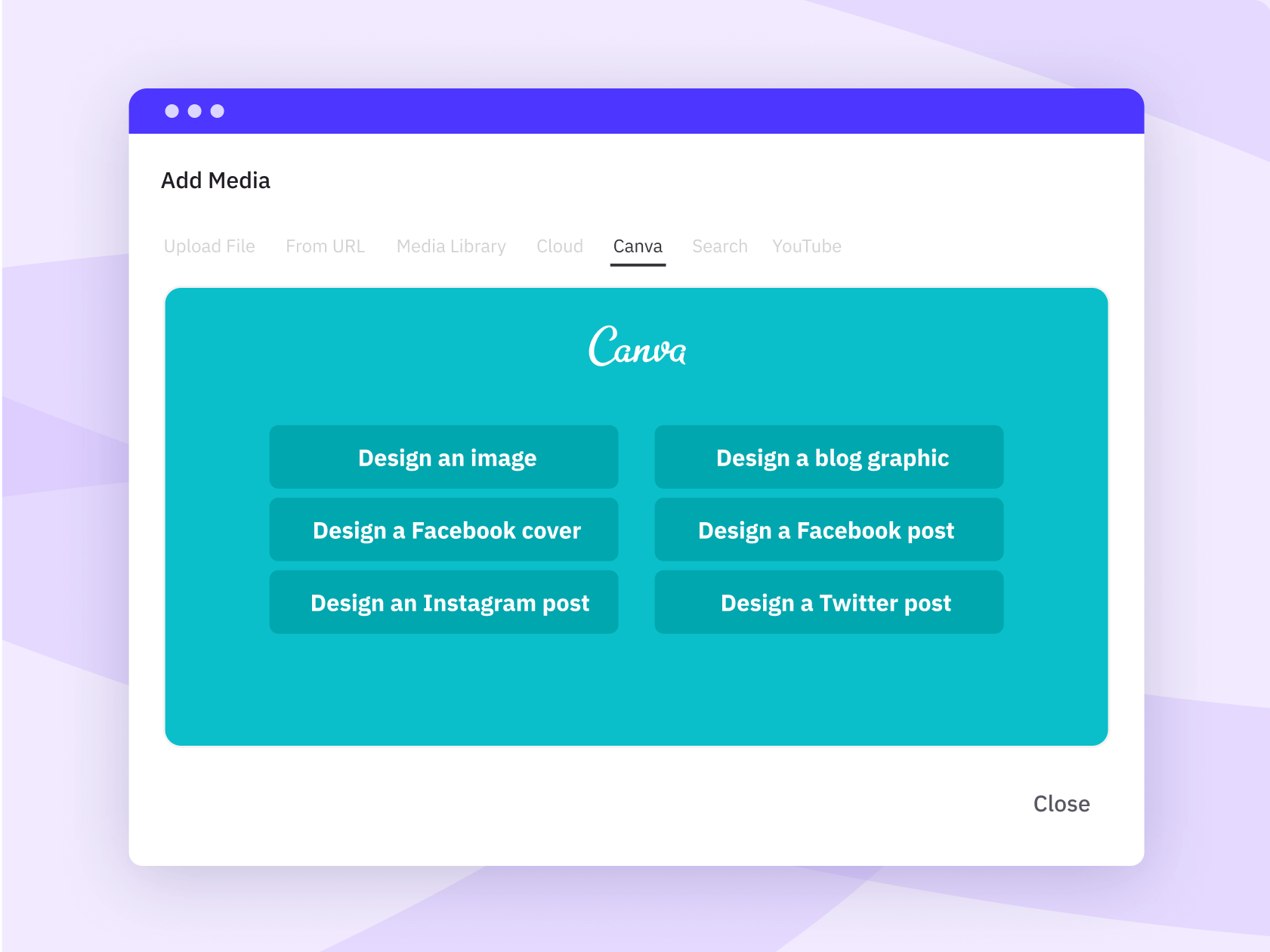
#58 — Canva is connected directly to the compose flow
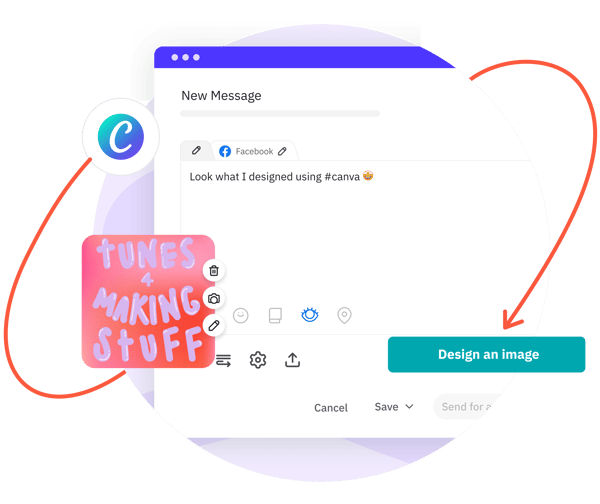
Design visuals in Canva and import them without downloading and re-uploading. The creative workflow stays in one place.
#59 — Find GIFs & stock images without leaving your post
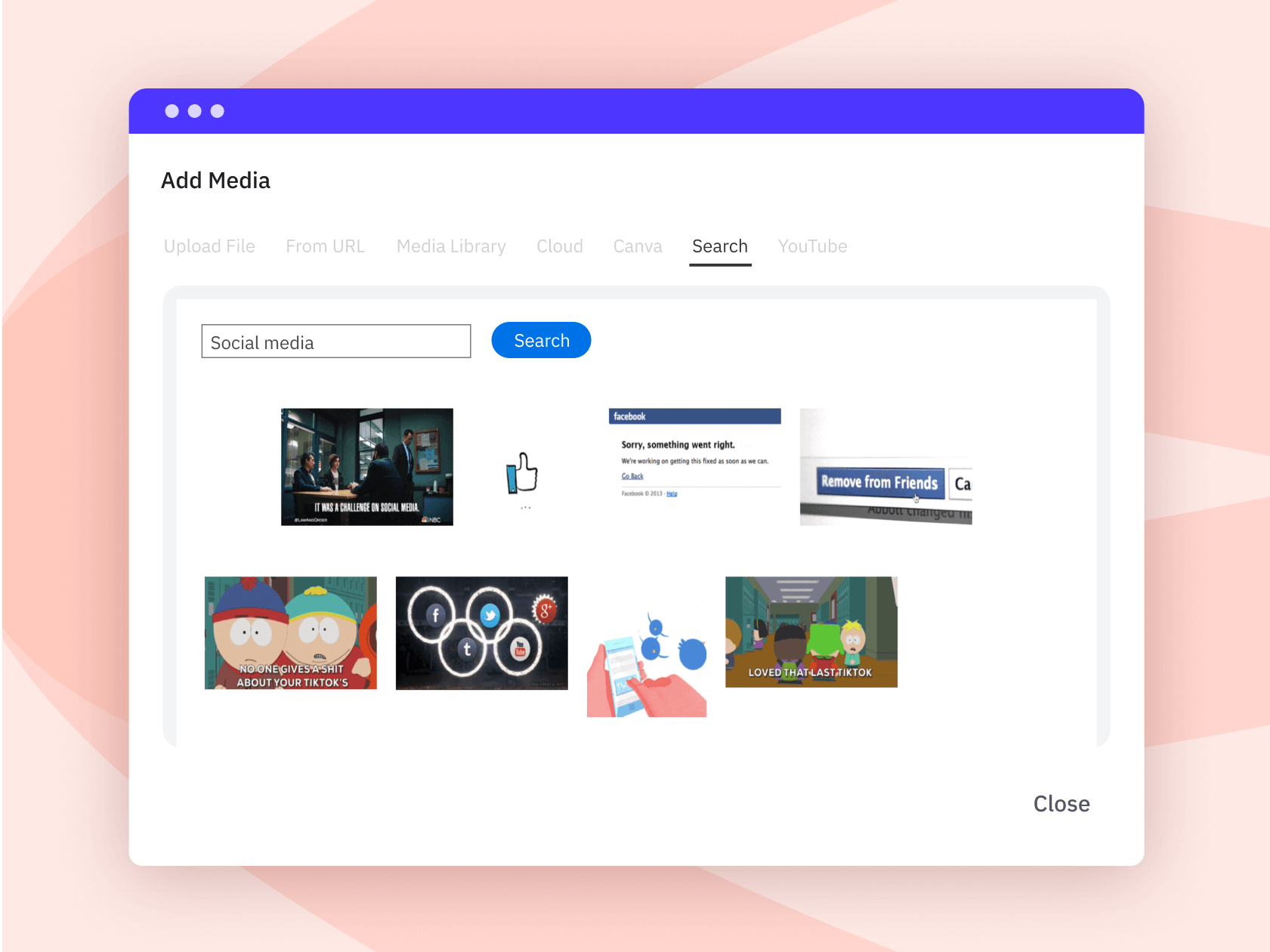
Search Pexels, Flickr, and Giphy from the compose box, then attach visuals directly to your draft. Faster than digging through separate image libraries.
#60 — Dropbox & Google Drive connect to your media library
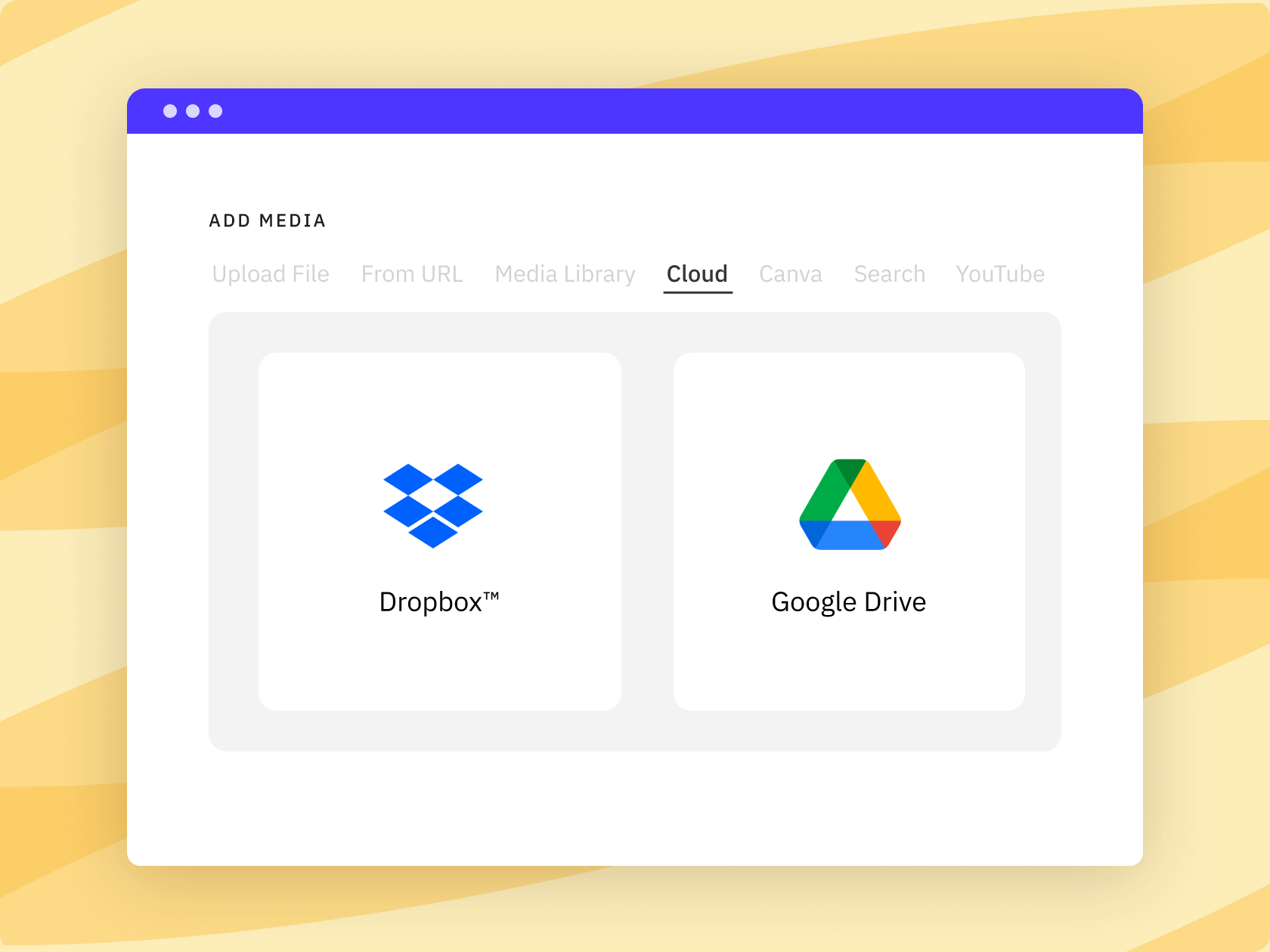
Pull images and video files directly from cloud storage. No local downloads or manual file transfers needed.
“We particularly like the functionality around dynamic fields and being able to group the accounts using profile groups. The account management and responsiveness of the customer support team have been excellent. I use Sendible every day.”
Karen S., Social Media and Content Manager, Enterprise, G2 review
The workflow holds together as you grow.
#61 — Add UTM tracking without leaving Sendible
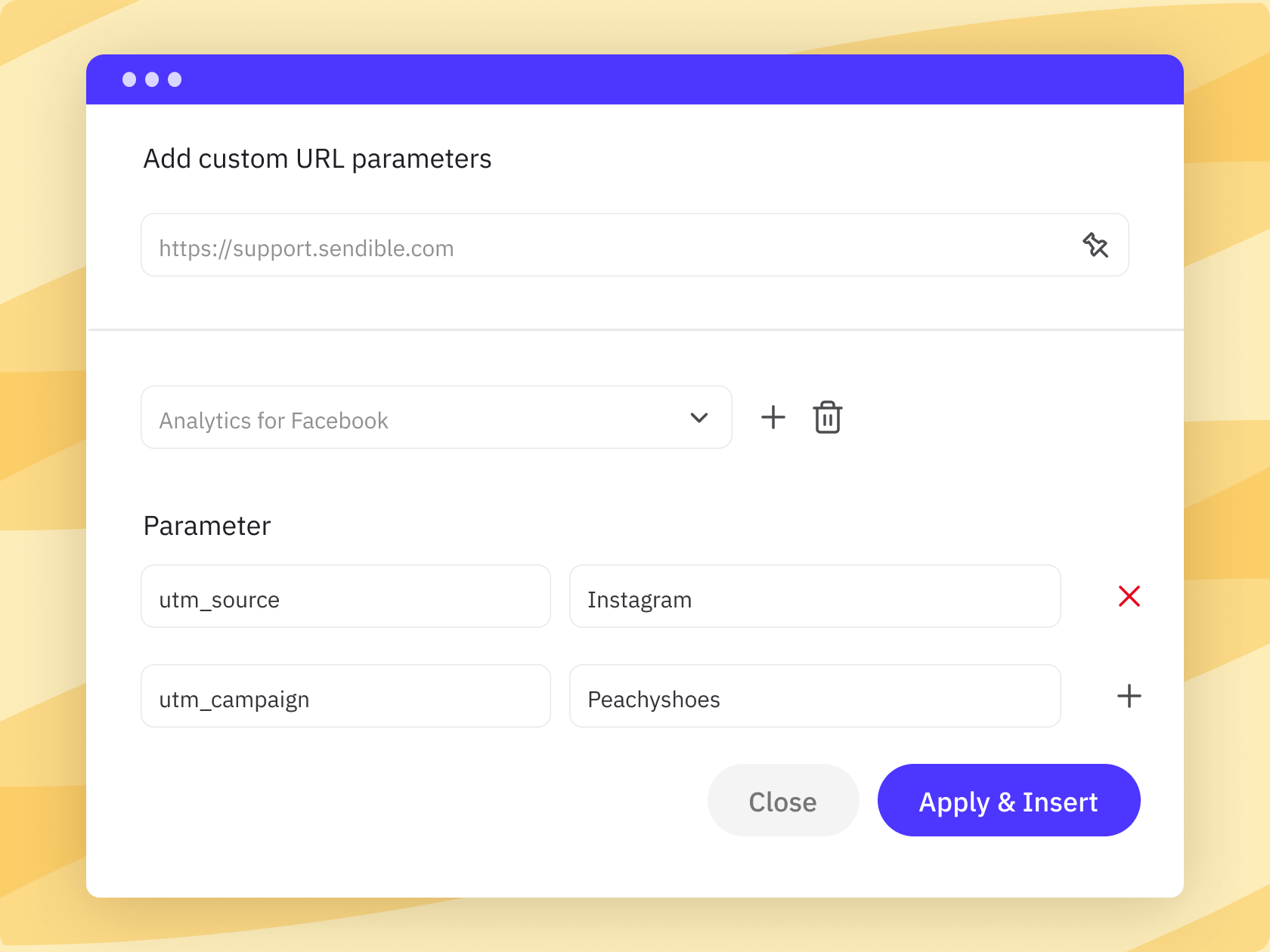
Add custom UTM parameters as you create your content to track which posts and channels drive traffic. One less manual step between publishing and proving what worked.
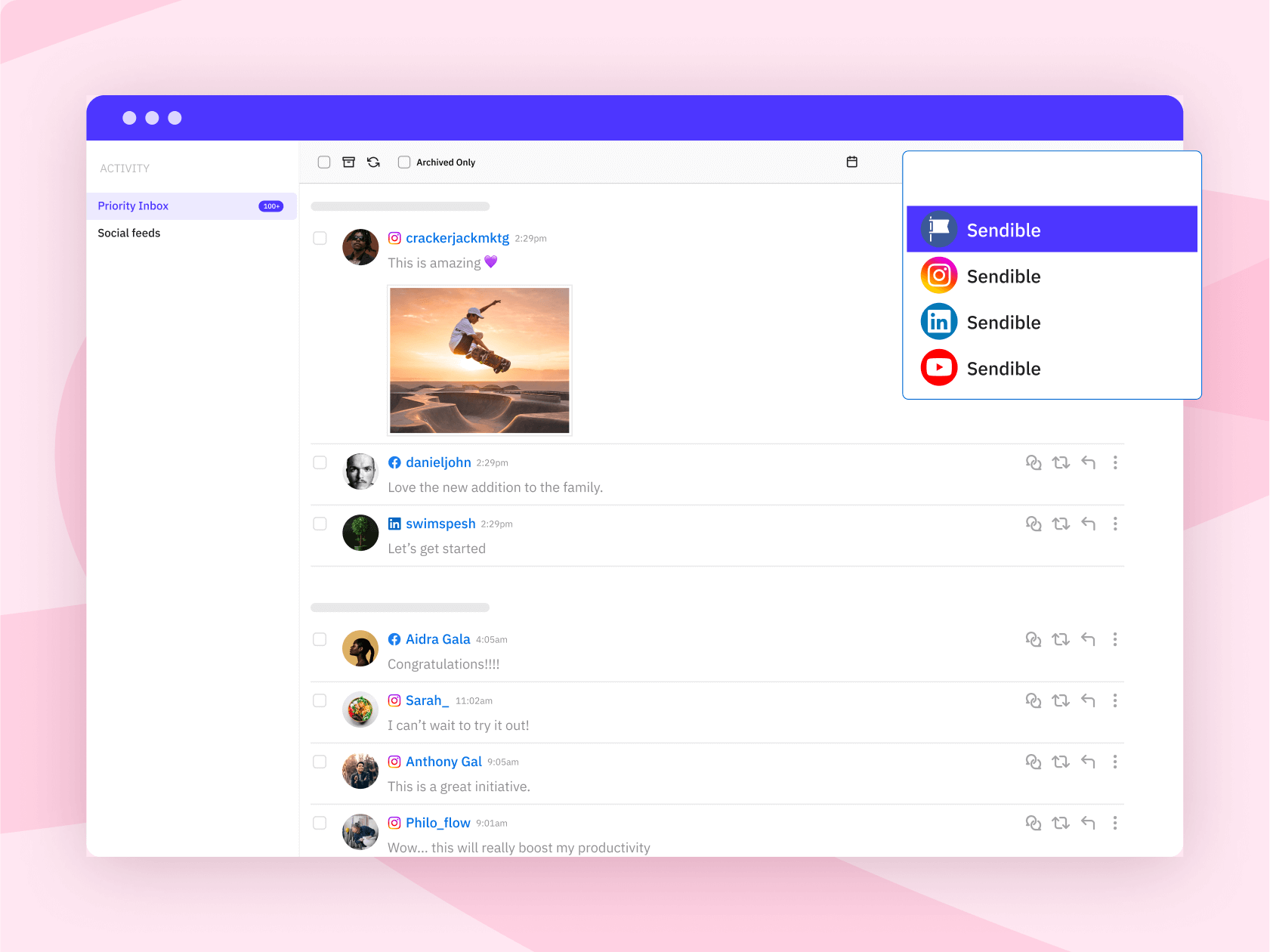
#62 — Priority Inbox highlights key comments
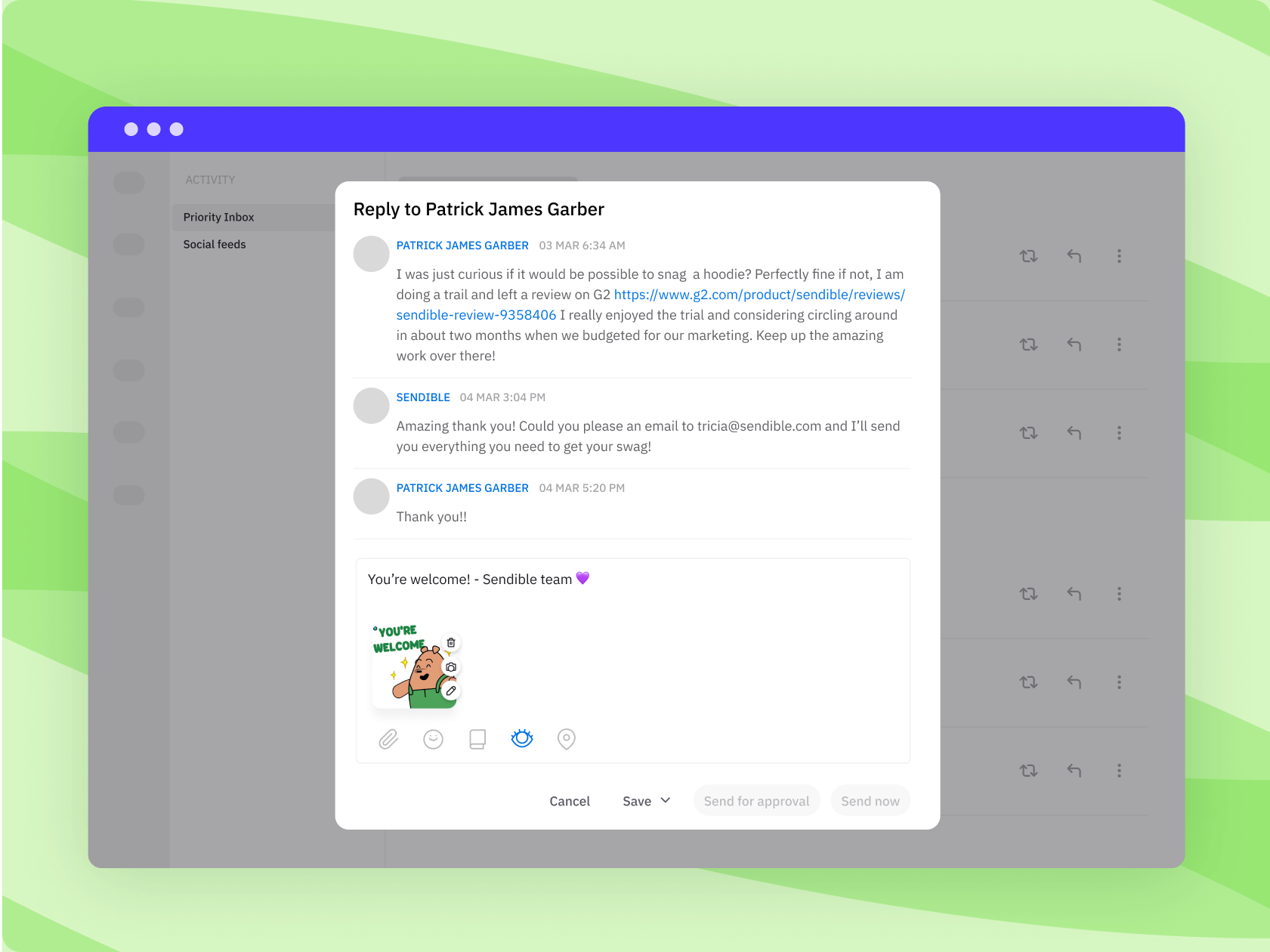
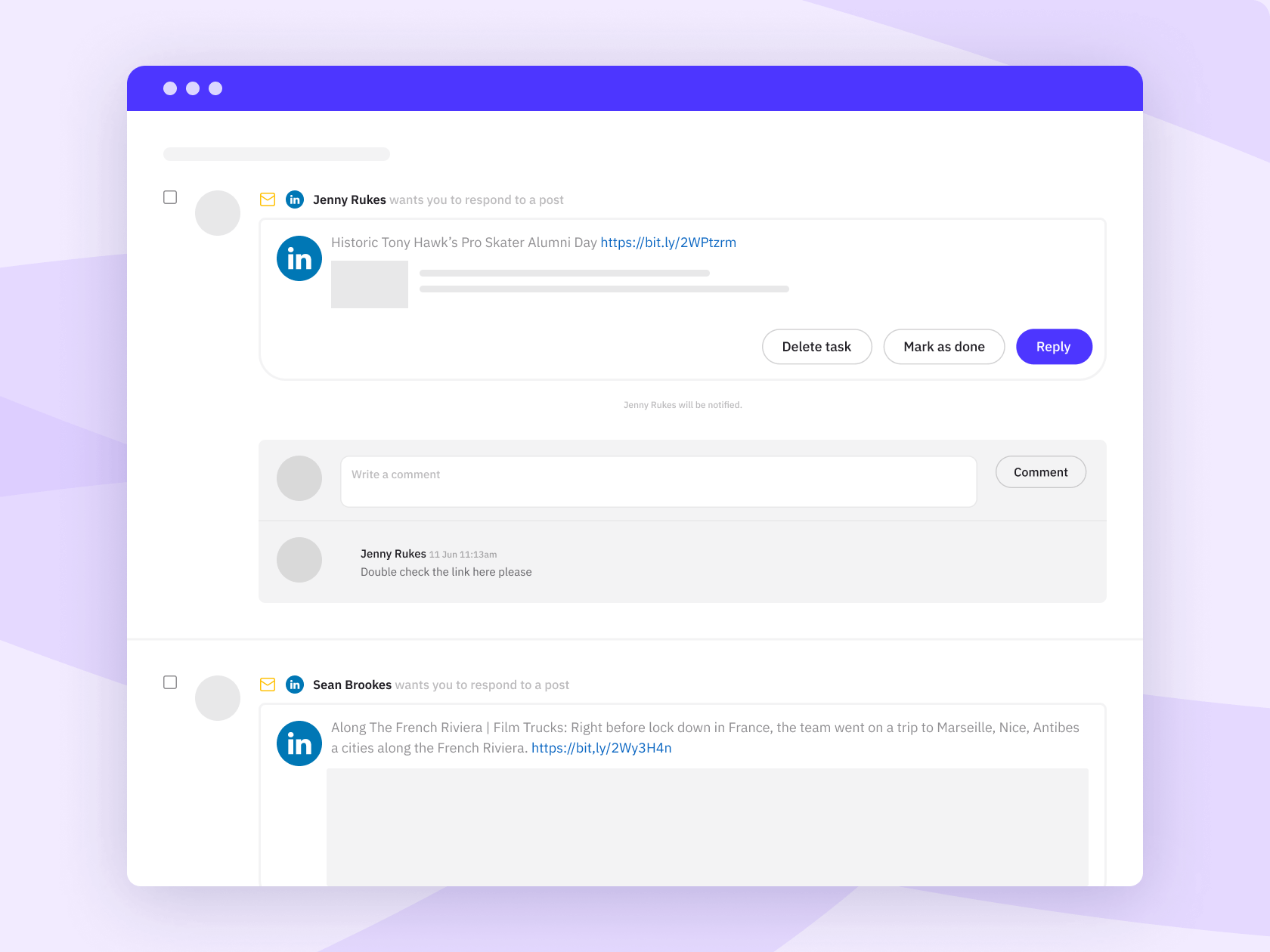
Surface the comments and messages that need a response quickly. Ideal for your morning check-in before diving deeper into each social feed.
#63 — Share curated content in just a few clicks
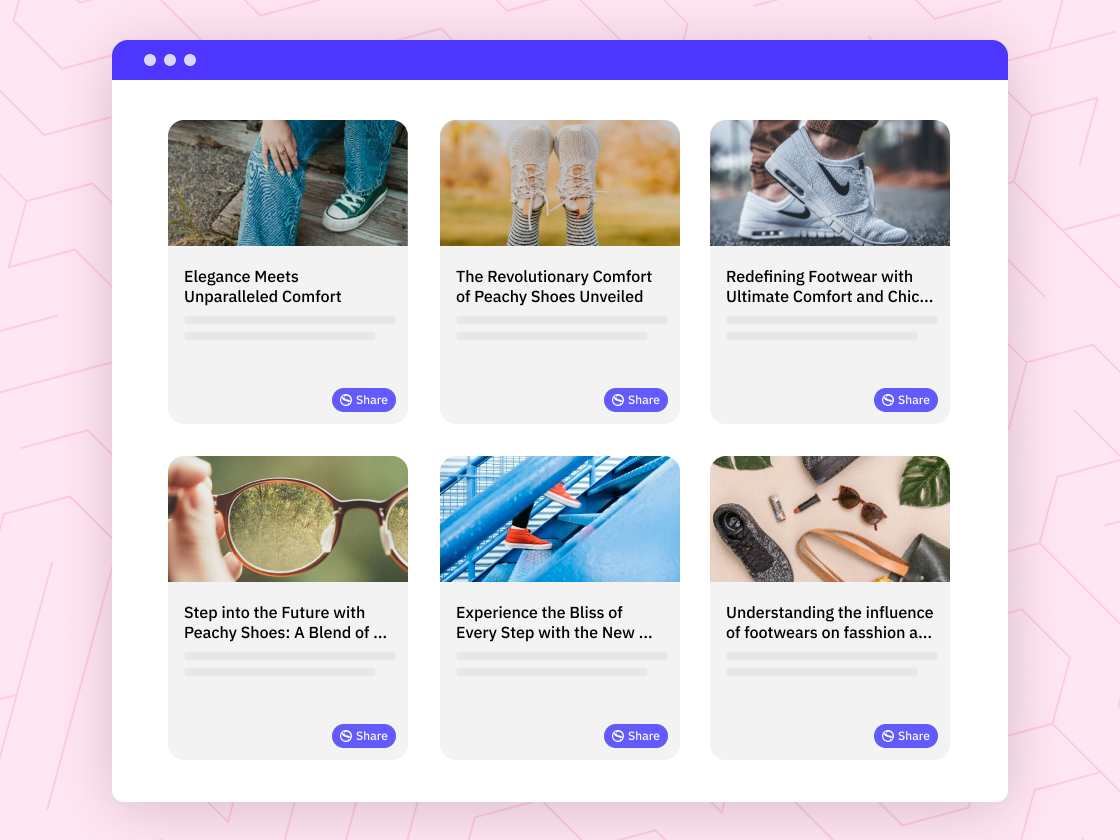
Use Sendible’s Share Button to share curated content across social media platforms directly from your website or blog.
#64 — Keep approvals moving, even when people are away from their desk
Send posts for approval by email so clients, managers, or local teams can review and approve content from wherever they are. No extra login required.
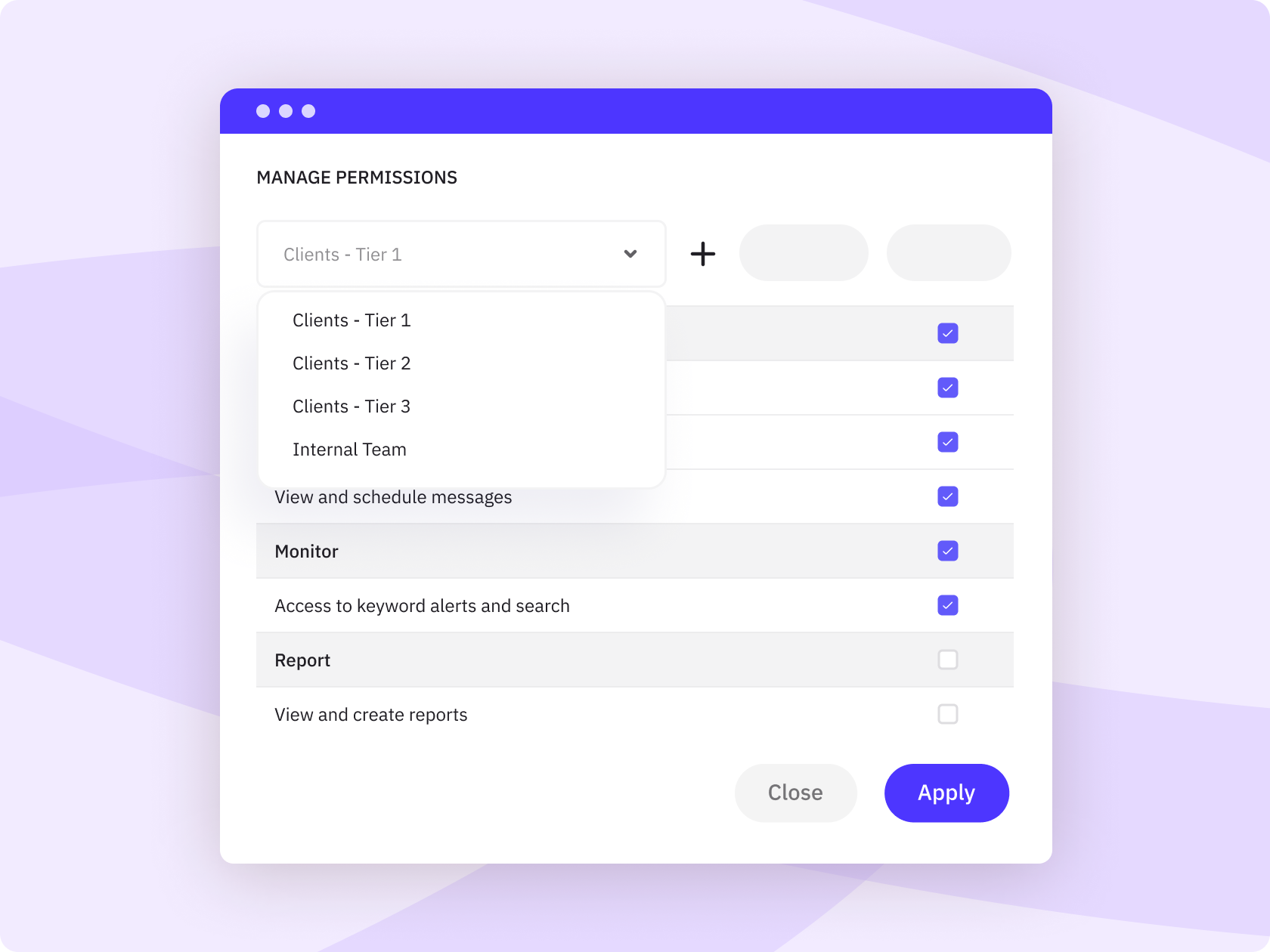
#65 — Team roles & permissions match the way you work
Give each person the right level of access by role, client, brand, or location. Useful for agencies, franchises, and growing teams that need control without slowing everyone down.
#66 — Every post has a clear status
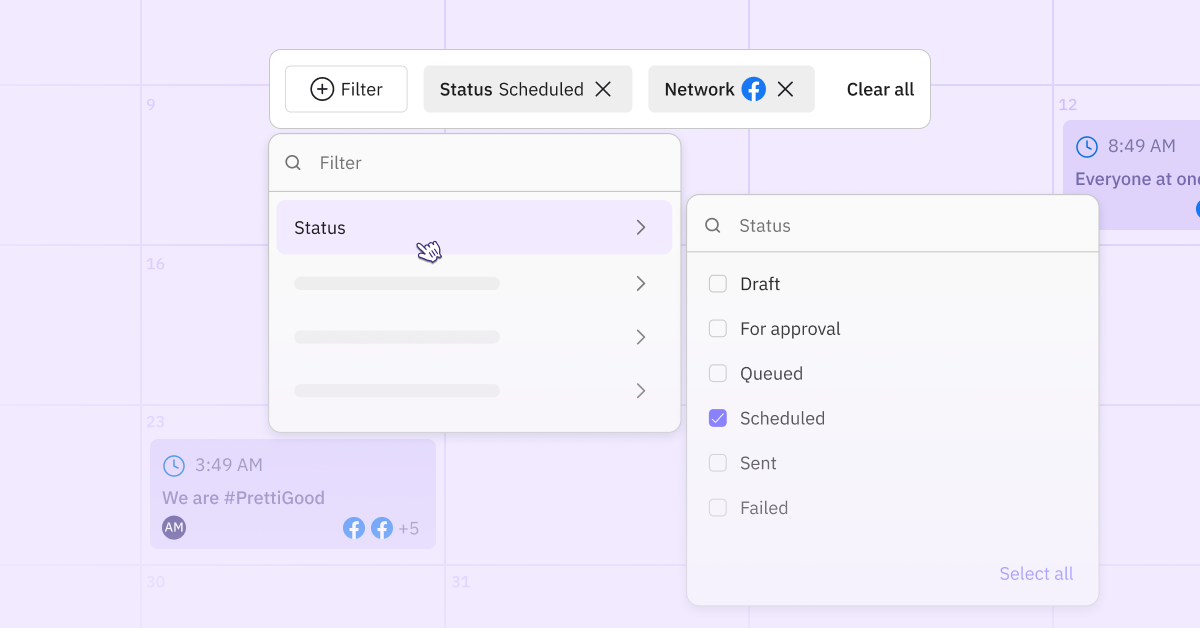
See what is drafted, scheduled, approved, rejected, or published without chasing updates across email, spreadsheets, or Slack. Everyone knows where the work stands.
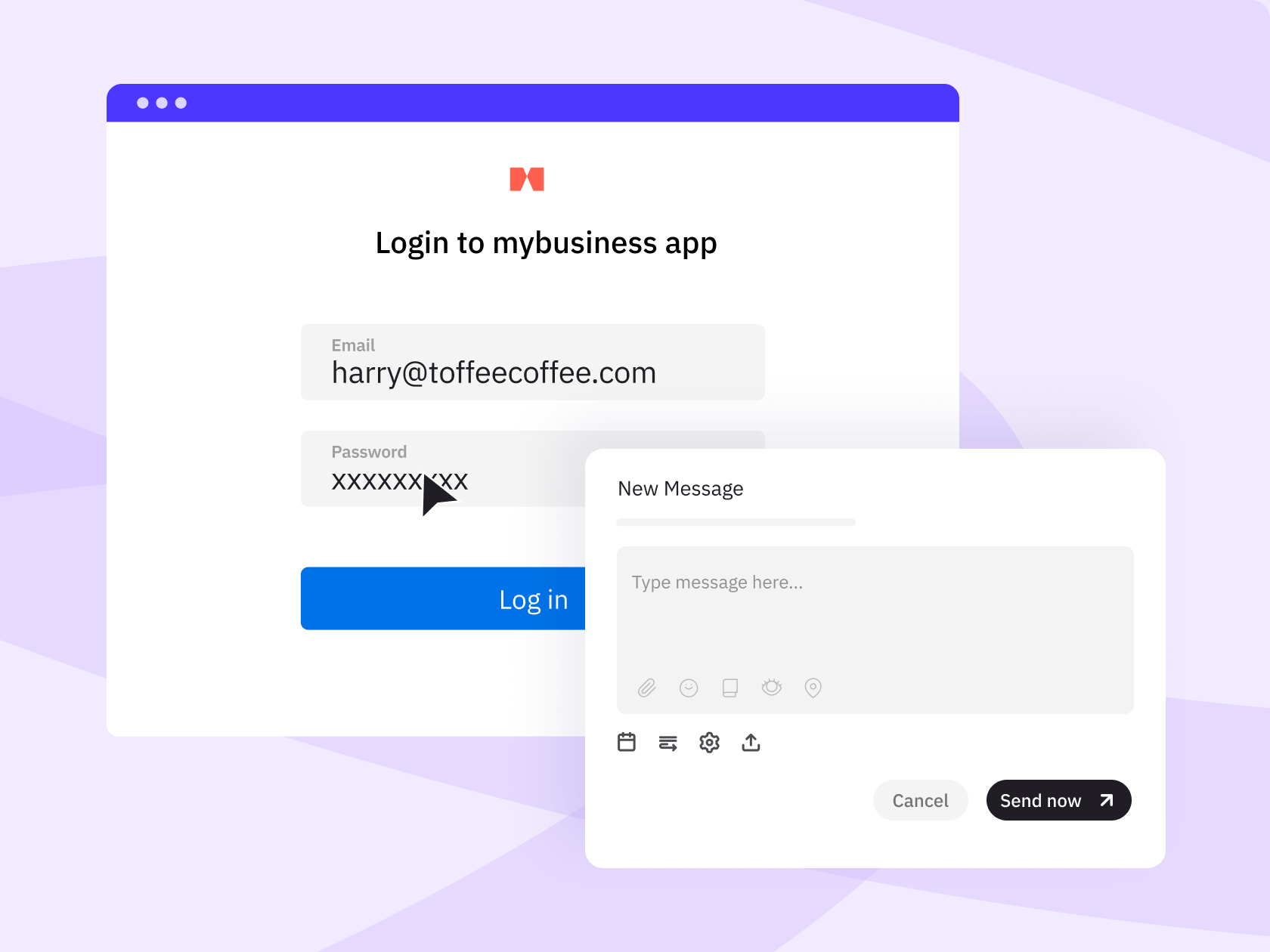
#67 — SSO removes friction for teams & clients alike
Single sign-on means team members and clients can access the platform through existing credentials. No separate logins to manage.
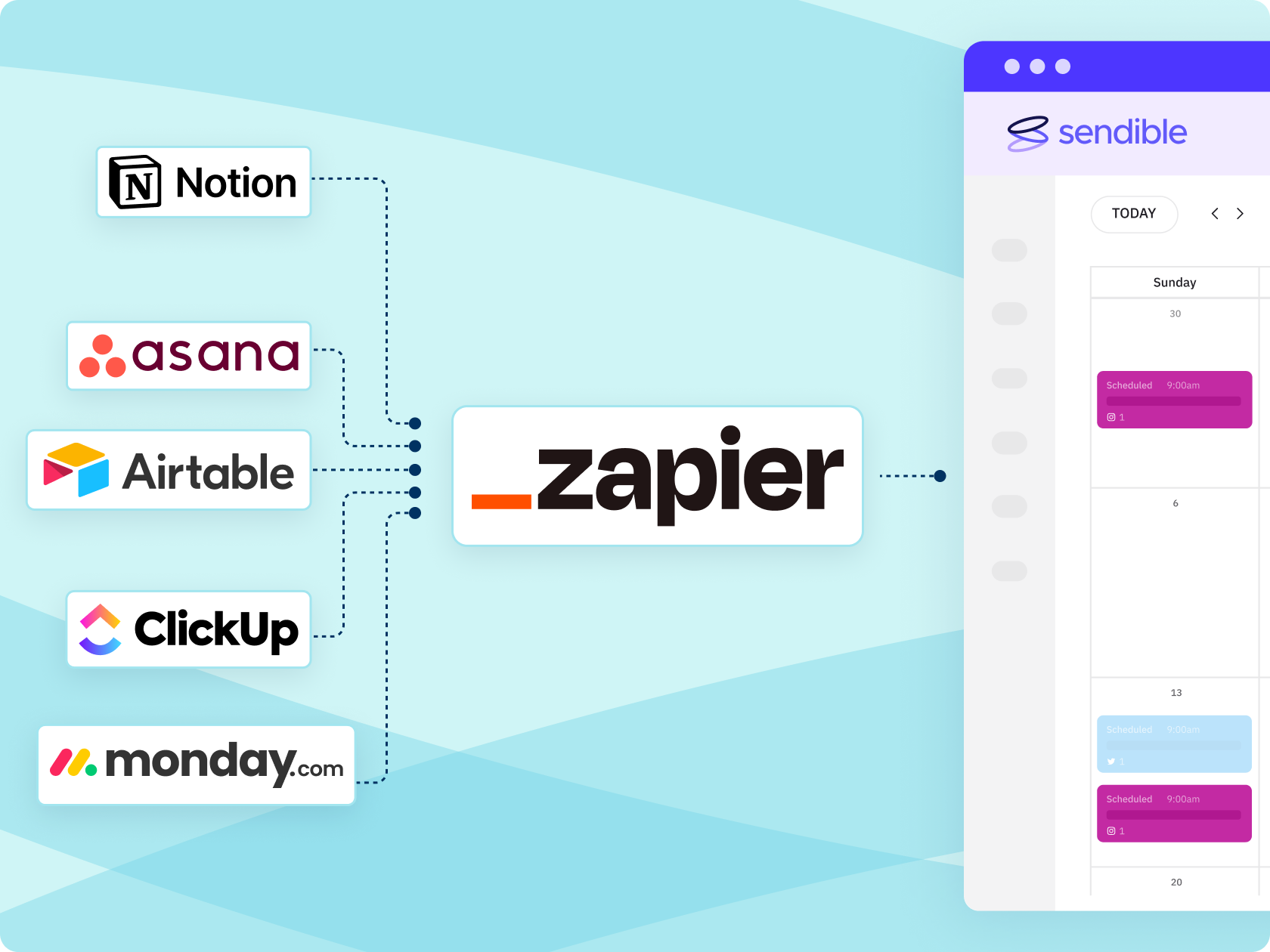
#68 — Zapier connects Sendible to your content planning stack
Connect Sendible to Zapier and thousands of apps to reduce manual content transfer. When content is marked as ready in tools like Airtable, Notion, Monday.com, or ClickUp, the automation can automatically approve or schedule the posts.
#69 — API access supports custom integrations & user setup
Connect Sendible into your platform or automate user management at scale. Particularly useful for software partners and large organisations.
“I've tried countless tools, but Sendible has truly revolutionised my workflow. I can confidently manage my clients' social media profiles, deliver exceptional results, and save valuable time. If you're looking for a reliable social media management tool, I highly recommend giving Sendible a try." ”
Emma M., Social Media Manager, G2 review
Reporting stops being the worst part of the job.
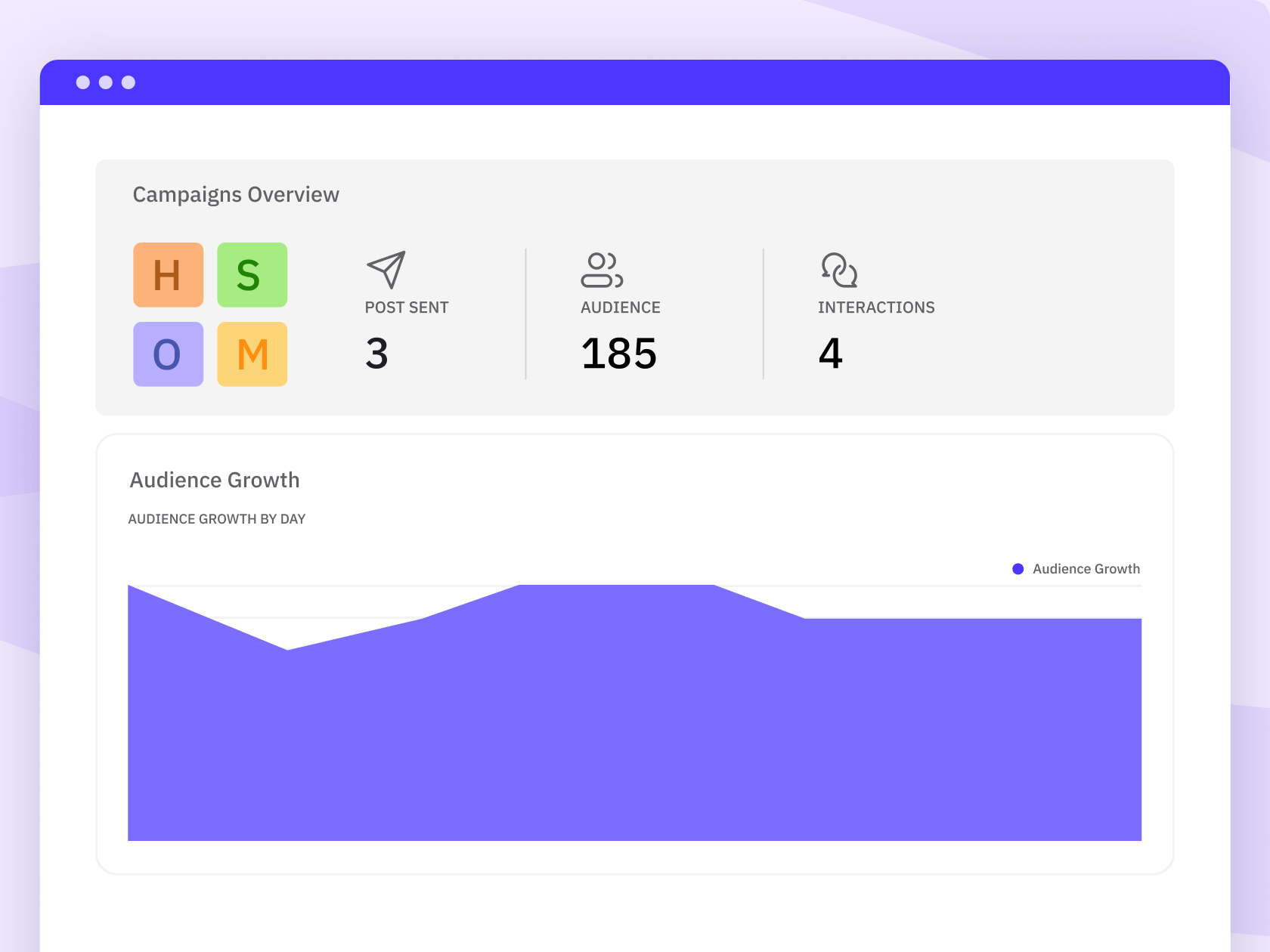
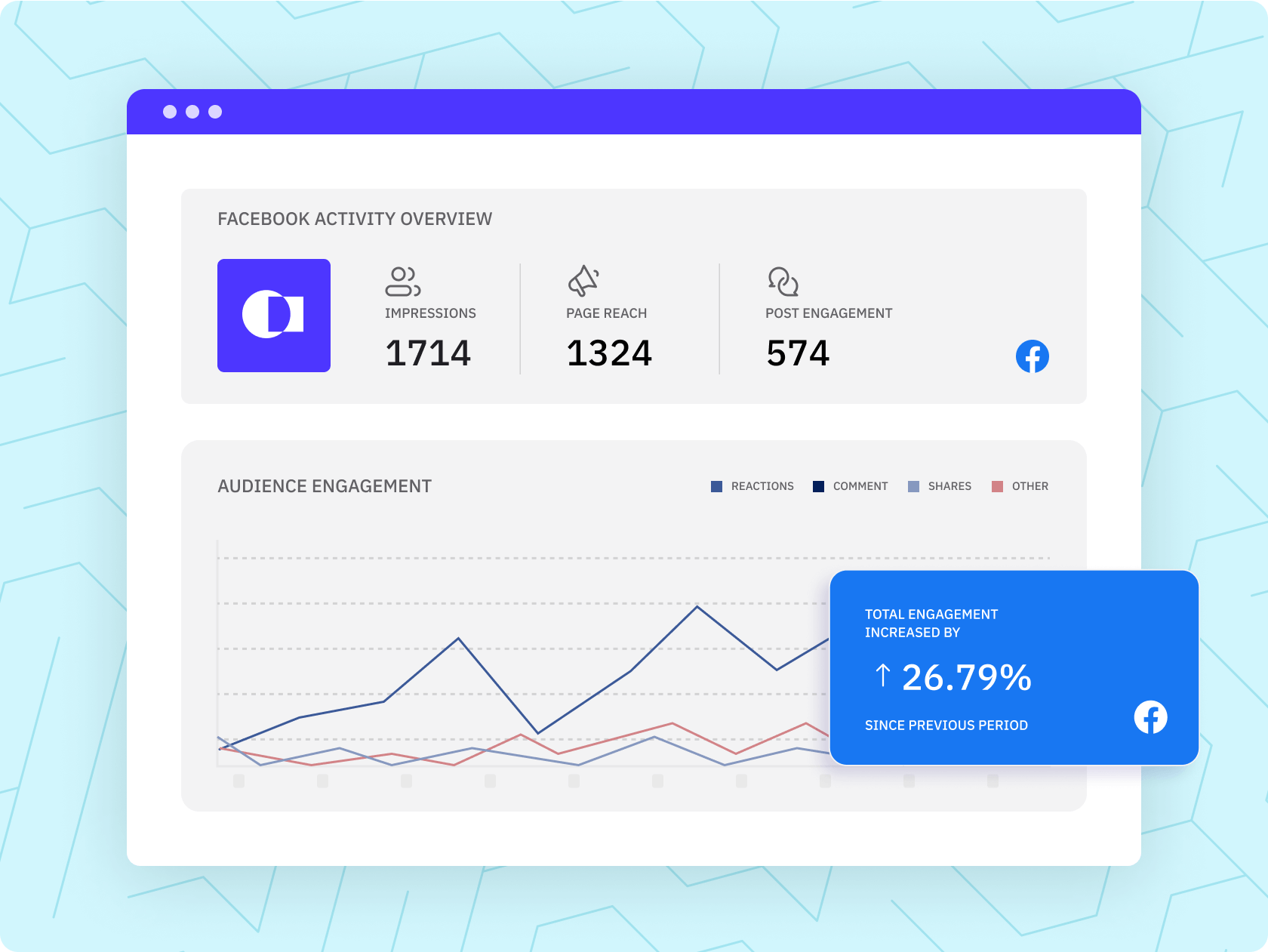
#70 — Key social media analytics in one dashboard
See audience data from every connected profile in one place, without pulling separate reports from each native platform.
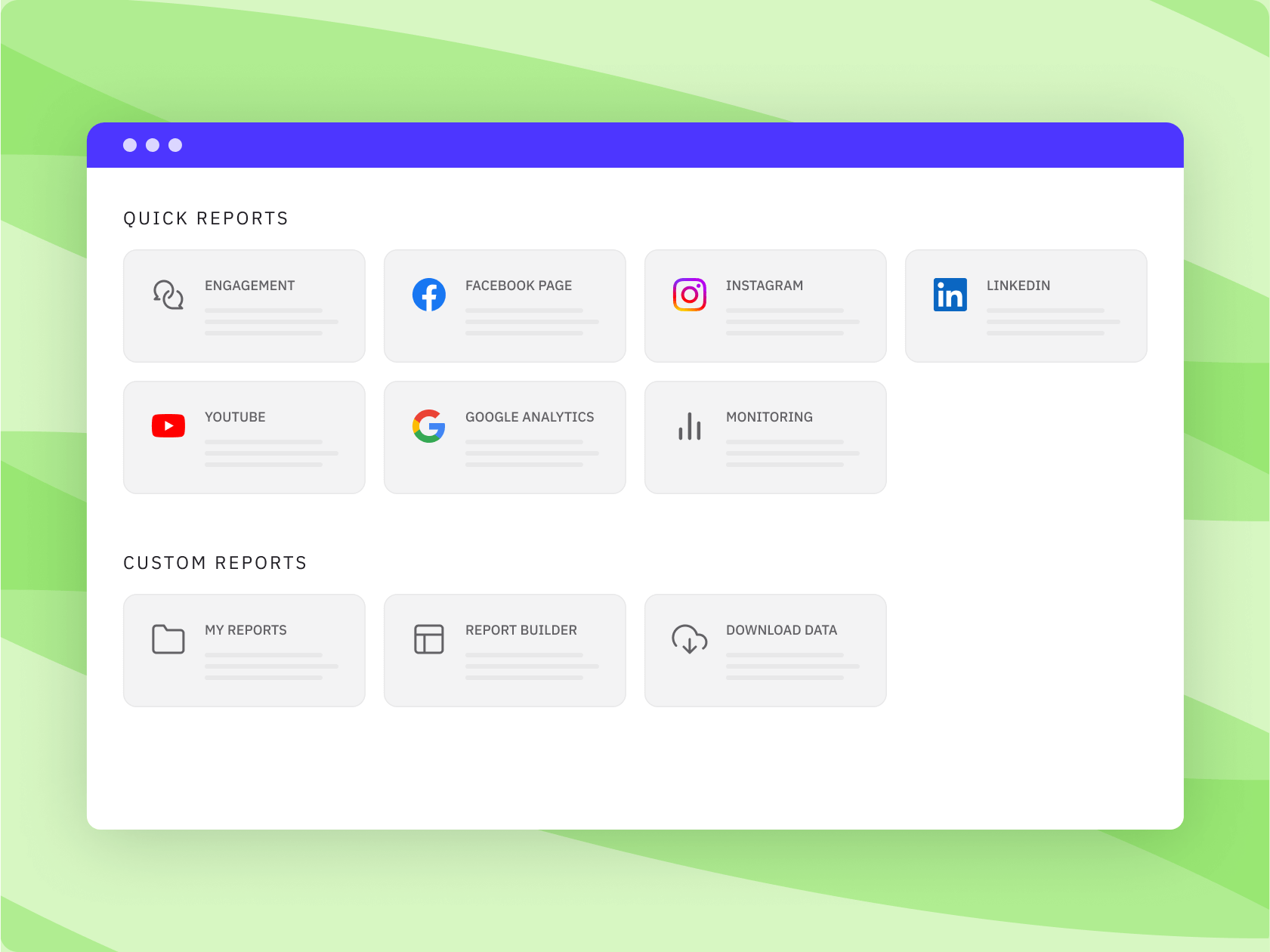
#71 — Cross-network engagement reports give you the bird’s-eye view
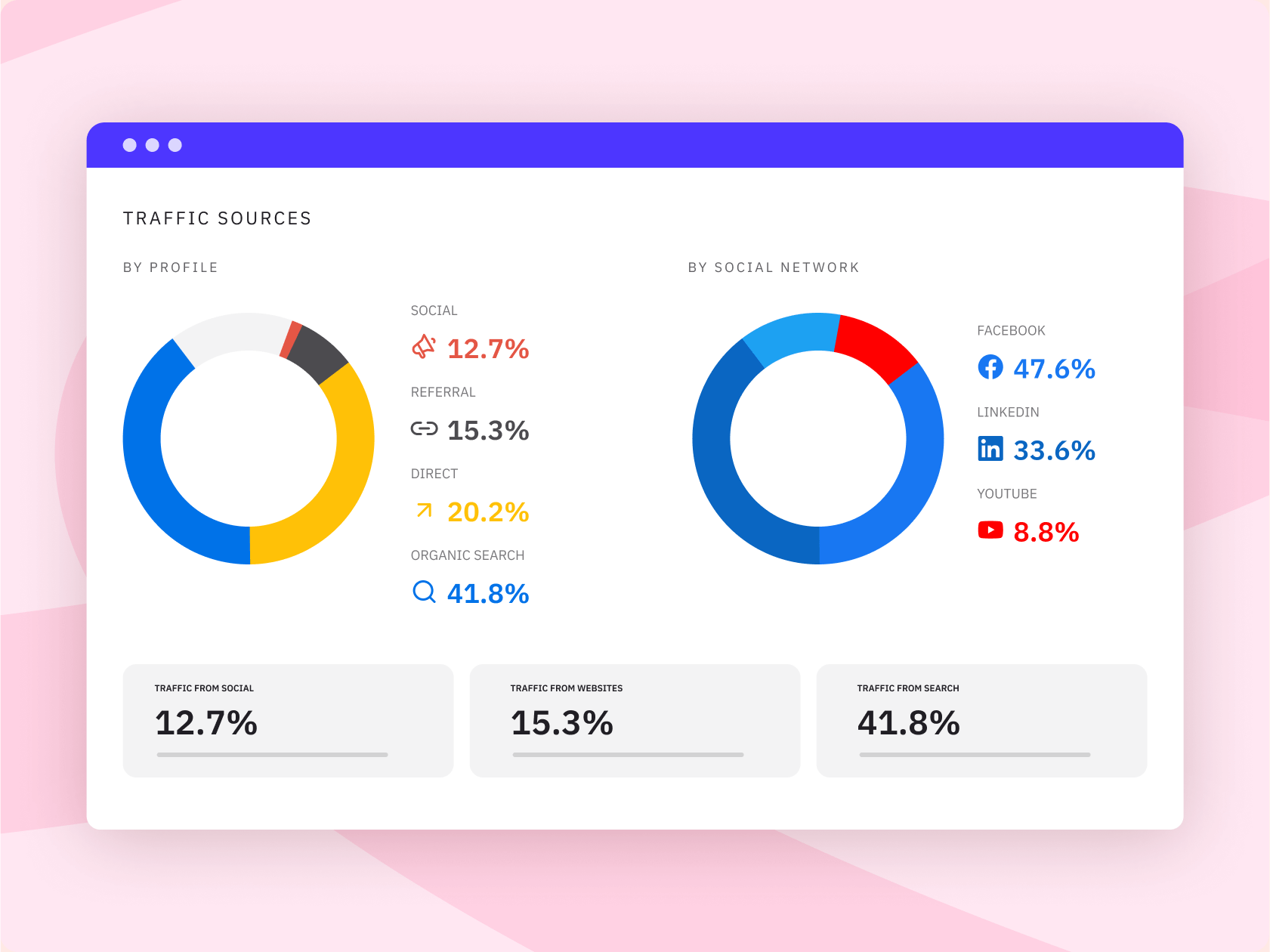
Compare engagement across Instagram, LinkedIn, Facebook, X, and more in a single report. Especially useful when you need to understand your best-performing content across all channels.
#72 — Individual channel insights show what is really happening
Drill into performance by individual page, profile, or channel, rather than relying only on blended account-level data.
#73 — Campaign-level reporting connects activity to outcomes
Use campaign tags to filter performance and see which initiatives drove best engagement, separate from your always-on content.
#74 — Google Analytics integration shows the bigger picture
Connect GA4 to see how social content contributes to website activity. The link between publishing and on-site behaviour becomes clearer.
#75 — Reports that look polished without extra design work
Add branded details like your logo and colours, so reports feel professional without spending hours formatting them.
#76 — 90 days of lookback data helps you spot recent trends
Review up to 90 days of social performance data to understand what is improving, what is dropping, and what deserves a closer look. Useful for monthly reviews, campaign check-ins, and performance comparisons.
#77 — Custom and exportable reports make sharing easier
Create custom reports or download data in formats your team can use without needing to rebuild or reformat everything manually.
#78 — Scheduled reports delivered on a set cadence
Set reports to send automatically to clients or internal stakeholders. They arrive on time, consistently, without manual exports or reminder emails.
Try Sendible today
Explore the platform, invite your team, and see how it fits into your social media workflow. Plans start from $99/month for 4 users and 24 connected profiles.
If your current tool is getting expensive, clunky, or hard to scale, we've got you!
#79 — A stronger value case than Sprout Social
Sprout Social is powerful, especially for teams that need deeper monitoring, but many teams do not need that level of cost or complexity to manage social well.
Sendible gives growing teams strong publishing, reporting, collaboration, and multi-profile workflows at a more accessible price point.
#80 — A better way to scale than Hootsuite
If Hootsuite started to feel too expensive or too heavy as your team grew, Sendible is worth another look.
Our platform covers the day-to-day essentials — scheduling, reporting, approvals, inbox, and AI content support — without pushing every growing team into an enterprise-style setup.
#81 — Cleaner client & calendar separation than SocialPilot
SocialPilot is known as a low-cost option, but price is not the only factor when you manage multiple clients, brands, or teams.
Sendible makes it easy to give each client or team its own calendar, keeping work separated, organised, and easier to manage at scale.
#82 — Collaboration does not need to become a budget problem
Sendible is built for teams that need more people involved without making collaboration feel expensive or complicated. Clients, stakeholders, local teams, managers, and content creators all have a role to play.
#83 — Client management is built for agencies
Agencies have always been one of Sendible’s core customers. Manage clients, calendars, approvals, reports, and access in one place so client work feels structured rather than scattered across tools, inboxes, and spreadsheets.
#84 — White label keeps your brand front & centre
Available for agencies and partners, the white label add-on removes Sendible branding from the user experience. Your team sees your brand, while we power the workflow behind the scenes.
#85 — Human support is part of the value
Switching tools is easier when there are real people to help. Sendible customers consistently call out responsive, helpful support, especially during onboarding or workflow rebuilding.
#86 — Migration support helps you move without starting from scratch
When you switch from a competitor, the team can help you connect profiles, rebuild workflows, and get set up properly. You are not left to figure everything out alone.
#87 — Scale without unnecessary overhead
Adding more clients, profiles, locations, or brands should not force you into a bloated enterprise setup. Sendible gives growing teams the structure they need to manage social at scale, without paying for more platform than they actually use.
“I love the ease of use. I tried multiple platforms that were around Sendible's price point, and found that Sendible was the most straightforward and easy to use for me. I have also found their Customer Support to be helpful and responsive. I was up and running in less than an hour.”
Whitney R., Founder, Creative Director, Agency, G2 review
Useful features have been shipped & even more are coming.
#88 — The platform keeps evolving with customers in mind
Sendible is not the same platform you may have looked at before. The product continues to improve across scheduling, reporting, collaboration, integrations, and team workflows, with all updates shaped by real customer needs.
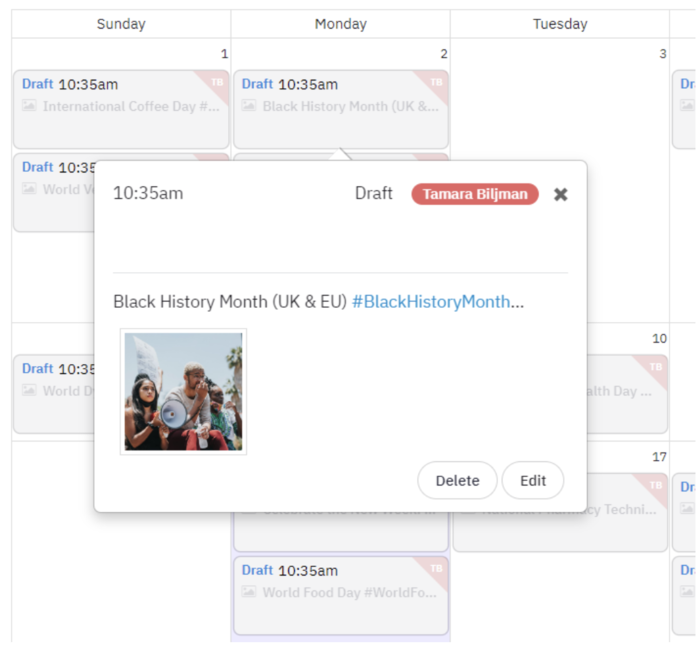
#89 — The unified calendar is a major step forward
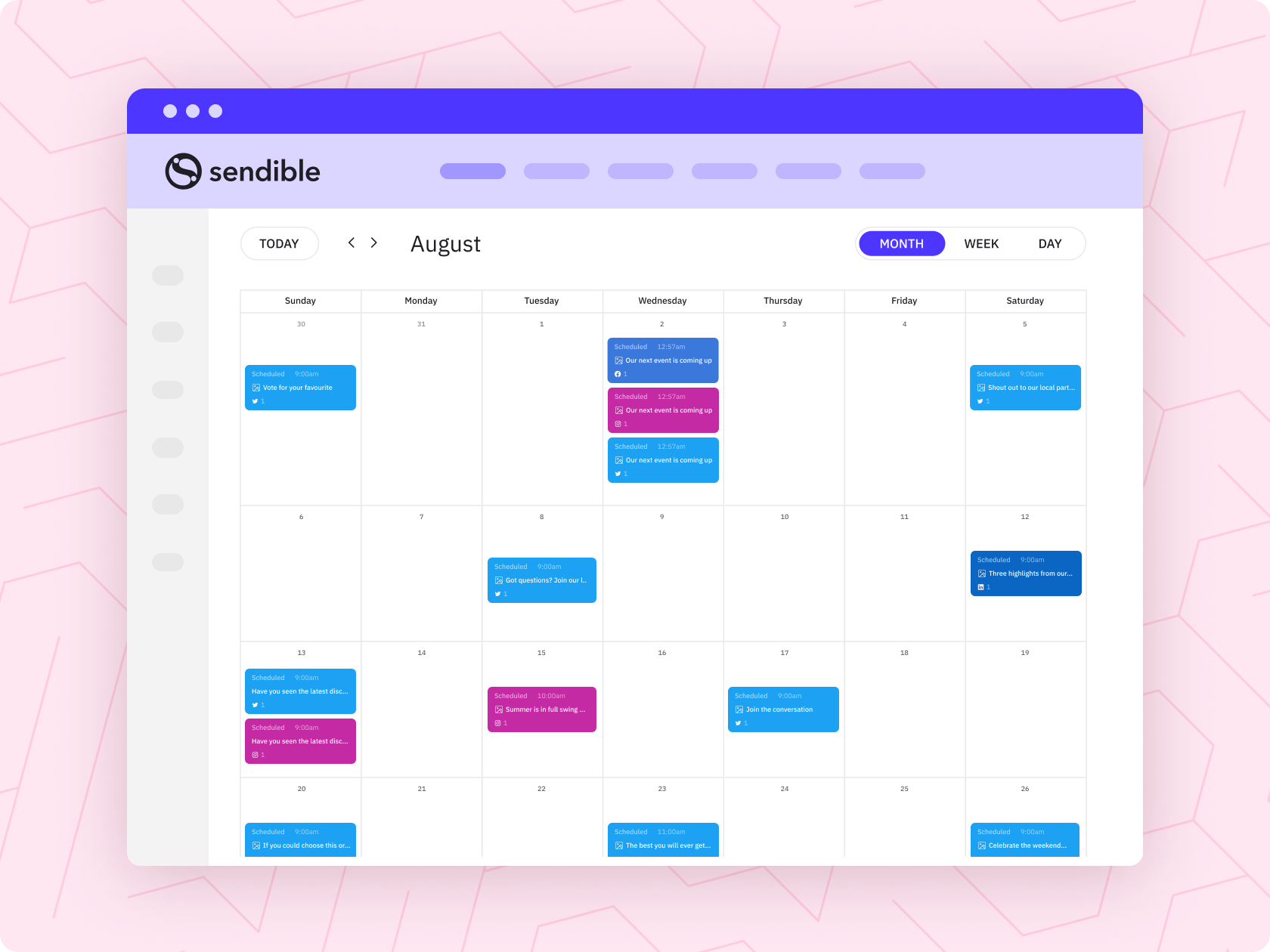
See more of your social content in one place. The updated calendar makes it easier to understand what is planned, drafted, approved, scheduled, and already live.
#90 — Video editing helps content feel ready to publish
Small edits can make a big difference. Sendible’s video editing tools help teams polish video content before it goes live, without adding another separate step to the workflow.
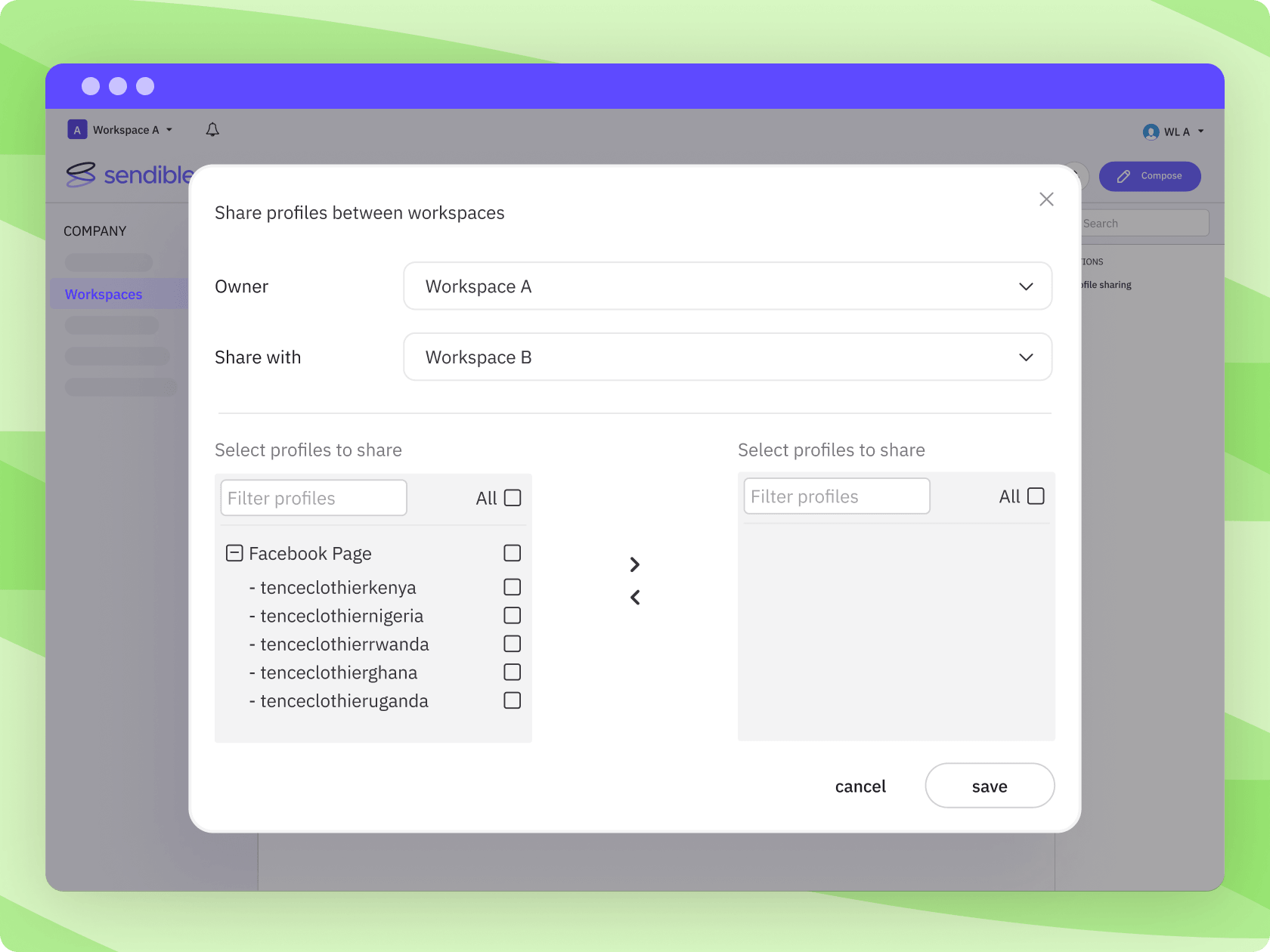
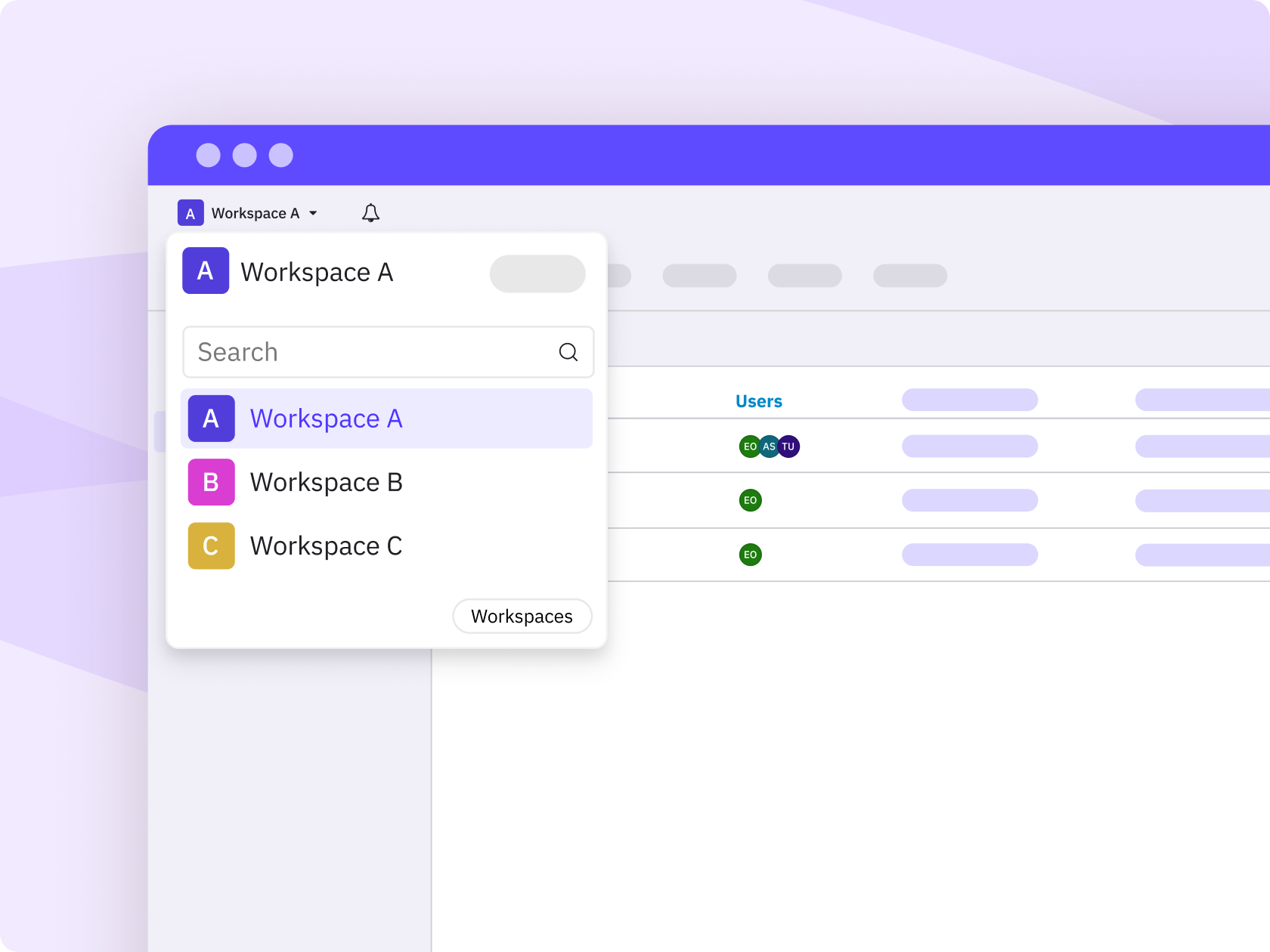
#91 — Workspaces are almost here
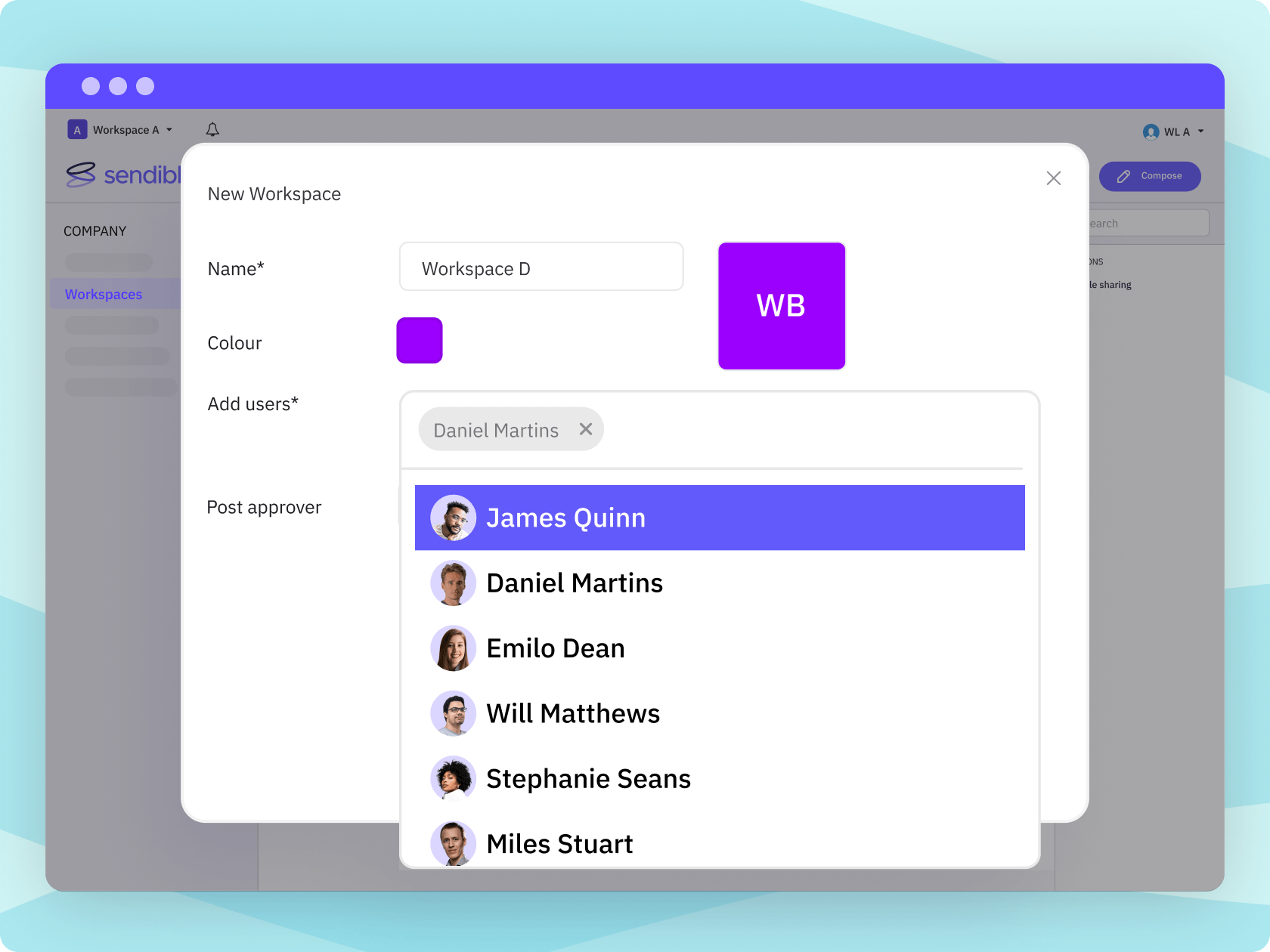
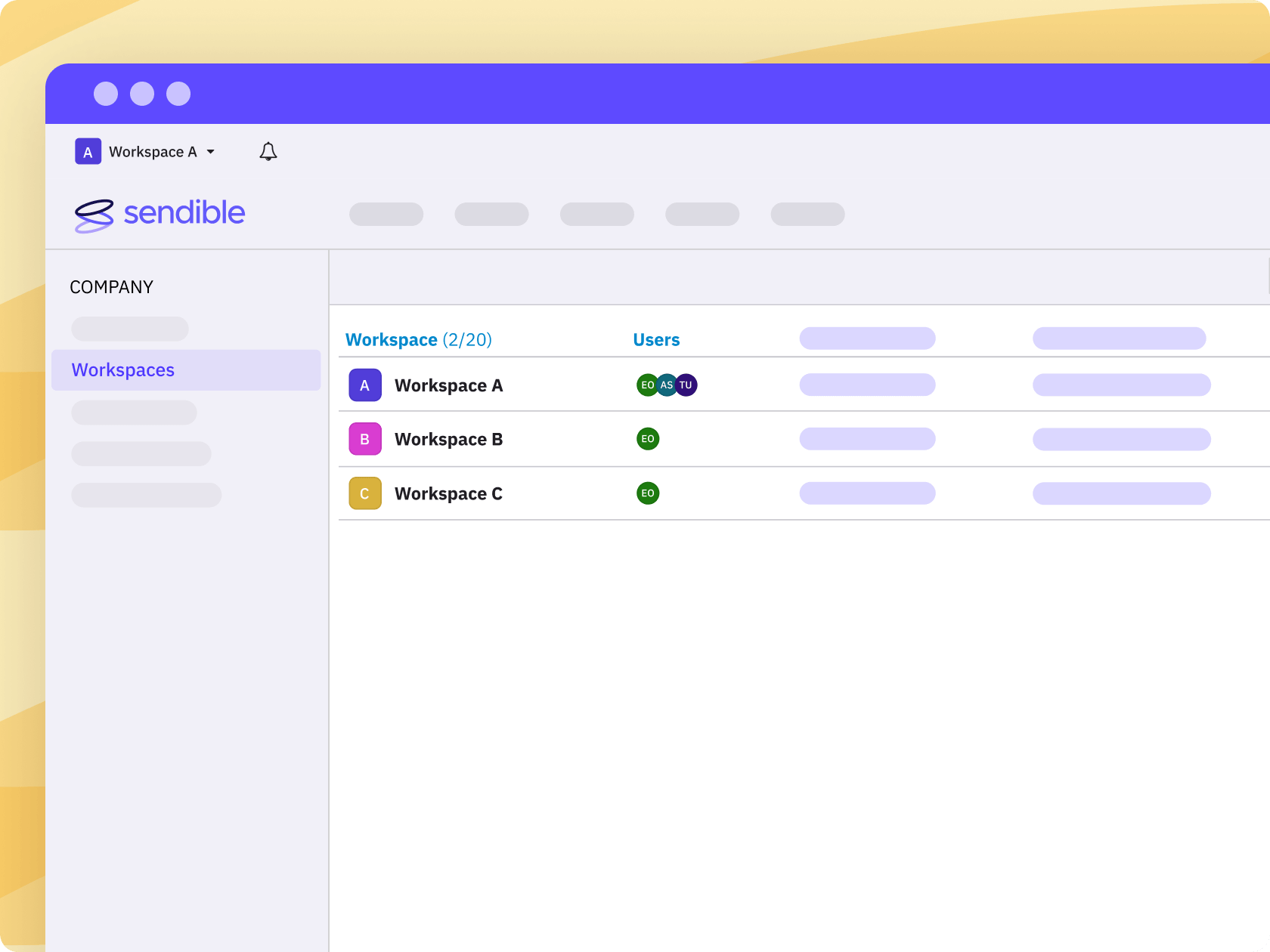
A new Workspaces experience is coming to Sendible, designed to make it easier to organise teams, clients, brands, and locations across the platform.
#92 — New pricing plans are coming with Workspaces
Workspaces will launch alongside new pricing plans, giving teams a more scalable way to manage social media as their needs grow.
#93 — Unlimited users are coming on the new plans
Bring more of the right people into the workflow, from internal teams to clients, stakeholders, and location managers, without user count becoming the blocker.
#94 — Collaboration is becoming easier to scale
Social media works better when the right people can contribute, review, and approve. The next phase of Sendible is designed to make it even easier as teams grow.
#95 — A secret Instagram engagement update is in the works
We can’t share the details just yet, but one upcoming Instagram update is designed to help teams manage more of their Instagram workflow inside Sendible.
#96 — A secret Instagram publishing update is coming too
Another Instagram improvement is also on the roadmap, giving teams one more reason to rely less on native app workarounds.
#97 — The reporting suite is getting refreshed
Reporting is one of the biggest reasons teams choose Sendible, and more improvements are coming to make performance easier to understand, share, and act on.
#98 — More AI capabilities are planned
AI Assist is already part of the content creation workflow, and more AI capabilities are planned to support better content, faster decisions, and smoother social media management.
#99 — Sendible may simply fit better now
Your team and workflow may have changed. Social media has definitely changed. Sendible could be a better fit today than it was the last time you looked.
Curious where Sendible fits best?
Most teams benefit from a more organised way to manage social media. But for agencies, franchises, and multi-brand teams, Sendible can quickly become the obvious choice.
Multi-location & franchises
Give local teams room to create relevant content while keeping brand control at the centre. Ideal for businesses coordinating social across branches, regions, franchises, or local pages.
Marketing agencies
Bring client calendars, approvals, reporting, and publishing into one organised workflow. Built for agencies that need to grow accounts without creating more admin.
Property management companies
Keep communities, properties, and local teams visible with content that stays consistent and easy to approve. A better way to support social across a growing portfolio.
Real estate brokerages
Help agents and offices show up locally while protecting the brokerage brand. Share content, personalise posts, and keep social activity easier to coordinate across teams.
Hotels & hospitality groups
Protect a polished brand image while giving each property space to share local moments, offers, and guest experiences. Social media feels more coordinated without losing personality.
Loan officers & mortgage teams
Make it easier for loan officers to stay visible with helpful, pre-approved content. Support local trust-building without leaving every advisor to figure out social alone.