Over 30,000+ agencies, marketers, and brand managers rely on Sendible to amplify their brand stories.
50%
time saved, now spending 10 hours on each client
12%
boost in organic engagement and an 8% increase in followers

100+
monthly social posts, $200 saved monthly
300%
growth increase and 30% revenue generated from social

Manage social media across multiple clients, brands, and locations.
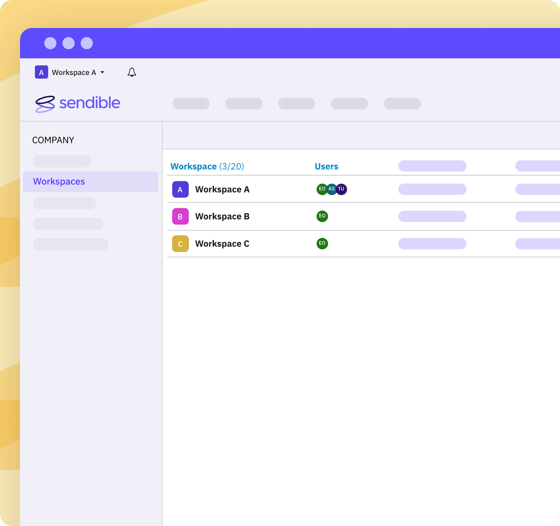
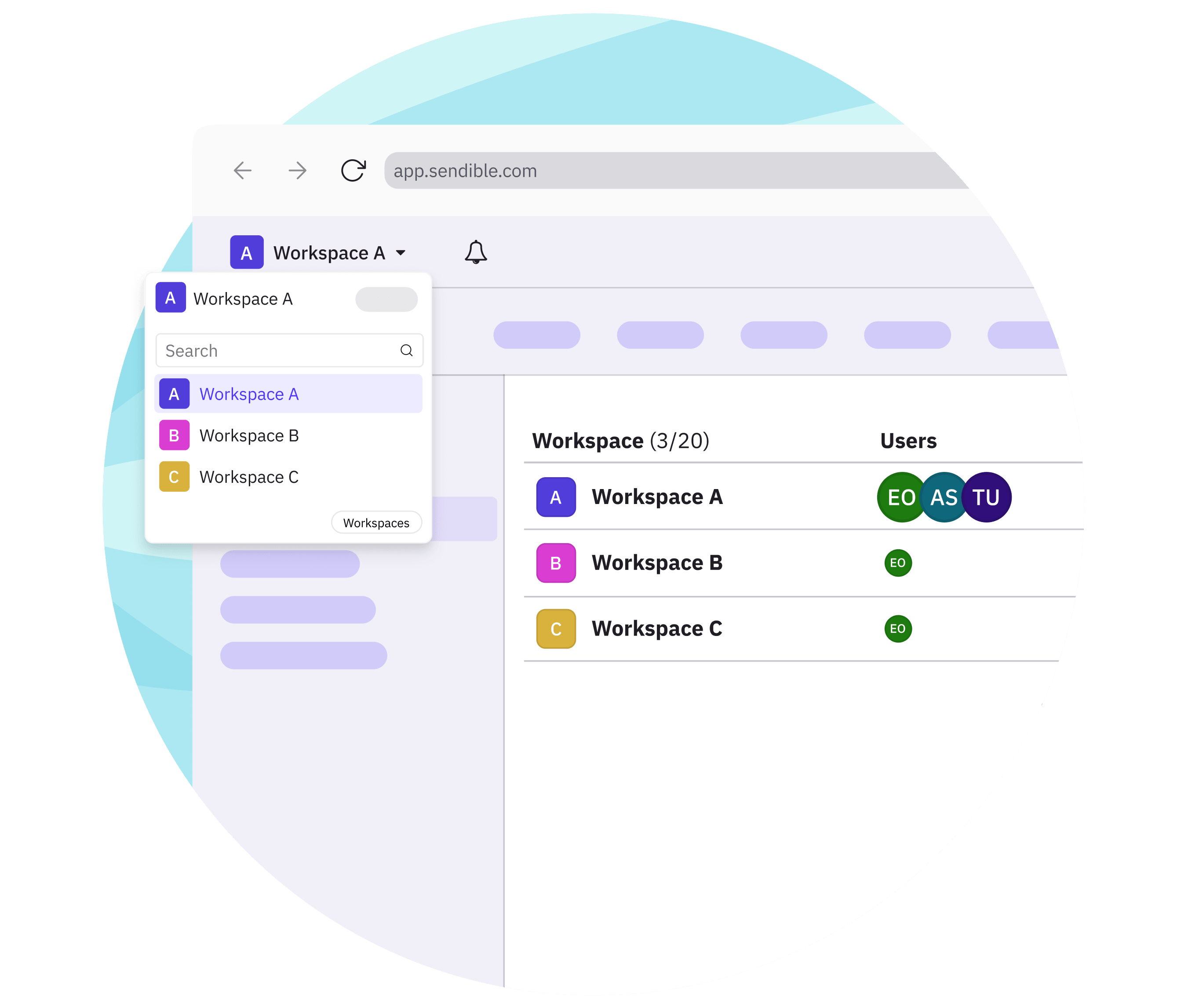
Workspaces give every account you manage its own dedicated space in Sendible. Keep profiles, content, calendars, reports, and users organised, so your team can work from one account.
Give every client, location, or brand a clear place for its profiles, settings, content, calendar, and reports.
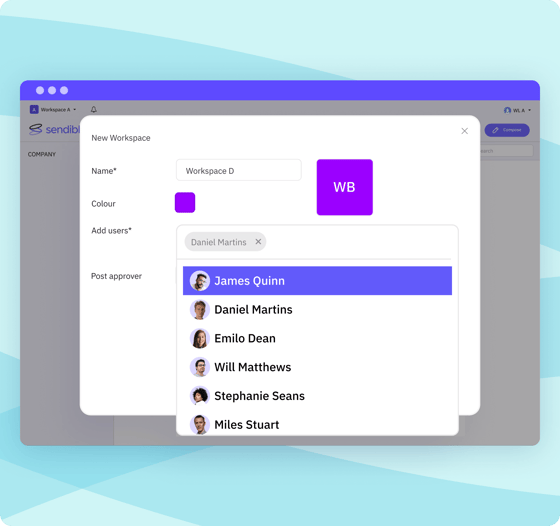
Invite the people you need across your team, freelancers, stakeholders, and clients, with unlimited users included on workspace plans.
Give users access to the workspaces they need, without exposing unrelated clients, locations, or brand activity.
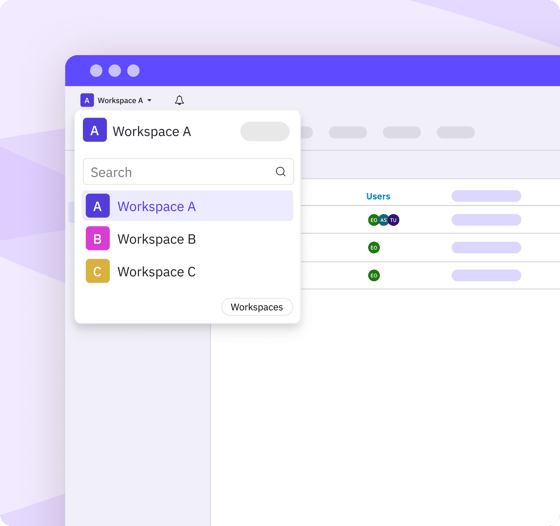
Plan content, review activity, and measure performance from the right workspace, so teams can see what is happening without mixing up accounts.
Keep every workspace moving smoothly.
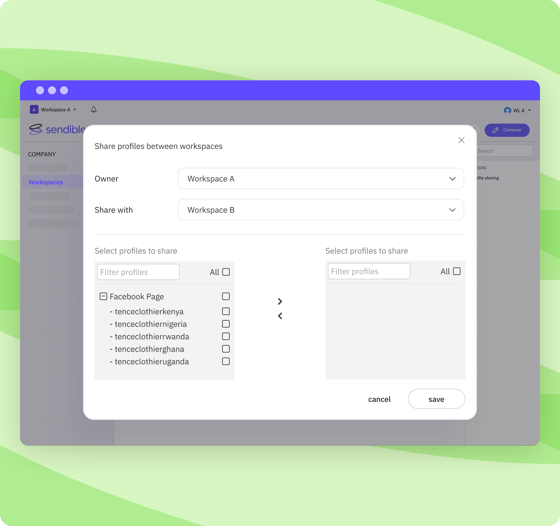
Bring the right people, profiles, and workflows together so teams can manage social activity efficiently.
Generate on-brand captions in seconds.
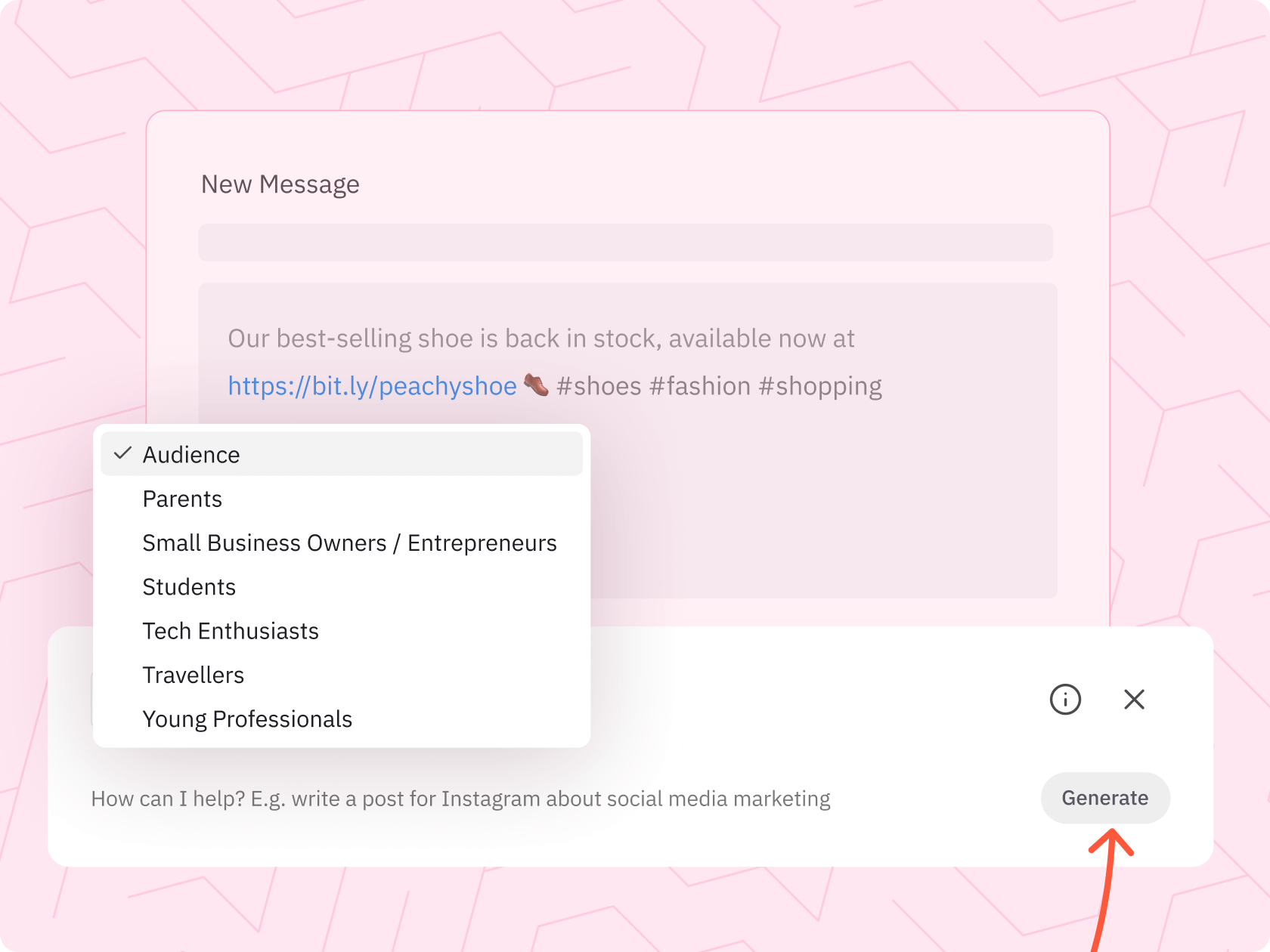
Leverage AI Assist to create compelling copy that resonates with your audience, and ensure a unified brand voice across all platforms.
Ensure consistency while customising.
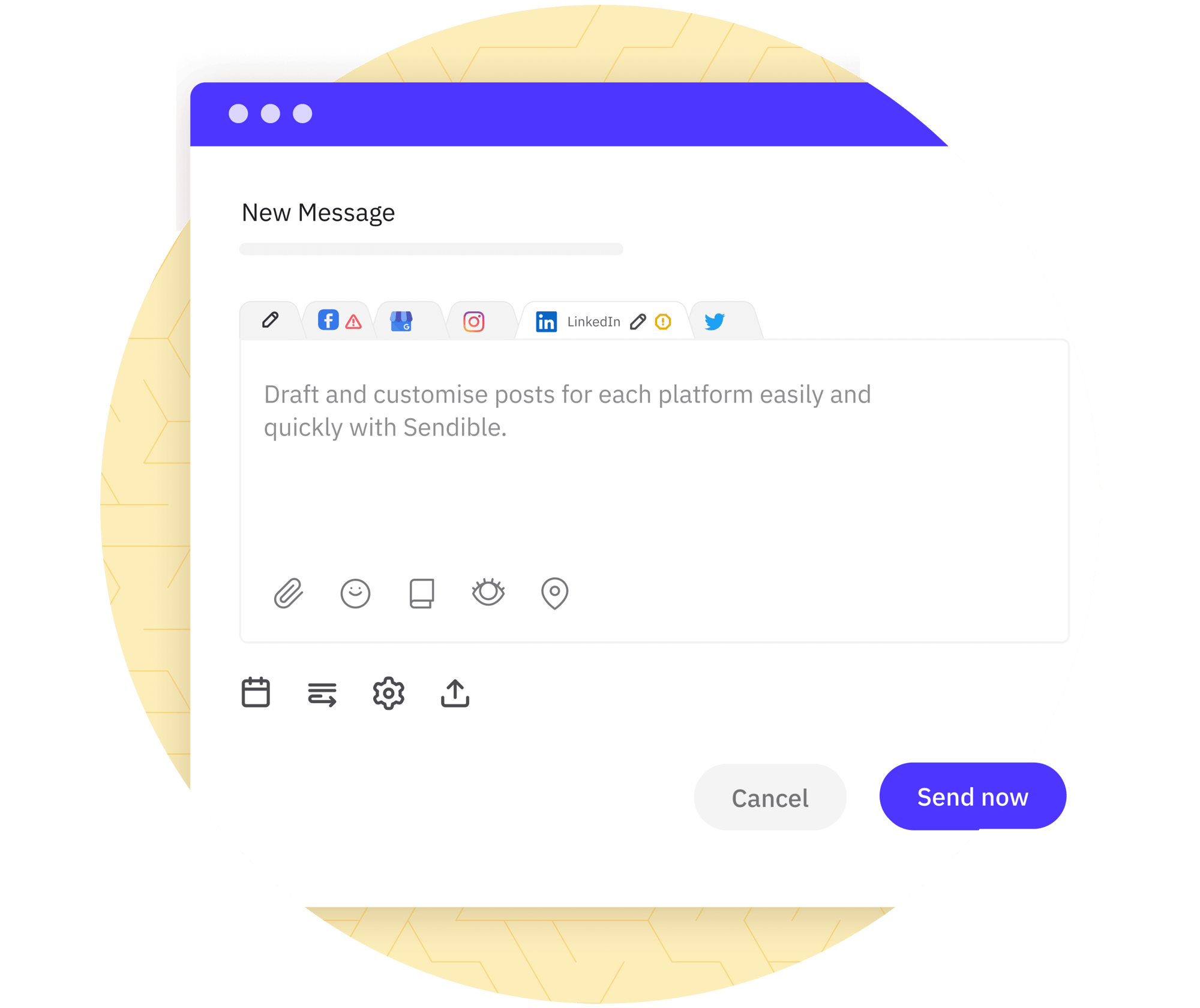
Use Custom Tags to share the right info in seconds by adding prefilled, brand-specific specs like URL, phone number, text, hashtags, and more.
Add best-performing hashtags.
Import saved topic-cluster hashtags. Enrich your content with highly relevant keywords known for their strong performance.
“I loaded an entire month of content across four platforms for one client the other day, each one with an image and a web link. It took me 35 minutes. It was a miracle.”
Anna Rump, founder of Amelia Rose Media
Bring the right content into every workspace.
Upload assets, import posts in bulk, or reuse saved content without jumping between tools. These features help teams reduce manual work before publishing.
Upload assets without extra steps.
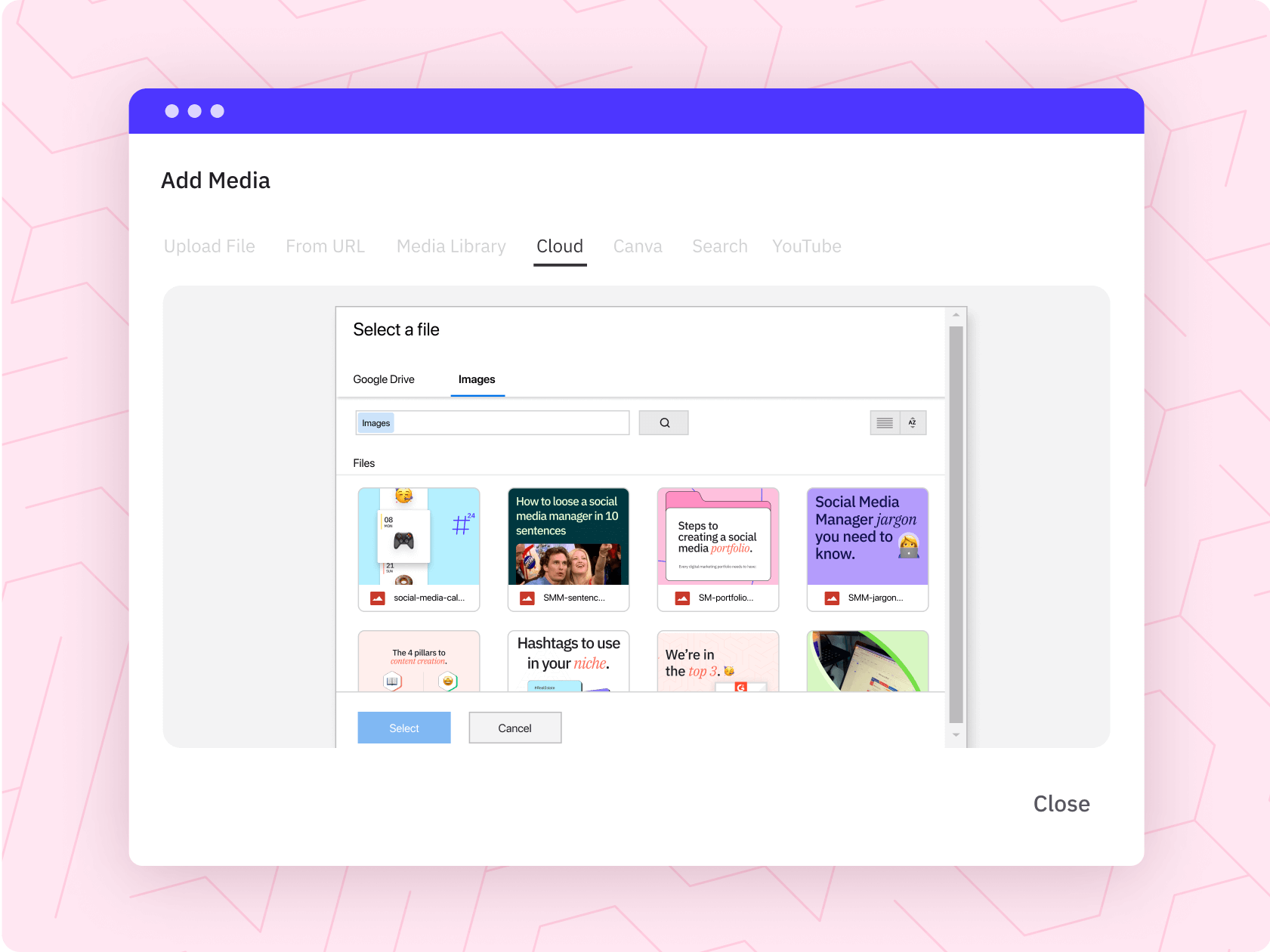
Add content from Google Drive or Dropbox without downloading and re-uploading files between tools.
Schedule more posts in less time
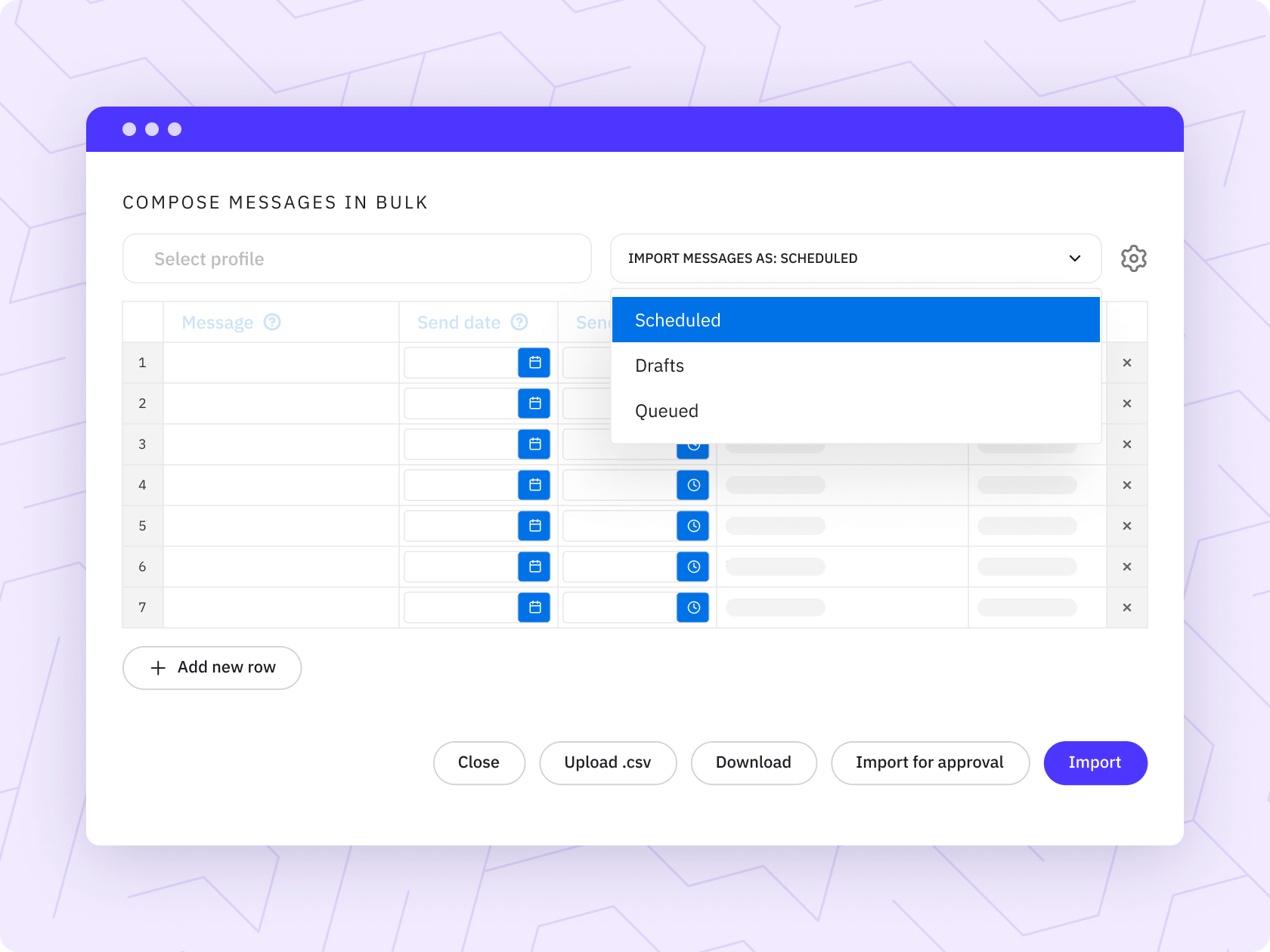
Import posts in bulk to prepare campaigns faster and reduce repetitive manual scheduling work.
Access saved content when you need it.
Store and organise reusable posts, assets, hashtags, and captions so your team can quickly find content that is ready to use.
Our supported social media networks & integrations
As one of the 10 best tools on G2, we’re a marketer’s best friend for
scheduling, and reporting on social media.
Track the success of every workspace.
Use campaigns, labels, UTMs, and reports to connect social activity with results. Keep posts grouped, links trackable, and performance easier to review.
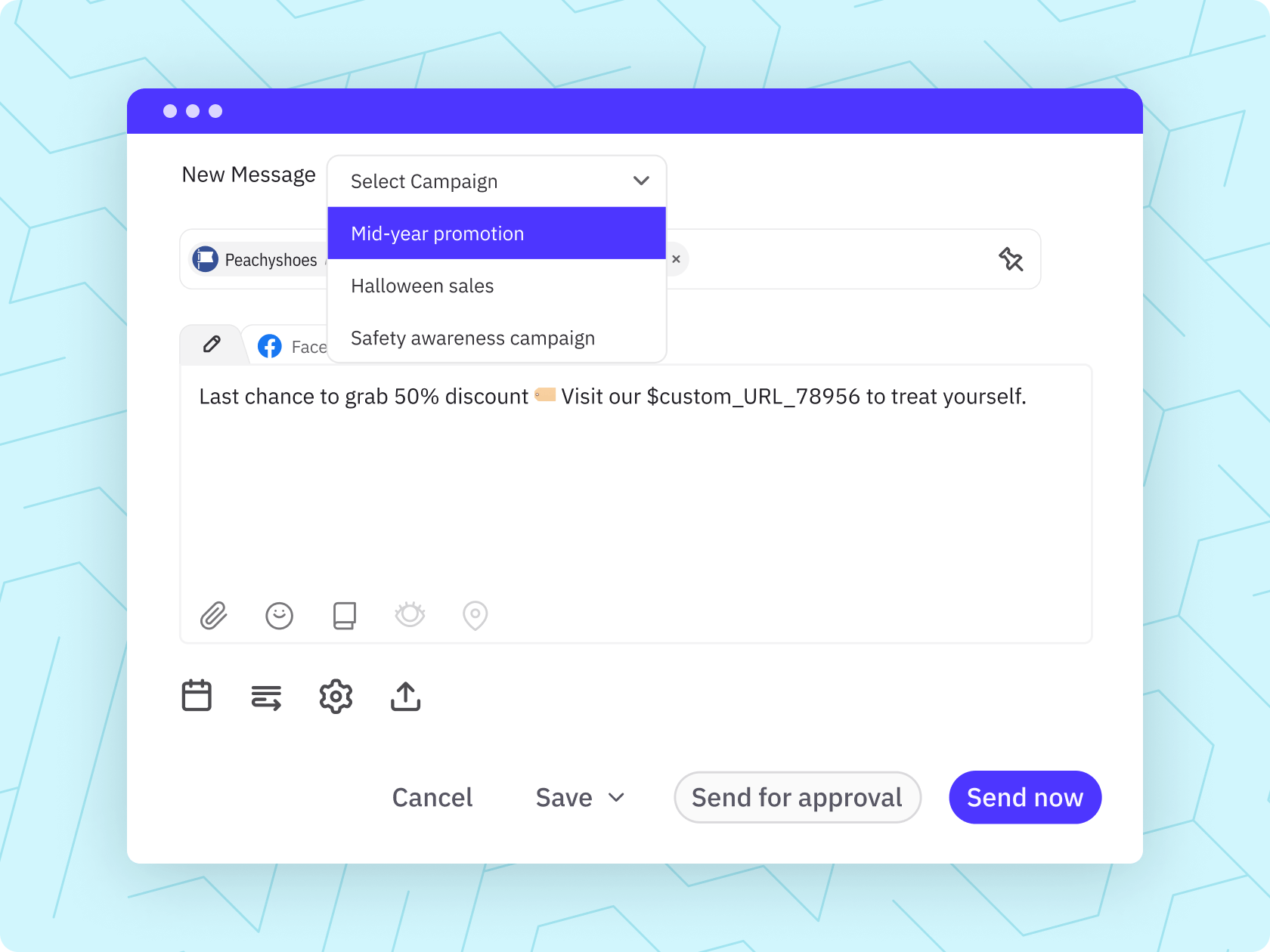
Group posts into campaigns.
Organise posts by campaign so planning, reporting, and performance reviews are easier to manage.
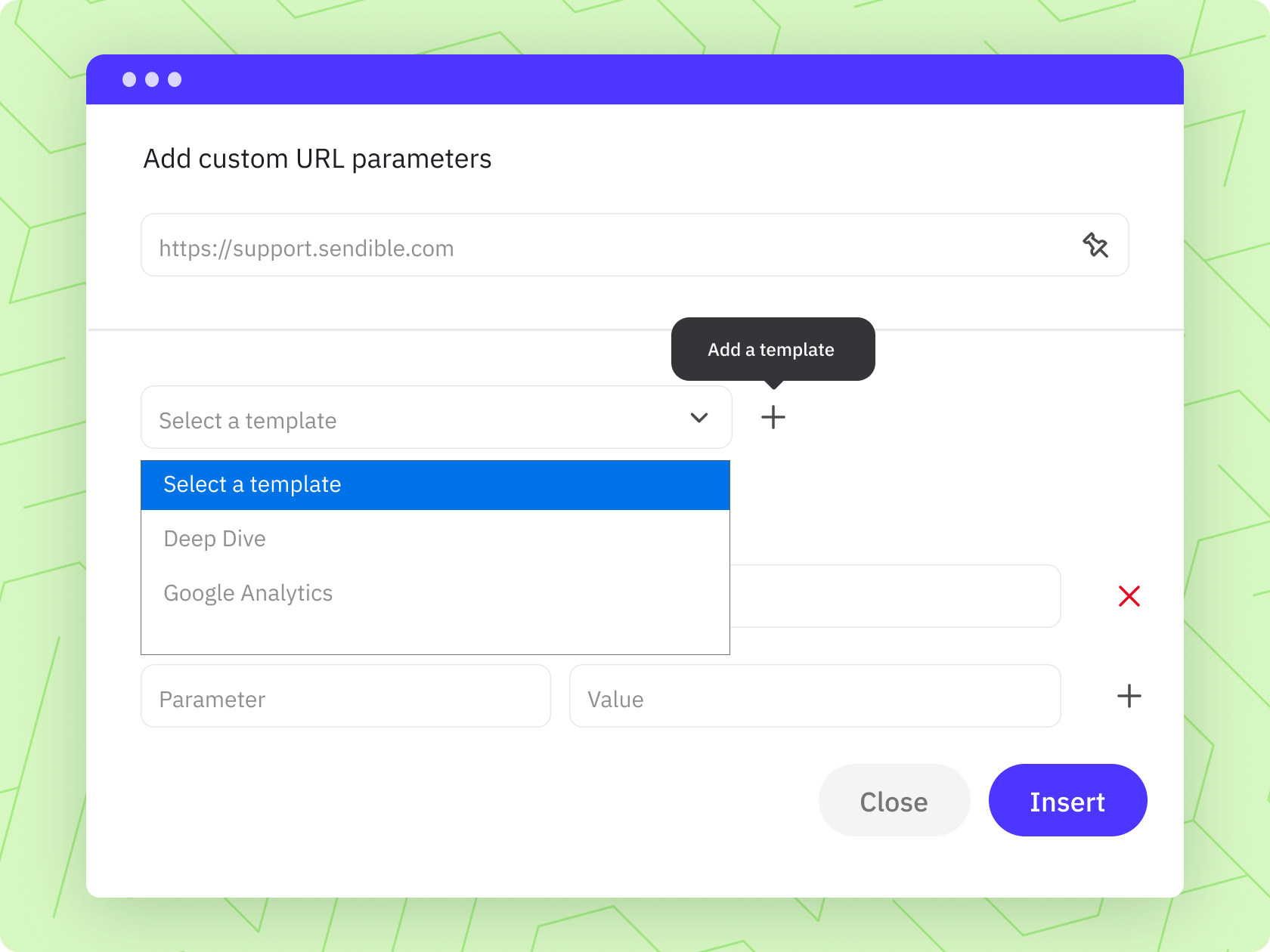
Track the links that drive results.
Add custom UTM parameters to understand which posts, campaigns, and channels are driving traffic and conversions.
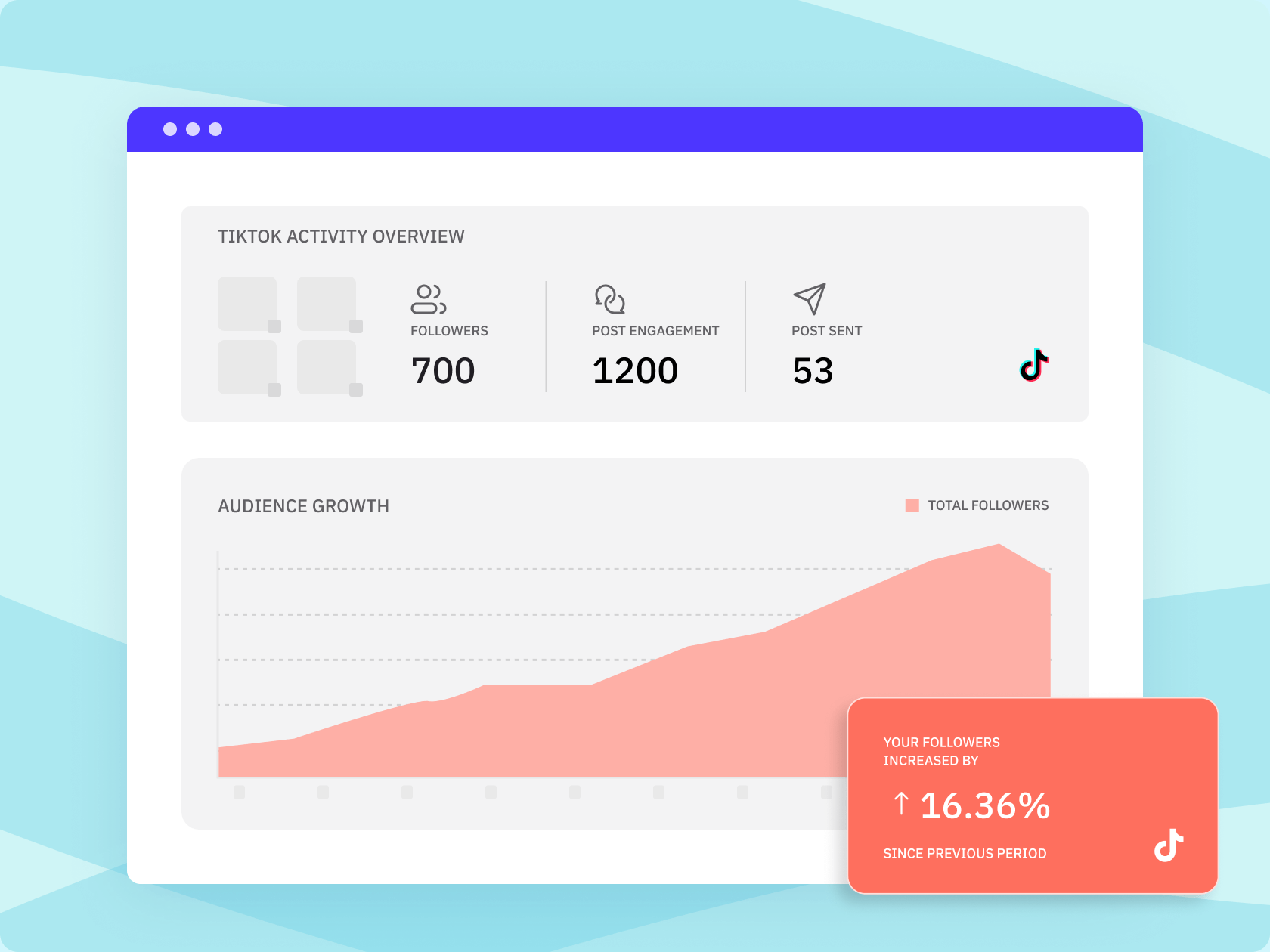
Build reports faster.
Turn social activity into clear reports that help clients, stakeholders, or internal teams understand what worked.
Easily get started with a personalised product tour.
Schedule a call with our experts to help you get
started with workspaces.
Create stronger posts with built-in media tools.
Find images, import designs, and add engaging visual content without leaving Sendible. Give your team faster access to creative assets when building posts.
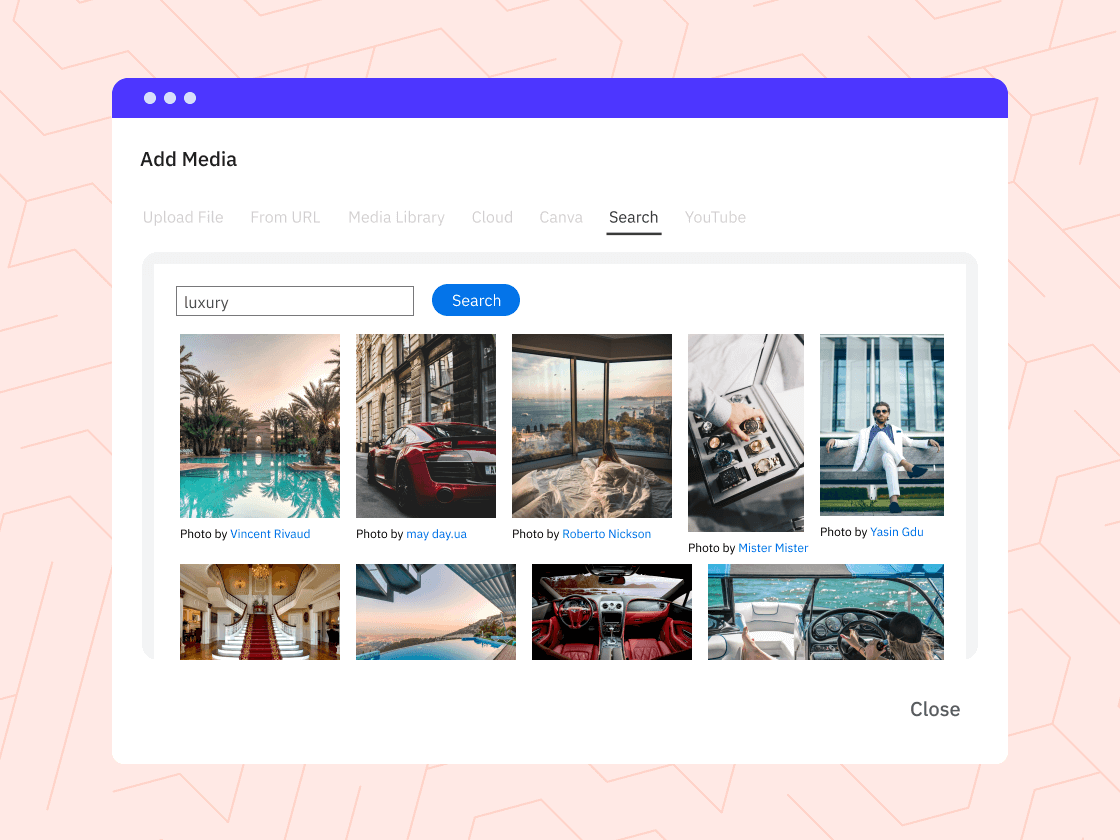
Find the right image faster.
Search millions of royalty-free images from Pexels and add them directly to your posts in Sendible.
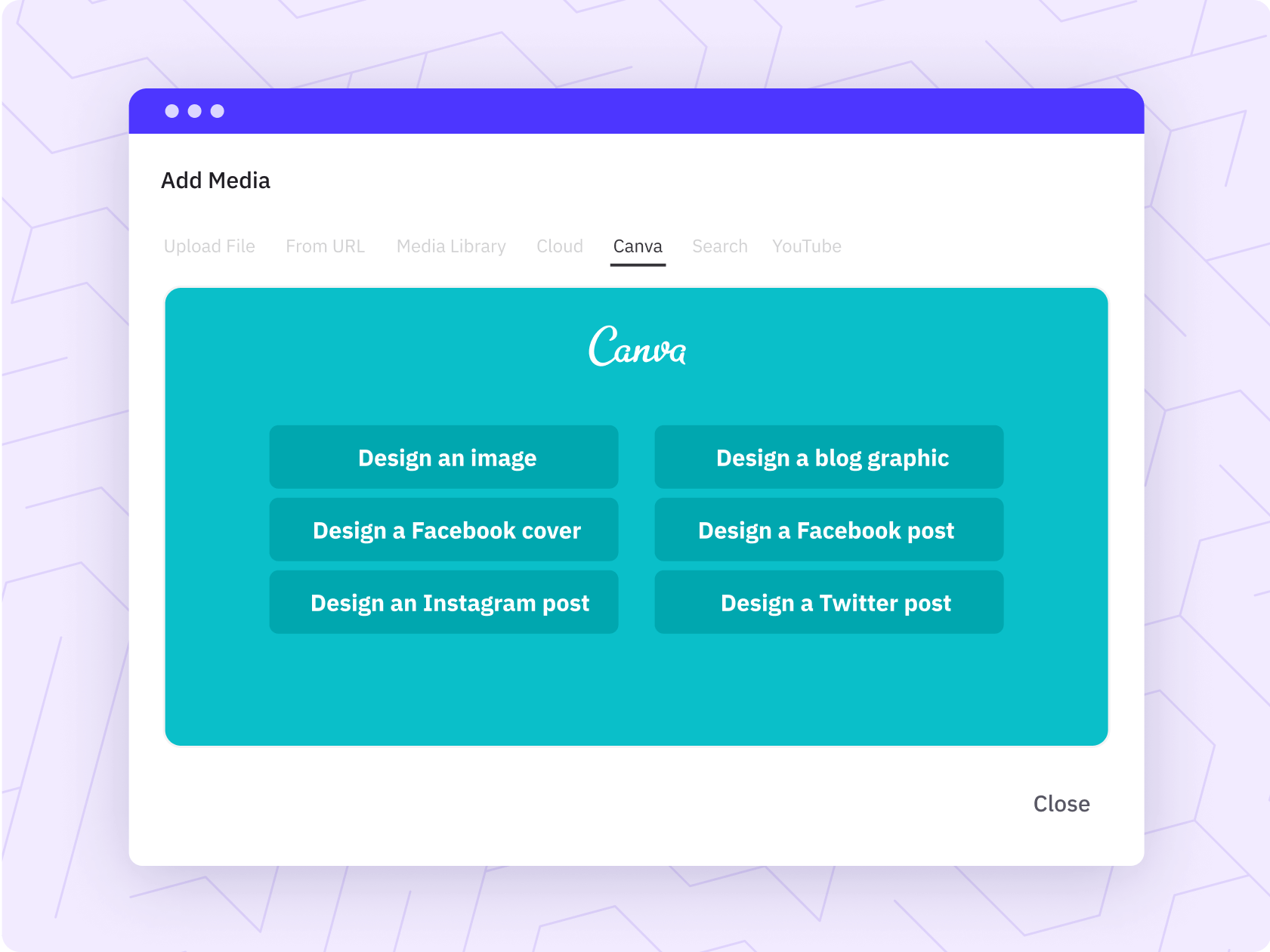
Bring Canva designs into your workflow.
Create or import designs from Canva, so your team can add polished visuals without switching between tools.
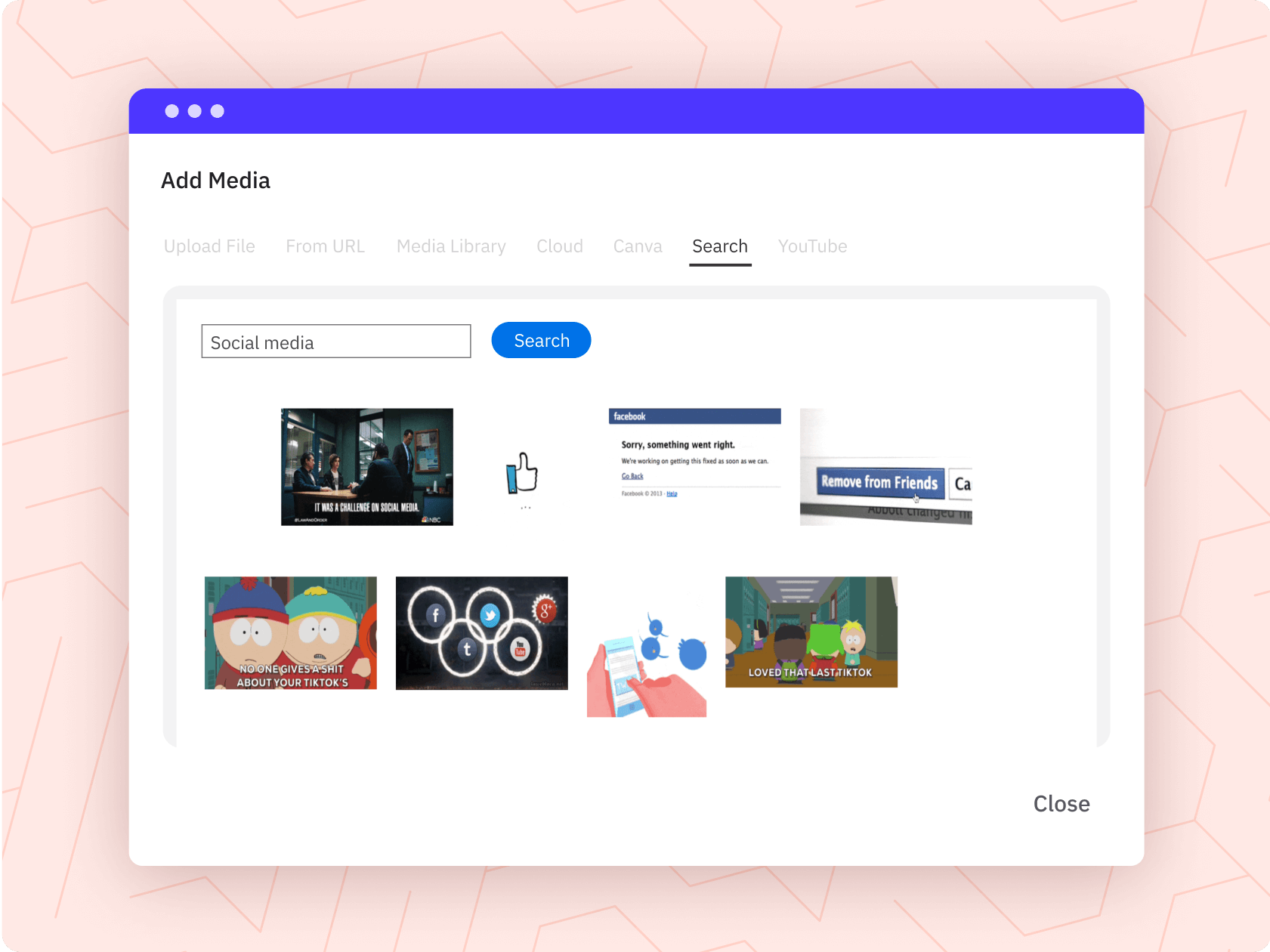
Add personality with GIFs.
Use GIPHY to find eye-catching GIFs that help posts feel more relatable, timely, and engaging.
“The scheduling component of Sendible is a real godsend, because that has saved us hours and hours and hours.”
Louie Bettie, Marketing Director of RE/MAX Realtron.
More publishing tools your team will love.
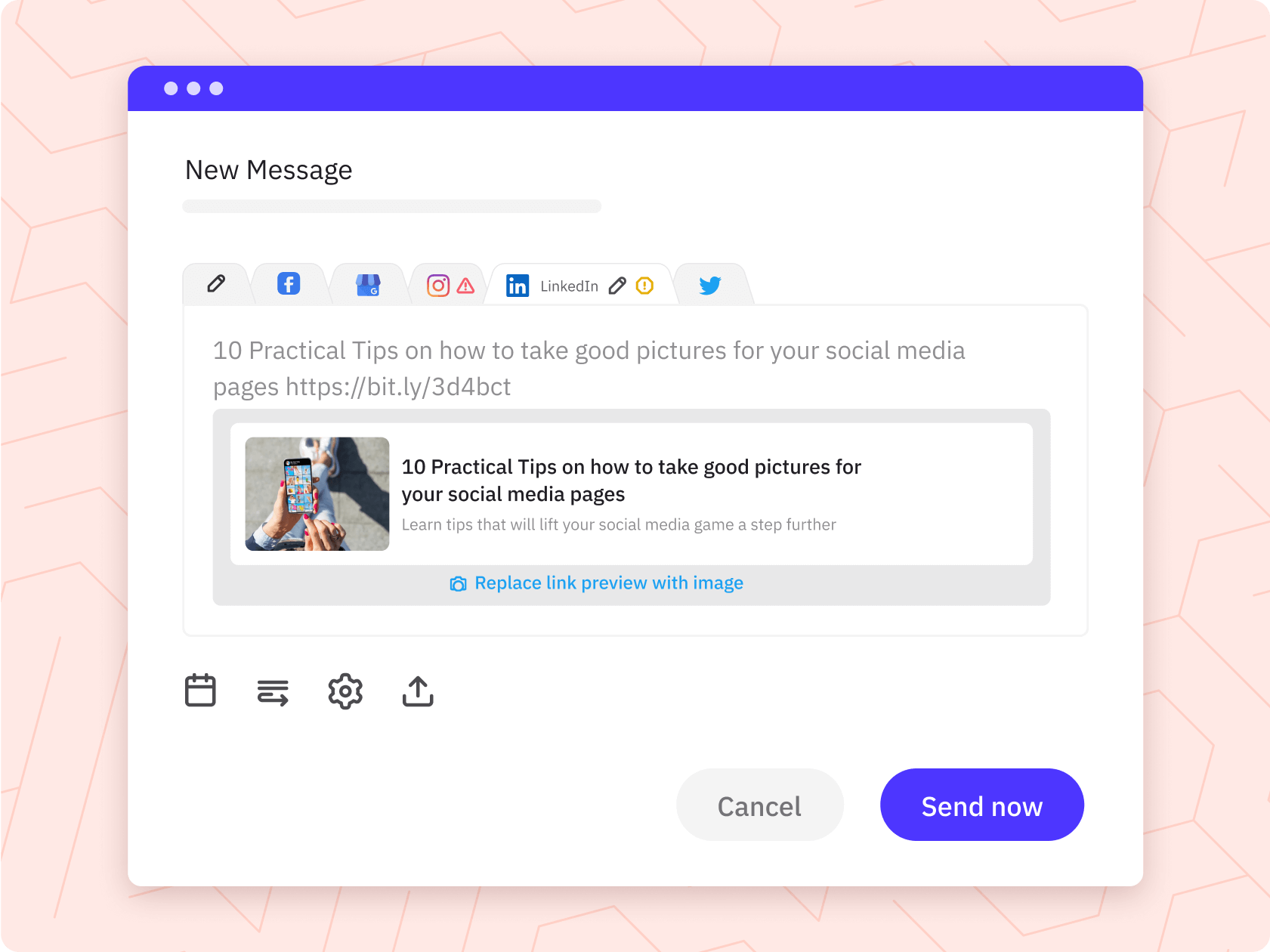
Use extra publishing features to preview posts, clean up links, add first comments, and adapt images before content goes live.
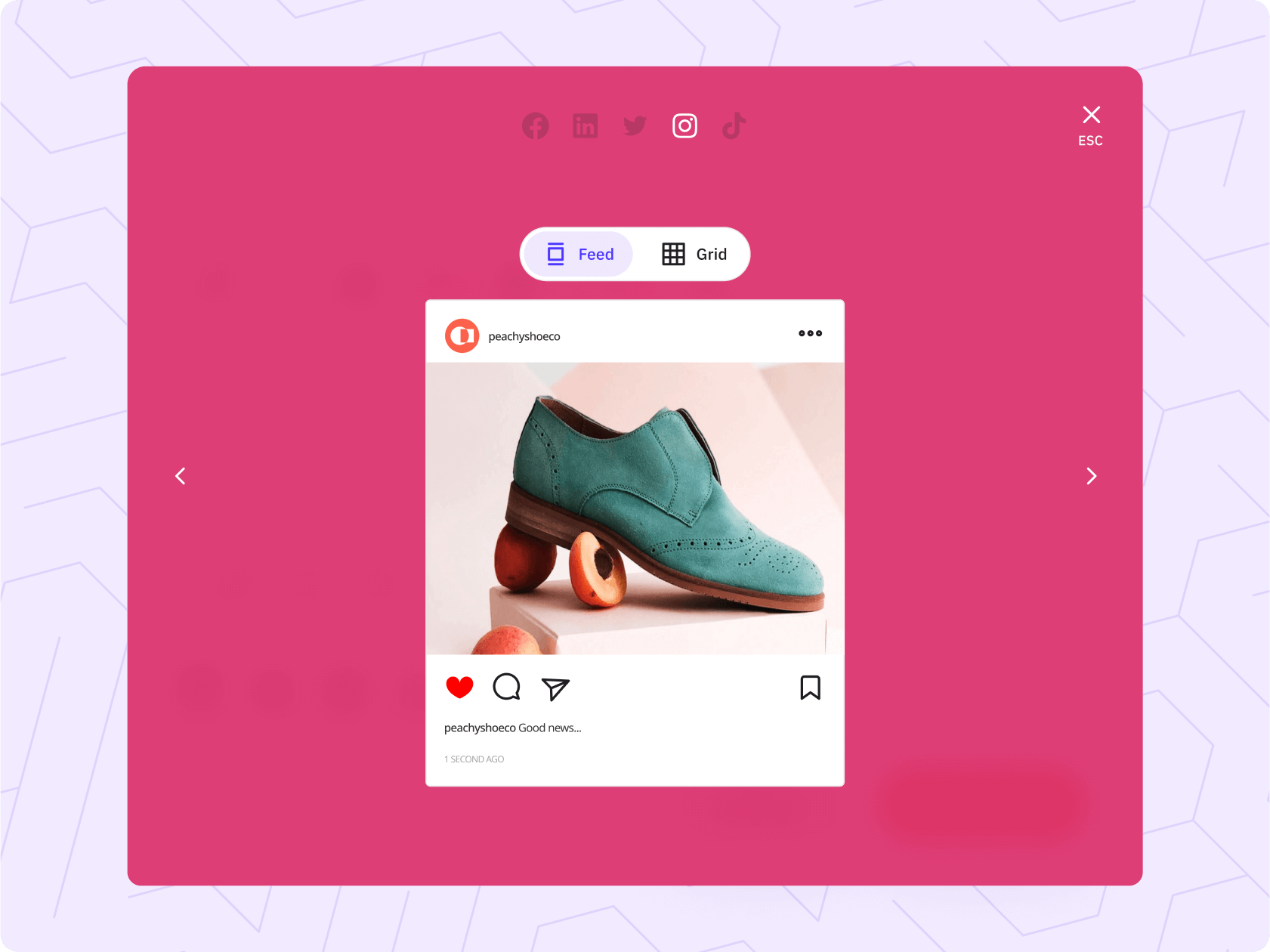
Preview posts before publishing.
See how posts will look before they go live, so teams can catch formatting issues early.
Keep links neat and trackable.
Shorten links to keep posts clean while supporting better campaign tracking.
Add first comments with less manual work.
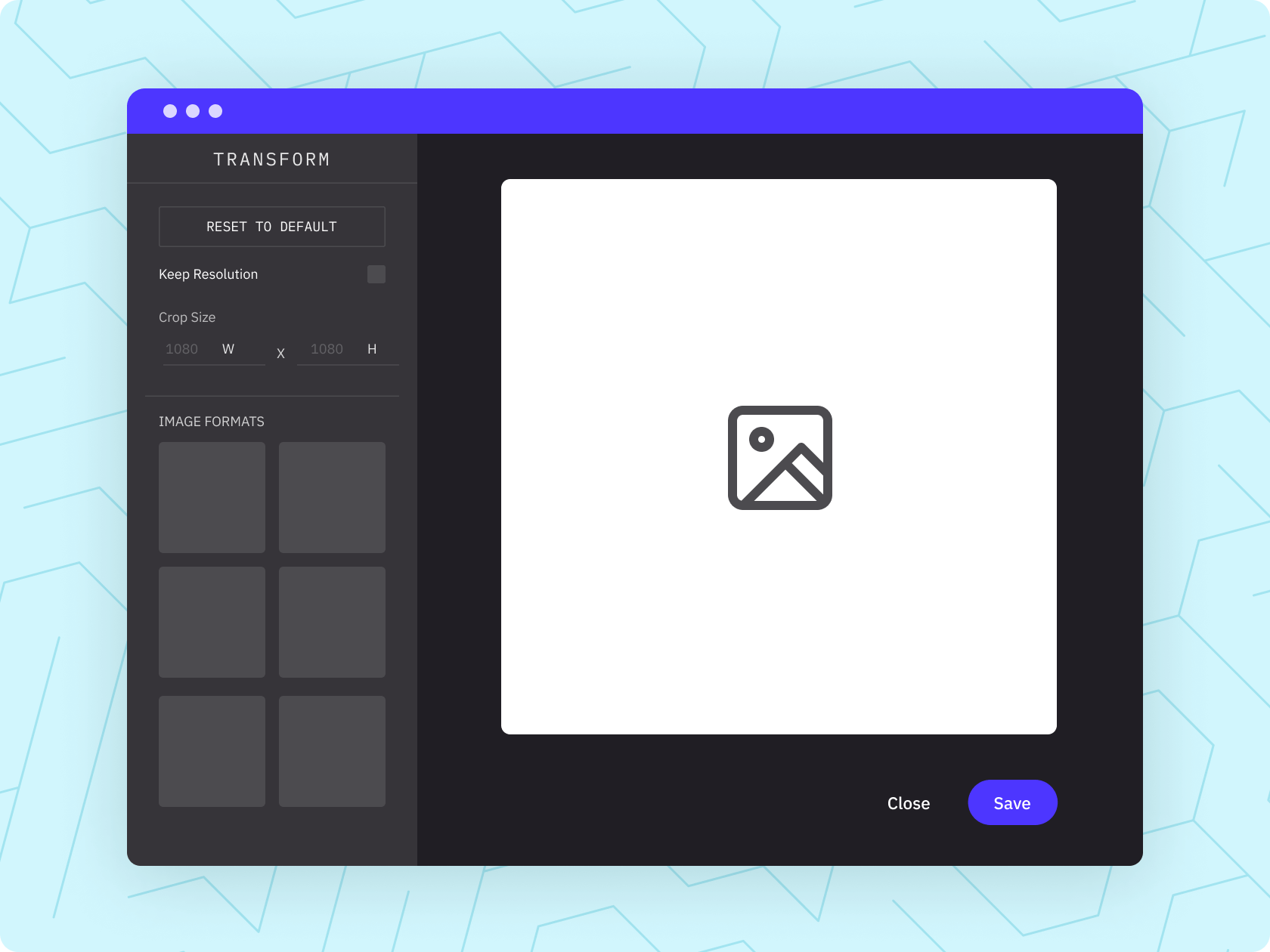
Optimise images for each channel.
Resize and adjust images for different social networks before publishing.
Share Button
Share curated content across social media platforms directly from your website, blog, or CMS in just a few clicks.
Google Chrome Extension
Save time, stay organised, and elevate your social media presence with seamless sharing and scheduling.
Client Connect
Effortlessly manage client profiles without admin access. Discover the secure solution to onboarding social media clients with Sendible's Client Connect widget.
Bulk Importing
It can make more sense to plan your content in bulk. Quickly prepare and import a CSV file or create posts in bulk directly in your dashboard.
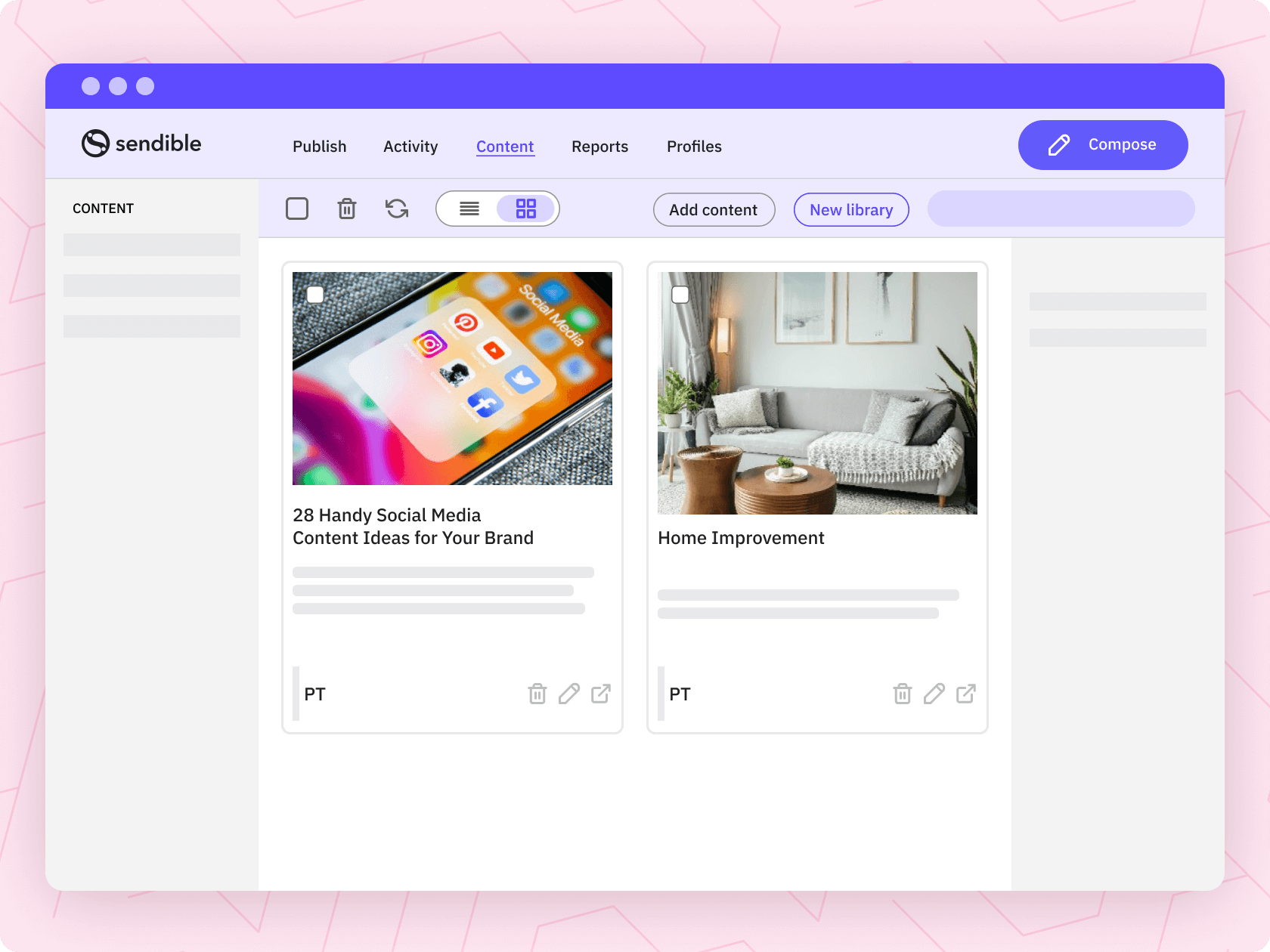
Content Library
Break free from social media content disarray, overcome content blocks, and establish effortless content management with Sendible's handy feature Content Library.
Media Integrations
Source fun, royalty-free content with GIPHY and Pexels to engage your audience. Access existing content with our DropBox and Google Drive integrations.