Changelog

Oct 29, 2026

Reply to Instagram direct messages
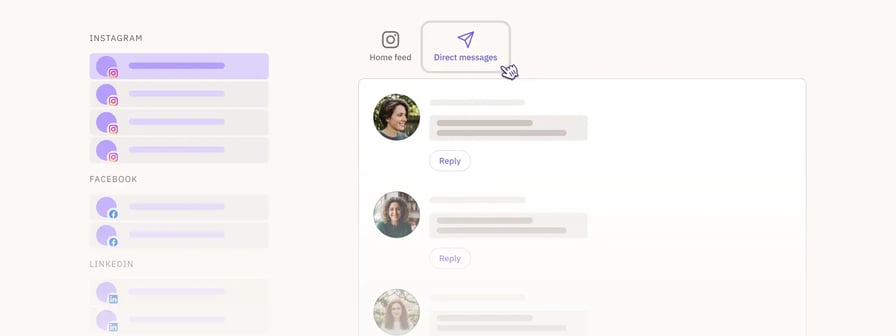
Changelog hero - Instagram DM

Read and reply to Instagram direct messages from Social feeds, the same way you already can with Facebook Messenger. Select an Instagram Business profile and choose Direct Messages to see your conversations, including messages with attachments.

To get started, reconnect your Instagram profile so Sendible can access your messages. Replies follow Instagram’s 24-hour messaging window.


Video support in Bulk ImporterChangelog hero - Bulk import videos
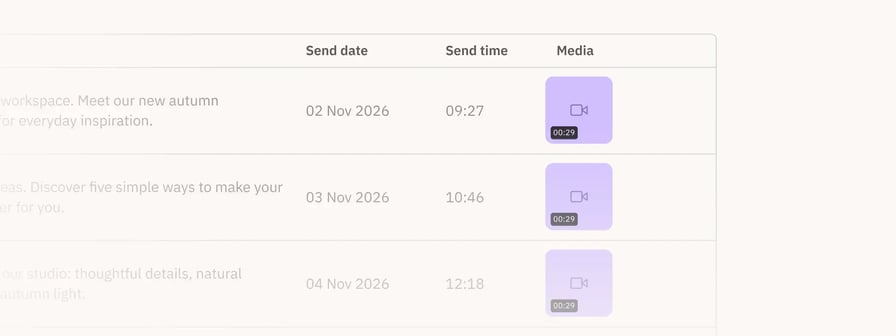
Schedule video posts in bulk by adding videos as well as images to your CSV, with one image or video per row. Media is uploaded before import, which makes externally hosted images and videos publish more reliably, and media issues for each network are flagged before you import. The CSV template has also been refreshed with up-to-date examples.


Improvements

  • Composer: Expands with longer captions up to the edge of your screen and expanded mode fills the whole screen
  • Profiles: Select several profiles at once when building a profile list, with profiles already added clearly marked
  • Publish: You can now select multiple posts in the calendar and delete them in one go
  • Publish: Repeating posts appear on every scheduled date in the calendar, including those from the past 12 months
  • Publish: Choose how many posts each day shows in the calendar monthly view with the new Posts per day option, up to 5, or 8 in compact view
  • Publish: Clearer message when Instagram can’t publish a post with the selected location
  • Reports: Profiles that share a name are labelled with your internal profile name
  • Reports: The monthly page followers (cumulative, 12 months) module includes up to 270 days of history for newly connected Facebook Pages
  • RSS feeds: Improved handling of feeds that use redirects or compressed content, and publication dates are more consistent
  • RSS feeds: Clearer messages explain why an RSS post couldn’t be imported, such as invalid, unsupported or oversized media
  • RSS feeds: The feed error message now includes steps for checking your feed URL

Fixes

  • Account: Restored approval, task and failed post emails for users who stopped receiving them after moving to Workspaces
  • Bulk Importer: Fixed an issue where media selected from Recently used didn’t attach to rows
  • Composer: Fixed an issue where uploading an oversized file removed other attached media
  • Composer: Fixed an issue where mentions weren’t checked when switching between the Bluesky and Threads tabs
  • Composer: Resolved an issue where the video thumbnail picker kept loading when a video couldn’t be previewed and it now shows a message instead
  • Composer: Restored video previews in the Instagram grid view of Post Preview
  • Composer: Fixed character counters appearing for networks outside your profile list when editing a post
  • Composer: Fixed an issue where the first comment section still showed for profile lists including TikTok after comments were turned off
  • Priority Inbox: Fixed an issue where posts weren’t marked as responded when another user replied or were marked as responded when a reply failed
  • Publish: Restored failed RSS posts to the Failed view in the calendar, where they can be reposted
  • Publish: Restored older sent posts from paused queues to the calendar
  • Publish: Corrected the Current view CSV and HTML exports so they only include posts matching your active filters
  • Publish: Addressed an issue where long recurrence details were cut off in the calendar side panel
  • Publish: Fixed repeating and reposted posts losing custom LinkedIn PDF titles and YouTube tags, category and visibility settings
  • Publish: Replaced a technical LinkedIn error with a clear message when LinkedIn has a problem on its end
  • Queues: Fixed an issue where queued posts were placed in the hour skipped when clocks go forward
  • RSS feeds: Fixed links in auto poster posts being shortened when link shortening was turned off
  • Tasks: Resolved an issue where the app went blank after clicking Reply on a task to respond to a post

Upcoming

  • Publishing API access is on its way. Admins will be able to generate their own API keys and schedule content straight from their own tools and workflows, without needing Zapier or a support request.
 

Aug 18, 2026

Introducing Workspaces

Workspaces - Hero

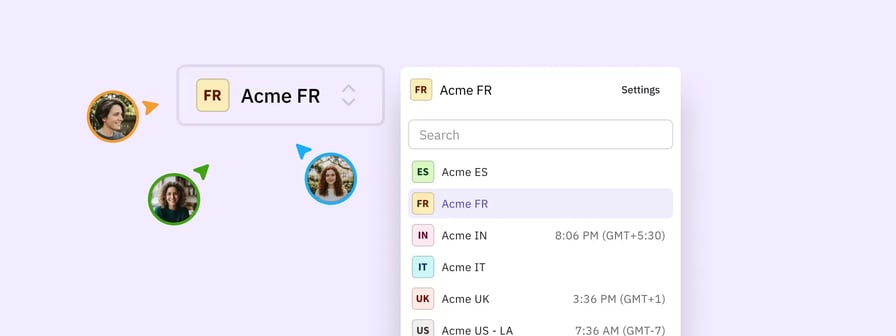
Workspaces introduce a dedicated, collaborative environment for managing multiple clients and locations. Agencies and multi-location organisations can now organise their workflow into distinct client spaces. By differentiating the workspace itself from individual user attribution, this new model delivers a consistent, organised and manageable experience for your entire team.

Here is how Workspaces helps your workflow:

  • Reduces context switching: Manage multiple clients or locations without the overhead of juggling separate accounts.
  • Improves scalability: Add new workspaces simply as your roster of clients and locations grows.
  • Enhances access control: Grant or remove workspace permissions for specific users clearly.
  • Clarifies attribution: Differentiate the shared collaborative space from the tracking of individual actions.

This is being rolled out progressively to all customers as we make further improvements.


Improvements

  • Account: Colour-coded initial placeholders display when no custom profile picture is uploaded to improve recognition
  • Account: Underscores are fully supported in usernames during creation or editing to accommodate a wider variety of naming conventions
  • Calendar: The daily view displays network icons to help you identify platforms at a glance
  • Composer: A helpful tooltip explains that photo tagging is exclusive to Instagram posts to clarify platform limitations
  • Composer: Clearer guidance appears when Google Drive media cannot be accessed to help you quickly adjust permission settings
  • Composer: Content requirement errors are consolidated into a single "content is required" message to reduce visual clutter and cognitive load
  • Composer: Images with Instagram tags feature a visual badge and a counter so you immediately know what has been tagged
  • Composer: Instagram validations embrace mixed media and dynamically update your post options based on the attached media types
  • Composer: Media recommendations are presented with a less obtrusive design to improve visibility without interrupting your workflow
  • Composer: The media system shows labels for GIFs and an updated media selection counter for better asset management
  • Composer: The share widget smoothly logs you back in and returns you to the compose view so your workflow remains uninterrupted

Fixes

  • Account: Addressed a notification error so users are correctly asked to reconnect LinkedIn accounts yearly rather than every 60 days
  • Account: Resolved a conflict to ensure user URL shortener preferences accurately match and respect the company settings
  • Approvals: Eliminated a lingering link preview that reappeared in the approvals process after it was explicitly deleted
  • Bulk Importer: Corrected a display error to ensure images with special characters in their filenames load perfectly in the recently used media section
  • Bulk Importer: Restored uploads for publicly accessible Google Drive image links to keep your bulk scheduling efficient
  • Calendar: Addressed a loading bug to make sure older failed posts reliably appear in the daily view
  • Calendar: Restored text selection and copying capabilities in the Calendar view so you can easily reuse captions
  • Composer: Applied accurate Facebook validations to correctly block posts with more than 10 tags before sending
  • Composer: Cleared a validation error to allow tagging of multiple LinkedIn Company Pages that share the same first word
  • Composer: Disabled send buttons entirely while uploading media to prevent untranslated error messages from premature clicks
  • Composer: Eliminated blurry thumbnails for Facebook Reels when viewed on mobile devices without Autoplay to maintain visual quality
  • Composer: Eliminated image quality loss and blurriness when applying the Square crop option in the new image editor
  • Composer: Ensured that reposting a message with externally hosted images successfully loads the compose box with the media intact
  • Composer: Fixed a crash that produced a white screen when choosing a new frame for a video thumbnail
  • Composer: Preserved TikTok options to ensure Comments, Stitch, and Duet settings are respected when scheduling alongside other networks
  • Composer: Prevented previously attached media from being inadvertently deleted when selected from the recently used menu
  • Composer: Protected videos attached using the legacy media system so they properly carry over to the Content Library when shared
  • Composer: Fixed a visual bug to ensure videos saved via the legacy media system play correctly instead of displaying as static images
  • Composer: Refined validations so LinkedIn follower tags added during an initial post remain valid when reposting
  • Composer: Resolved a calculation bug that caused video thumbnail offset times to exceed integer limits and fail posts
  • Composer: Restored character count validation in the YouTube settings title field to prevent length limits from being exceeded unawares
  • Composer: Solved a validation glitch that occurred when users exceeded the hashtag limit in the Instagram first comment field with no text in the main body
  • Composer: Upgraded the Instagram post preview to display mixed media and multiple videos
  • Profiles: Restored visibility for all connected profiles ensuring none remain hidden during pagination
  • Publish: Addressed an issue by providing a clear error message for Google Business posts that previously failed with an unknown error due to high traffic or invalid media
  • Publish: Addressed an issue to guarantee the WordPress REST API attaches featured images instead of replacing them with blank placeholders
  • Publish: Bypassed sensitive endpoint restrictions to restore successful publishing capabilities for WordPress REST API profiles
  • Publish: Corrected a media uploading logic to ensure LinkedIn videos publish without issues
  • Reports: Prevented logos and images from crossing over when downloading multiple consecutive campaign PDF reports
  • Tasks: Reinstated the ability to open and preview media items directly from the tasks view for easier approvals
Jun 22, 2026

Alt text

changelog_22-jun-26_alt-text

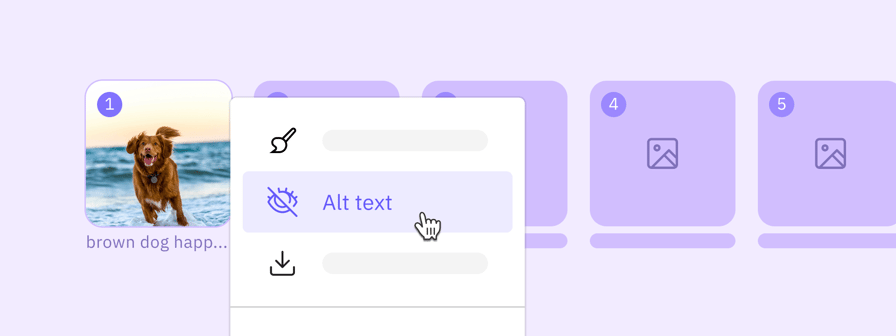
You can now add descriptive alt text to your images within the Instagram, LinkedIn, X tabs inside the Composer. By allowing up to 200 characters of descriptive text per image, this update maximises your content's accessibility and reach, ensuring your messaging is fully inclusive and optimised for a broader audience without complicating your publishing flow.


First comment

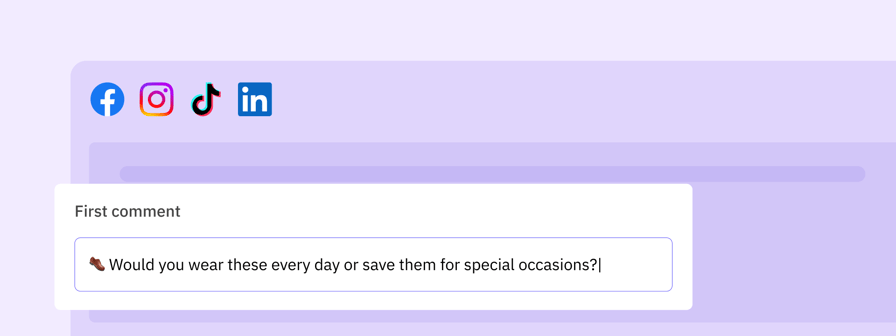
changelog_22-jun-26_first-comment

Maximise your engagement and keep your post captions clean by scheduling an automatic first comment across Facebook, Instagram, LinkedIn and TikTok. This fully platform-agnostic component allows you to seamlessly offload secondary text, conversation starters, or up to 30 unique hashtags to a separate comment block that publishes the exact moment your post goes live.


Custom video thumbnails

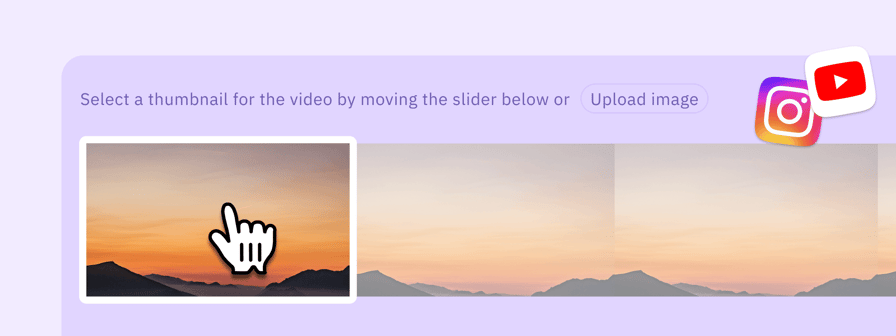
changelog_22-jun-26_thumbnail

Take complete control of your feed aesthetics with advanced custom video thumbnail uploads and picker enhancements for Instagram and YouTube. To accelerate your content production and entirely eliminate upload failures, thumbnails selected via the frame picker are now intelligently converted and encoded as JPEGs instead of PNGs, drastically reducing file sizes while maintaining pristine image quality.


Improvements

  • Approvals: Video playback is now fully supported directly within the tasks view to review media content before giving final sign-off
  • Composer: Strict sequence tracking ensures file upload order is maintained when adding multiple assets simultaneously to the Composer
  • Composer: An image tag label and counter are available for Instagram posts in the Composer to keep track of tagged accounts easily
  • Composer: Video thumbnails generated from the frame picker are automatically encoded as JPEGs instead of PNGs, improving publishing reliability
  • Composer: Media-specific validations for profile lists are executed instantly in the Composer media belt
  • Composer: Detailed content and character validations for profile lists are split and displayed per network within the Composer
  • Share Widget: You can attach and share multiple media types at once or a single PDF using the updated Sendible share button widget


Fixes

  • Account: Corrected the profile count in proactive profile reconnection emails to ensure accurate notification details
  • Account: Fixed an issue where creating a new trial user on a white label platform resulted in an error
  • Approvals: Restored the expected behaviour where removed link previews are no longer incorrectly displayed within posts awaiting approval
  • Approvals: Resolved a system freeze that occurred when opening specific posts containing complex media for approval or editing
  • Approvals: Corrected the call-to-action buttons for posts awaiting approval so they no longer incorrectly redirect users straight to the regular Composer
  • Bulk Composer: Resolved an issue where publicly accessible Google Drive image links failed to import when using the Bulk Composer
  • Bulk Composer: Fixed an issue where editing posts created via Bulk Composer with direct image URLs caused the schedule and draft buttons to become unresponsive
  • Calendar: Addressed a bug where reposting older messages that utilised the legacy media system failed to bring over the associated images into the Composer
  • Calendar: Fixed an issue where an over-broad styling rule prevented users from highlighting or selecting text within dashboard and calendar views
  • Calendar: Corrected caption formatting in the Calendar List view comfortable mode to properly retain line breaks instead of rendering text as a single block
  • Composer: Corrected an issue where an erroneous 'Content is required' validation block would prevent users from successfully sending out fully formatted posts
  • Composer: Corrected the post preview window to gracefully display a clear blank state when a post contains an unpublishable or invalid combination of media formats
  • Composer: Fixed a bug where re-attaching media files from the 'recently used' panel would inadvertently delete the file from the current post selection
  • Composer: Fixed a publishing failure where Facebook video posts would fail to send when dispatched through a grouped profile list
  • Composer: Addressed an issue where replacing a video thumbnail frame with a custom image upload failed to clear the previous frame's time offset parameter
  • Composer: Addressed a visual bug where duplicate hashtags would appear in the LinkedIn post preview, leading to incorrect search results
  • Composer: Resolved an issue where large resolution Instagram video uploads would fail with a generic fetch error due to unoptimised video thumbnail file sizes
  • Composer: Corrected the error messaging for undelivered Instagram posts to provide clear feedback when a publication fails due to an invalid location tag
  • Composer: Restored file order consistency to ensure that media files uploaded simultaneously in the Composer maintain their exact upload sequence
  • Composer: Resolved an error in the Composer that incorrectly invalidated LinkedIn company page tags if multiple tags shared the same initial word
  • Composer: Fixed a issue where adjusting a video thumbnail frame would throw a runtime error, resulting in a blank white screen and an unusable Composer
  • Content Library: Resolved an issue where users restricted to 'Access to My Content' permissions were blocked from saving or updating assets in the content library


Upcoming

  • Workspaces: Manage clients and locations within dedicated workspaces, replacing individual user logins with a simplified model for team collaboration.
Mar 18, 2026

Unified Calendar

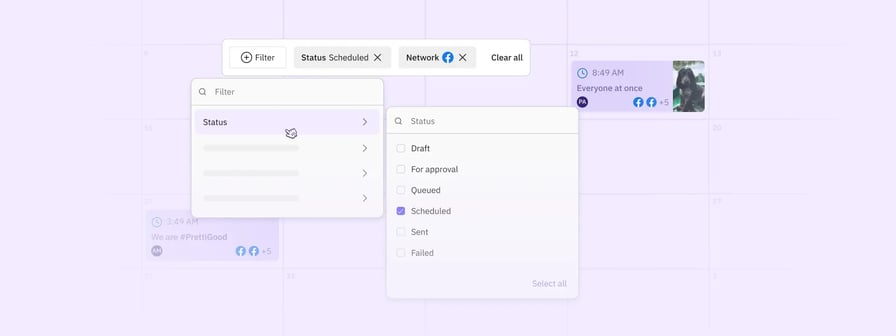
Unified calendar - Hero

Managing your content shouldn’t mean constantly toggling between drafts, scheduled posts, and queues. We’ve redesigned the calendar into one cohesive space where everything lives together.

You can now use filters to quickly drill down by status, network, campaign, or user. If plans change, simply drag and drop a post to reschedule it, or click any entry to hop straight into the composer.

Choose the layout that best supports your workflow:

  • Monthly grid view: Get a high-level look at the month with a handy daily snapshot sidebar.
  • Weekly view: Perfect for focusing on your specific content layout and flow.
  • Daily view: A streamlined, chronological list of your posts.

This update is currently in beta and available for all customers to enable today.


Mixed Media

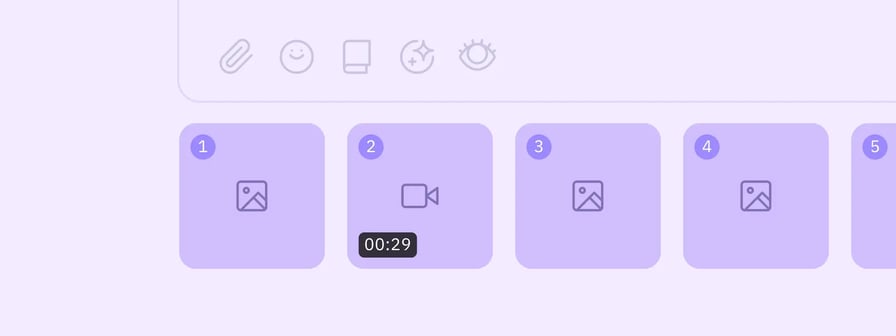
Mixed media

Prepare your multi-media updates and carousels without the friction of legacy attachment limits. We’ve overhauled our backend architecture and refactored our network senders to bring the Composer in line with the native capabilities of every supported social platform. This means you can now upload richer media formats and increase your attachment counts directly within your workflow.

By updating our frontend validation to match current network standards, we’ve removed the guesswork and the need for manual workarounds. Whether you’re scheduling high-density carousels or mixing images and video in a single post, the system now handles the technical requirements for each network automatically. This ensures your high-impact campaigns move from draft to published with better reliability and full creative flexibility.

This is being rolled out progressively to all customers as we make further improvements.


Improvements

  • Composer: Now maintains the original file upload order when attaching multiple media items
  • Composer: Increased the maximum media attachment limit from 15 to 40 items across supported social networks
  • Composer: Improved the interaction for recommended actions on attached media to help you optimise posts faster
  • Composer: Updated validation rules for X to better support modern post requirements
  • Composer: Updated validation for Google Business Profile posts to ensure smoother publishing
  • Composer: Enhanced media validation for TikTok to allow for image uploads
  • Composer: Updated the Instagram photo tagging tooltip to provide more accurate guidance
  • Editor: Added TikTok-specific crop presets to the Image Editor to help you perfectly size your content
  • Media System: Now provides clearer error messaging when certain Google Drive media files are not accessible in the bulk uploader
  • Media System: Introduced several enhancements including GIF labels in modals, improved media selection counters, and better X validation
  • Media System: Optimised large file uploads and improved the post type selector and upload cancellation process
  • Media System: Clarified the search input copy for YouTube to make finding videos more intuitive

Fixes

  • Account: Restored the visibility of the Billing Frequency Discount percentage on the Subscription page
  • Account: Resolved an issue where the Compose button was unresponsive on the Preferences page
  • Bulk Uploader: Fixed an issue where publicly accessible Google Drive image links were failing during the bulk upload process
  • Bulk Uploader: Corrected a bug where media with special characters in the filename appeared broken in the Recently Used view
  • Composer: Prevented the thumbnail selector from producing invalid offsets for videos
  • Composer: Improved LinkedIn mention validation and email detection for more reliable tagging
  • Composer: Updated undelivered messages when access to external media URLs for LinkedIn is denied
  • Composer: Addressed an issue that prevented scheduling LinkedIn posts when an email address was included in the text
  • Composer: Fixed a bug where removing link previews would break the markdown formatting
  • Composer: Now disables Send buttons for a longer duration during media uploads to prevent unsuccessful posting
  • Composer: Updated Instagram aspect ratio validations to correctly allow all valid image sizes
  • Composer: Adjusted Bluesky validation to correctly display when one video is attached
  • Composer: Fixed an issue where adding Instagram tags to an image did not trigger the edited indicator on smart tabs
  • Composer: Restored the Instagram first comment option when posting to Profile Lists
  • Composer: Added proper validation when attempting to add more than 10 tags to a post
  • Composer: Updated the post preview to accurately display mixed media and multiple videos
  • Composer: Fixed a data type mismatch in media thumbnail offsets that caused Instagram videos to bounce
  • Composer: Added character count validation for YouTube titles within the Settings view
  • Composer: Fixed a bug where comments were automatically turned off for TikTok videos when scheduling alongside Facebook
  • Content Library: Fixed an issue where videos saved via the old media system appeared static in the new media system
  • Content Library: Restored the ability to delete Content Libraries
  • Editor: Resolved an issue where using the Square option resulted in blurry images
  • Media System: Fixed an issue causing blurry thumbnails for Facebook Reels on mobile devices
  • Profiles: Resolved an issue where the profile sharing modal was incorrectly displaying HTML code
  • Publish: Addressed an error where Facebook and Instagram Stories were failing with incorrect error messages
  • Publish: Corrected an error message that incorrectly reported the number of images attached
  • Publish: Improved the handling of Google post statuses for better tracking
  • Publish: Addressed a delivery issue where Instagram Reminder emails were being blocked by Gmail spam filters
  • RSS Auto Poster: Fixed an issue where the RSS autoposter failed to publish to Instagram when other profiles were present
  • RSS Auto Poster: Added validation to prevent adding more than one X profile to an RSS Auto Poster

Upcoming

  • Workspaces: Manage clients and locations within dedicated workspaces, replacing individual user logins with a simplified model for team collaboration.
Jan 7, 2026

Enhanced Media Management

changelog-enhanced-media-system-1

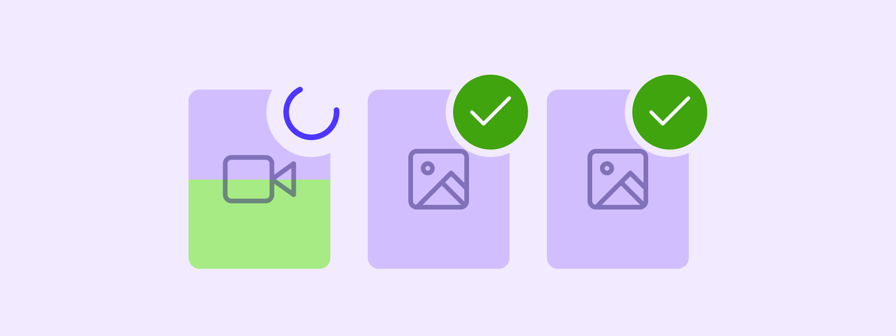
We've rebuilt our media infrastructure from the ground up to deliver a more reliable, robust publishing experience. This foundational improvement means fewer failed posts, faster uploads, and better handling of your media, especially videos.

  • You can now bulk upload multiple files at once with confidence, knowing each file is validated properly before it enters your workflow.
  • We've introduced improved media validations that catch issues early, preventing failed posts down the line.
  • Drag and rearrange your media assets in any order you like across all networks, and use the new preview mode to review everything before publishing.
  • Attach multiple assets with multi-selection across all your cloud sources like Google Drive, Dropbox, and Canva, plus local file uploads.

This new media infrastructure does more than improve reliability. It opens the door to major improvements that weren't possible before. The Video Editor and Zapier integration launching today are the first examples, with more enhancements to follow shortly as we continue building on this foundation.

This is now available in beta and rolling out progressively to all customers over the coming weeks.


Video Editor

changelog-video-editor-1

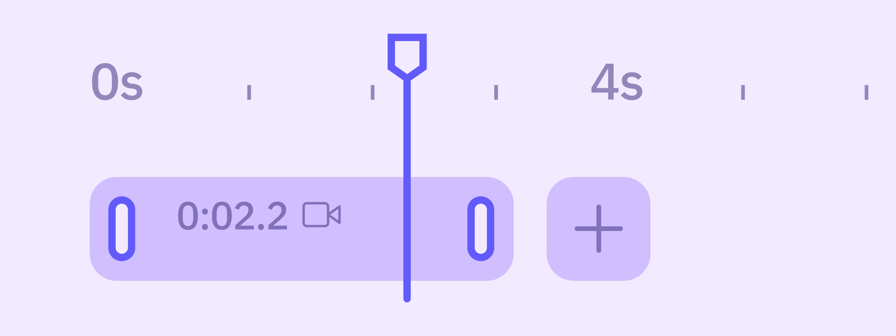
Make those final adjustments before you publish. Our new video editor handles the last-mile edits you need when preparing content for different social networks. Quick crops to fit platform requirements, trimming to hit ideal video lengths, and applying filters or speed adjustments to polish your content.

We've included crop presets tailored to each network you're posting to, so you can instantly format your video to the right dimensions without guesswork. Whether you're adapting a single video for multiple networks or making quick refinements before scheduling, everything happens right in the Composer where you're already working.

This is now available in beta and rolling out progressively to all customers over the coming weeks.


Zapier Integration

changelog-zapier-2

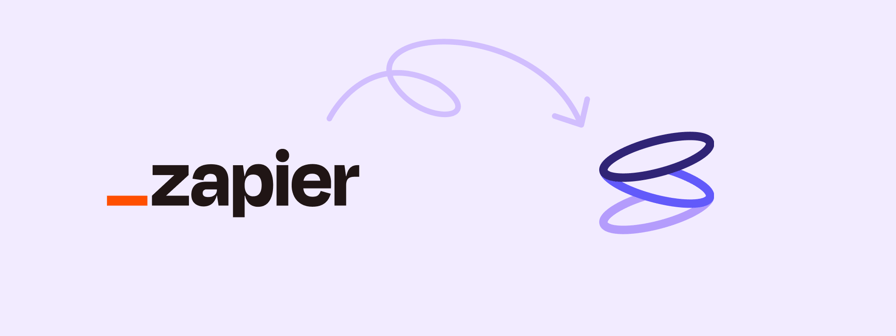
Stop manually copying content from your planning tools into Sendible. Our new Zapier integration eliminates the time-consuming transfer work between where you plan and where you publish. Set up automations so that when your team marks content as ready in tools like Airtable, Notion, Monday.com, or ClickUp, it can flow directly into Sendible with all the text, media, and scheduling details.

Create scheduled posts, add content to your queue, save drafts, or delete messages, all without leaving your planning workflow. No more copy-pasting captions, downloading and re-uploading images, or recreating posts manually. Connect Sendible with 7,000+ apps and reclaim the hours your team currently spends bridging the gap between planning and publishing.

This is now available in beta and rolling out progressively to all customers over the coming weeks.


Improvements

  • Reports: Added Instagram Insights permissions and new post metrics in the Posts Module
  • Reports: Added period dates to LinkedIn comparative reporting modules
  • Reports: Added video and PDF thumbnails to the LinkedIn Top Performing Posts module

Fixes

  • Content: Removed support for mentions in My Content
  • Profiles: Fixed Client Connect emails not being sent to clients
  • Profiles: Fixed reconnected TikTok profiles receiving daily reconnection notifications
  • Queues: Added a toast notification after deleting a queue and automatically reload the view
  • Reports: Fixed automated custom reports skipping the monthly send when the send date is following day
  • Reports: Fixed Custom Reports not being emailed due to issues on specific modules
  • Reports: Fixed the Followers section displaying 0 in Facebook Page Custom Reports
  • Reports: Fixed dates discrepancies in TikTok reporting
  • White Label: Fixed an issue accessing Google Drive via the White Label iframe

Upcoming

  • New Calendar: Create, schedule and review all your social content in one central place — whether it's a draft, published, or anywhere in between. Get early access.