Introducing Workspaces
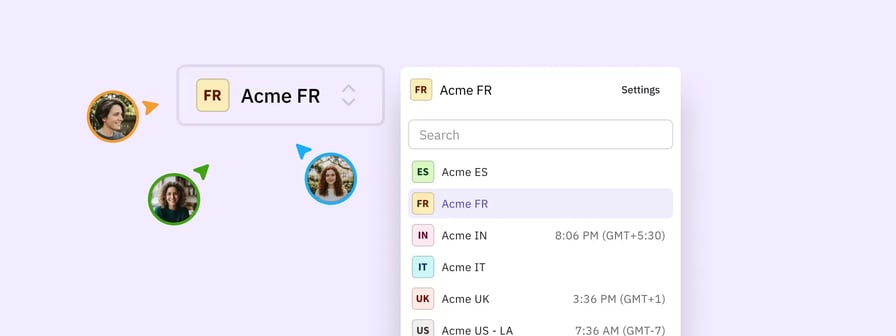
Workspaces introduce a dedicated, collaborative environment for managing multiple clients and locations. Agencies and multi-location organisations can now organise their workflow into distinct client spaces. By differentiating the workspace itself from individual user attribution, this new model delivers a consistent, organised and manageable experience for your entire team.
Here is how Workspaces helps your workflow:- Reduces context switching: Manage multiple clients or locations without the overhead of juggling separate accounts.
- Improves scalability: Add new workspaces simply as your roster of clients and locations grows.
- Enhances access control: Grant or remove workspace permissions for specific users clearly.
- Clarifies attribution: Differentiate the shared collaborative space from the tracking of individual actions.
This is being rolled out progressively to all customers as we make further improvements.
Improvements
- Account: Colour-coded initial placeholders display when no custom profile picture is uploaded to improve recognition
- Account: Underscores are fully supported in usernames during creation or editing to accommodate a wider variety of naming conventions
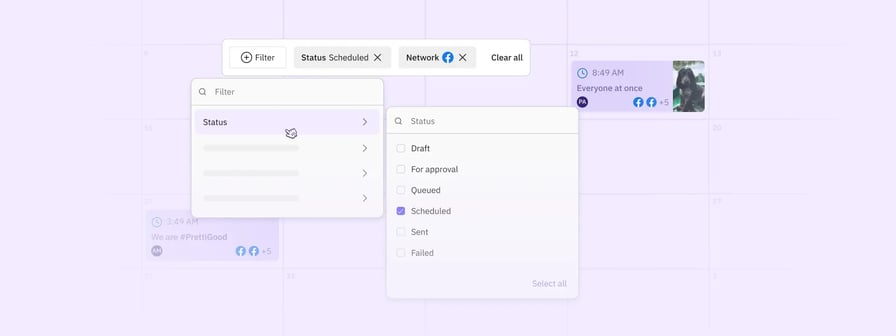
- Calendar: The daily view displays network icons to help you identify platforms at a glance
- Composer: A helpful tooltip explains that photo tagging is exclusive to Instagram posts to clarify platform limitations
- Composer: Clearer guidance appears when Google Drive media cannot be accessed to help you quickly adjust permission settings
- Composer: Content requirement errors are consolidated into a single "content is required" message to reduce visual clutter and cognitive load
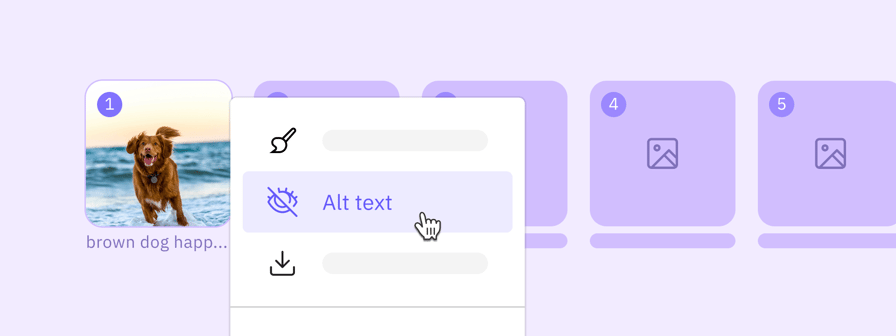
- Composer: Images with Instagram tags feature a visual badge and a counter so you immediately know what has been tagged
- Composer: Instagram validations embrace mixed media and dynamically update your post options based on the attached media types
- Composer: Media recommendations are presented with a less obtrusive design to improve visibility without interrupting your workflow
- Composer: The media system shows labels for GIFs and an updated media selection counter for better asset management
- Composer: The share widget smoothly logs you back in and returns you to the compose view so your workflow remains uninterrupted
Fixes
- Account: Addressed a notification error so users are correctly asked to reconnect LinkedIn accounts yearly rather than every 60 days
- Account: Resolved a conflict to ensure user URL shortener preferences accurately match and respect the company settings
- Approvals: Eliminated a lingering link preview that reappeared in the approvals process after it was explicitly deleted
- Bulk Importer: Corrected a display error to ensure images with special characters in their filenames load perfectly in the recently used media section
- Bulk Importer: Restored uploads for publicly accessible Google Drive image links to keep your bulk scheduling efficient
- Calendar: Addressed a loading bug to make sure older failed posts reliably appear in the daily view
- Calendar: Restored text selection and copying capabilities in the Calendar view so you can easily reuse captions
- Composer: Applied accurate Facebook validations to correctly block posts with more than 10 tags before sending
- Composer: Cleared a validation error to allow tagging of multiple LinkedIn Company Pages that share the same first word
- Composer: Disabled send buttons entirely while uploading media to prevent untranslated error messages from premature clicks
- Composer: Eliminated blurry thumbnails for Facebook Reels when viewed on mobile devices without Autoplay to maintain visual quality
- Composer: Eliminated image quality loss and blurriness when applying the Square crop option in the new image editor
- Composer: Ensured that reposting a message with externally hosted images successfully loads the compose box with the media intact
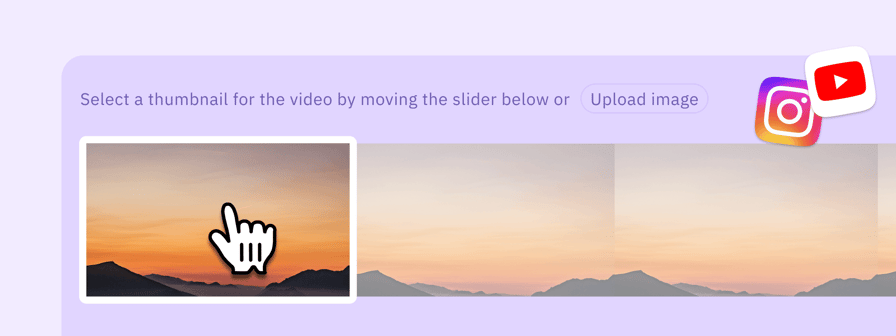
- Composer: Fixed a crash that produced a white screen when choosing a new frame for a video thumbnail
- Composer: Preserved TikTok options to ensure Comments, Stitch, and Duet settings are respected when scheduling alongside other networks
- Composer: Prevented previously attached media from being inadvertently deleted when selected from the recently used menu
- Composer: Protected videos attached using the legacy media system so they properly carry over to the Content Library when shared
- Composer: Fixed a visual bug to ensure videos saved via the legacy media system play correctly instead of displaying as static images
- Composer: Refined validations so LinkedIn follower tags added during an initial post remain valid when reposting
- Composer: Resolved a calculation bug that caused video thumbnail offset times to exceed integer limits and fail posts
- Composer: Restored character count validation in the YouTube settings title field to prevent length limits from being exceeded unawares
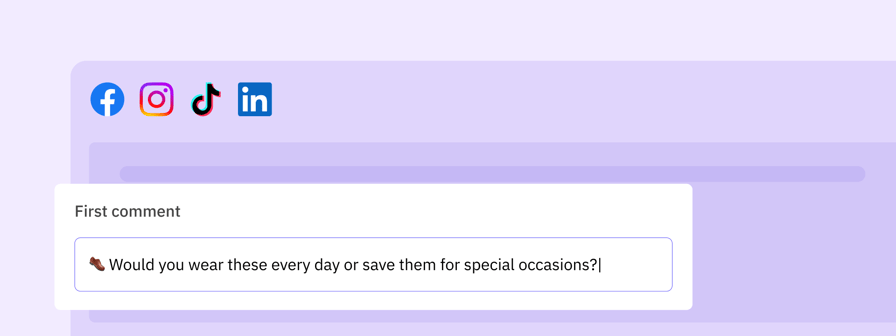
- Composer: Solved a validation glitch that occurred when users exceeded the hashtag limit in the Instagram first comment field with no text in the main body
- Composer: Upgraded the Instagram post preview to display mixed media and multiple videos
- Profiles: Restored visibility for all connected profiles ensuring none remain hidden during pagination
- Publish: Addressed an issue by providing a clear error message for Google Business posts that previously failed with an unknown error due to high traffic or invalid media
- Publish: Addressed an issue to guarantee the WordPress REST API attaches featured images instead of replacing them with blank placeholders
- Publish: Bypassed sensitive endpoint restrictions to restore successful publishing capabilities for WordPress REST API profiles
- Publish: Corrected a media uploading logic to ensure LinkedIn videos publish without issues
- Reports: Prevented logos and images from crossing over when downloading multiple consecutive campaign PDF reports
- Tasks: Reinstated the ability to open and preview media items directly from the tasks view for easier approvals